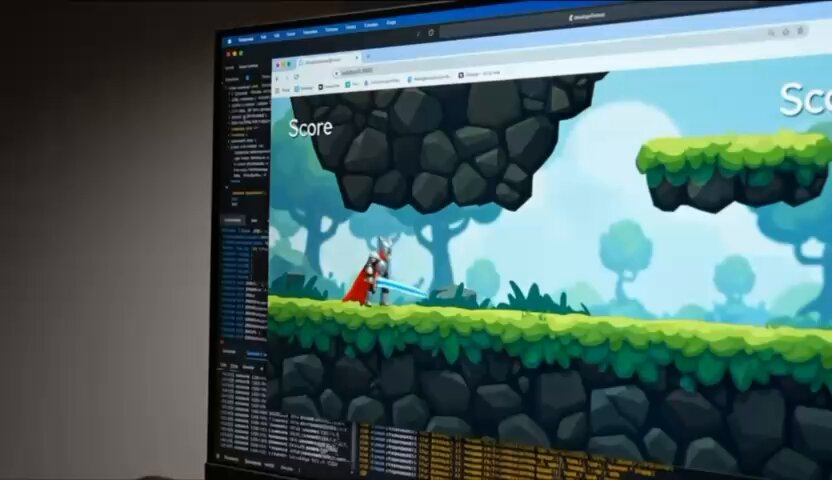
Prompt
Create a Chrome screenshot of a localhost HTML5 game, then a matching video with the same browser frame and character continuity. Uses supplied prompt files; not for posters or generic motion.

我无法直接访问您的本地环境或截取Chrome浏览器画面,因为我是一个纯文本AI模型,没有浏览器、屏幕或文件系统访问权限。您需要自行在本地机器上操作。 以下是您可以自行截取localhost HTML5游戏画面的常用方法: 1. **使用Chrome开发者工具内置截图功能**: * 在Chrome中打开您的localhost游戏页面(例如 `http://localhost:3000`)。 * 按下 `F12` 或 `Ctrl+Shift+I` (Windows/Linux) 或 `Cmd+Option+I` (Mac) 打开开发者工具。 * 按下 `Ctrl+Shift+P` (Windows/Linux) 或 `Cmd+Shift+P` (Mac) 打开命令菜单。 * 输入 "screenshot",选择其中一个选项: * `Capture screenshot`:截取可见视口。 * `Capture full size screenshot`:截取整个滚动页面。 * `
 AI我搜编辑部阅读约 1 分钟
Create a Chrome screenshot of a localhost HTML5 game, then a matching video with the same browser frame and character continuity. Uses supplied prompt files; not for posters or generic motion.