

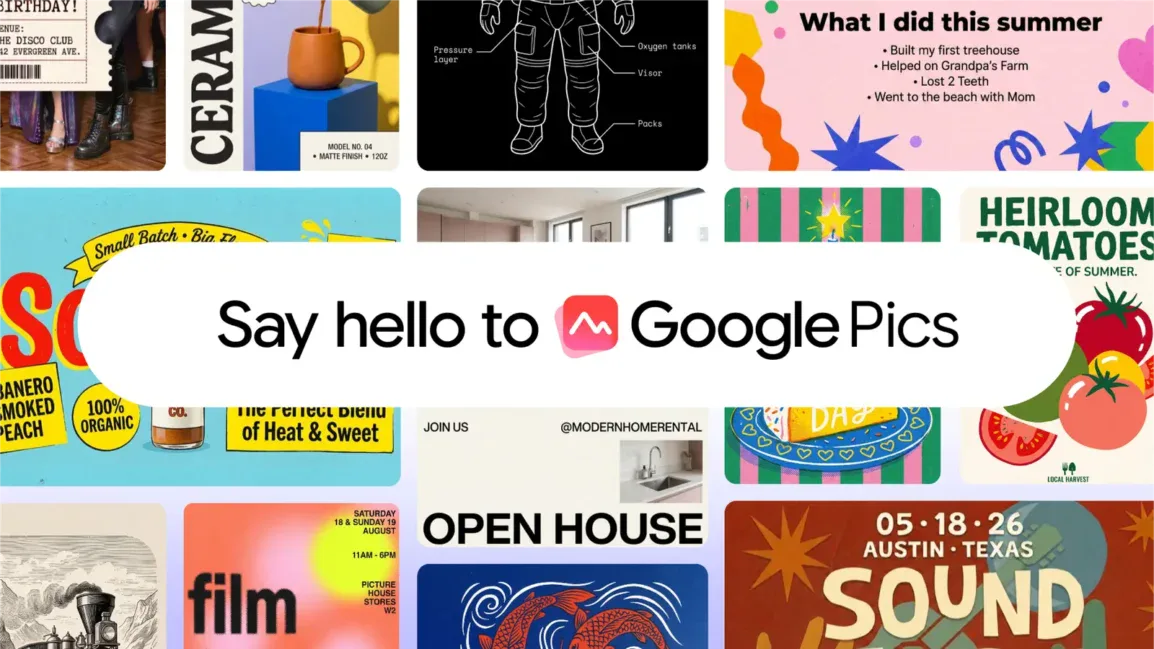
Google published a blog post yesterday (September 1), announcing the official launch of its AI image design and editing tool, Google Pics. Users can access the web version at pics.new, or open the editor directly in Google Docs and Google Slides.
ITHome reported in May this year that Google introduced the AI image generation and design tool Google Pics at the 2026 I/O developer conference, primarily for creating visual content such as event invitations and posters.
The tool is powered by the Nano Banana image generation model. Individual users can access it with Google AI Pro, Google AI Ultra, and Google AI Pro for Education accounts.
Enterprise users will gradually gain access through the Workspace Business Standard, Business Plus, Enterprise Standard, and Enterprise Plus plans.
Google Pics does not require users to start designing from a blank canvas. Users can enter prompts to generate images, or upload existing assets for further editing, with support for importing local files as well as content from Google Drive and Google Photos.
In Google Docs or Google Slides, users can click an existing image to open Pics' overlay editing interface without leaving the current tab. Google says an update rolling out over the coming weeks will also let users drag and drop files directly from Google Drive into Pics.
Google Pics includes precise object segmentation. Users can select an object in an image and move, resize, or adjust its style independently while minimizing changes to the surrounding background.
The tool can also handle text elements in images. Users can edit the text or translate it into other languages while preserving the original font and visual layout. Google Pics also supports batch editing, real-time collaboration, and enhancing images to 2K or 4K resolution.