
AI tutorials
AI tutorials
Practical AI tutorials covering tools, prompting, and reusable automation workflows.
Updated regularly1286 tutorials
 On-site tutorial#AI tutorialSet Up and Use the Aion 2 Prompt Engineering Trainer on WindowsLearn how to install, launch, configure, and use the Aion 2 Trainer Tool on Windows x64. This guide covers prompt profiles, local configuration, reusable templates, game bindings, troubleshooting, portability, and practical tips for safer, more reliable use.

 On-site tutorial#AI tutorialBuild and Self-Host Full-Stack Next.js Apps with an Open-Source AI App BuilderLearn how to install the open-source AI app builder on Windows, configure its required API key, generate a full-stack application, edit it visually or in code, manage data, connect GitHub and domains, and prepare the builder for secure production deployment.
 On-site tutorial#AI tutorialMirror and Control Android Devices on Windows with the Portable scrcpy WorkflowLearn how to use this self-contained Windows toolkit to mirror and control an Android device from your desktop. This tutorial covers requirements, USB debugging, initial authorization, keyboard and mouse controls, display tuning, wireless sessions, recording, file transfers, multiple devices, and practical troubleshooting.
 On-site tutorial#AI tutorialControl Your iPhone from a Computer or AI Agent with Phone UseLearn how to install and configure Phone Use, pair its iPhone companion app, control iOS with your computer, and grant an AI agent permission to tap and type. This tutorial also explains Wi-Fi requirements, platform-specific installation, and the optional hardware bridge.
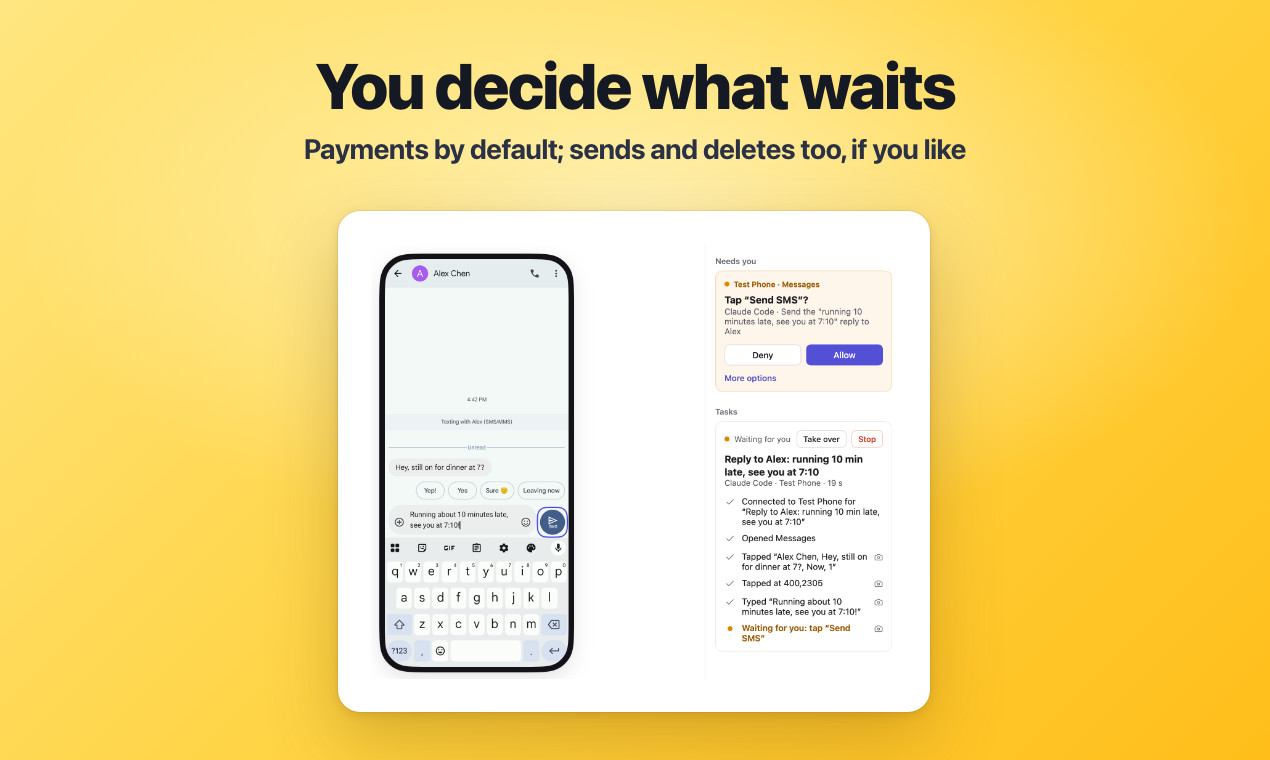 On-site tutorial#AI tutorialControl iPhone and Android Devices Safely with AI Agents Using PinkyLearn how to install Pinky, connect an Android device or iPhone, integrate an MCP-compatible agent, and supervise mobile automation. This tutorial also covers safety approvals, recordings, Wi-Fi operation, platform requirements, and common connection issues.
 On-site tutorial#AI tutorialSet Up and Use NinjaTrader Bot for Discord and TelegramThis tutorial explains how to install NinjaTrader Bot on Windows, review its layered configuration, use its Discord or Telegram commands, enable paper mode, manage profiles, inspect logs, diagnose issues, and back up settings before customizing an automated trading workflow.
 On-site tutorial#AI tutorialBuild a Human-Guided AI Video Editing Workflow with Video ToolLearn how to set up Video Tool on Windows and use its Eyeline teleprompter, source-linked editor, AI-assisted cut proposals, HTML design boards, and JSON animation timelines to create videos while keeping every important decision readable and under human control.
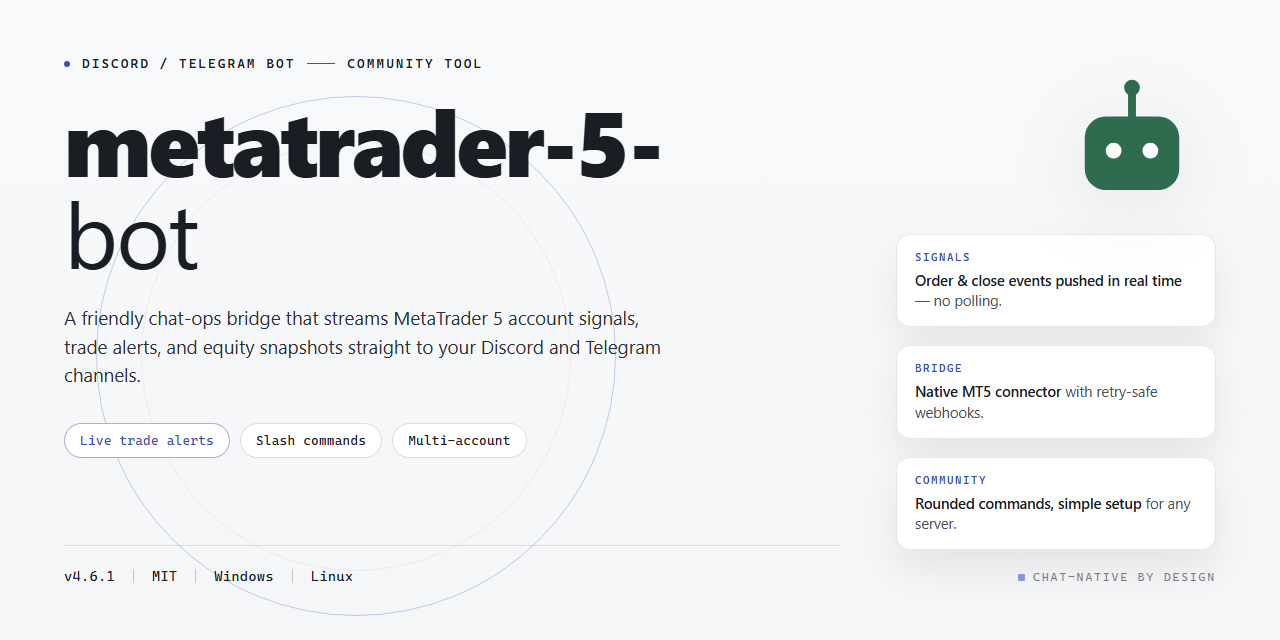 On-site tutorial#AI tutorialSet Up and Control the MetaTrader 5 Bot with Discord or TelegramThis tutorial explains how to install the community-powered MetaTrader 5 desktop bot, connect Discord or Telegram, configure trading controls, and use its commands for strategies, market data, positions, reports, and troubleshooting.
 On-site tutorial#AI tutorialRun, Build, and Explore Portals: 471 Generated 3D WorldsThis tutorial explains how to run Portals from source, create a deployable static build, navigate its 471 generated worlds, and understand its world, portal, sound, graphics, and selection systems. You will also learn where the main code lives and how to approach extending the project.
 On-site tutorial#AI tutorialEdit Videos with CapCut Pro for Windows: Setup, Workflow, and Export TipsThis tutorial explains the video-editing features described in the CapCut Pro for Windows repository, including project setup, timeline editing, AI captions, keyframe animation, and export. It also highlights important security precautions because the README recommends an obfuscated administrator-level installation command from an unverified third-party domain.
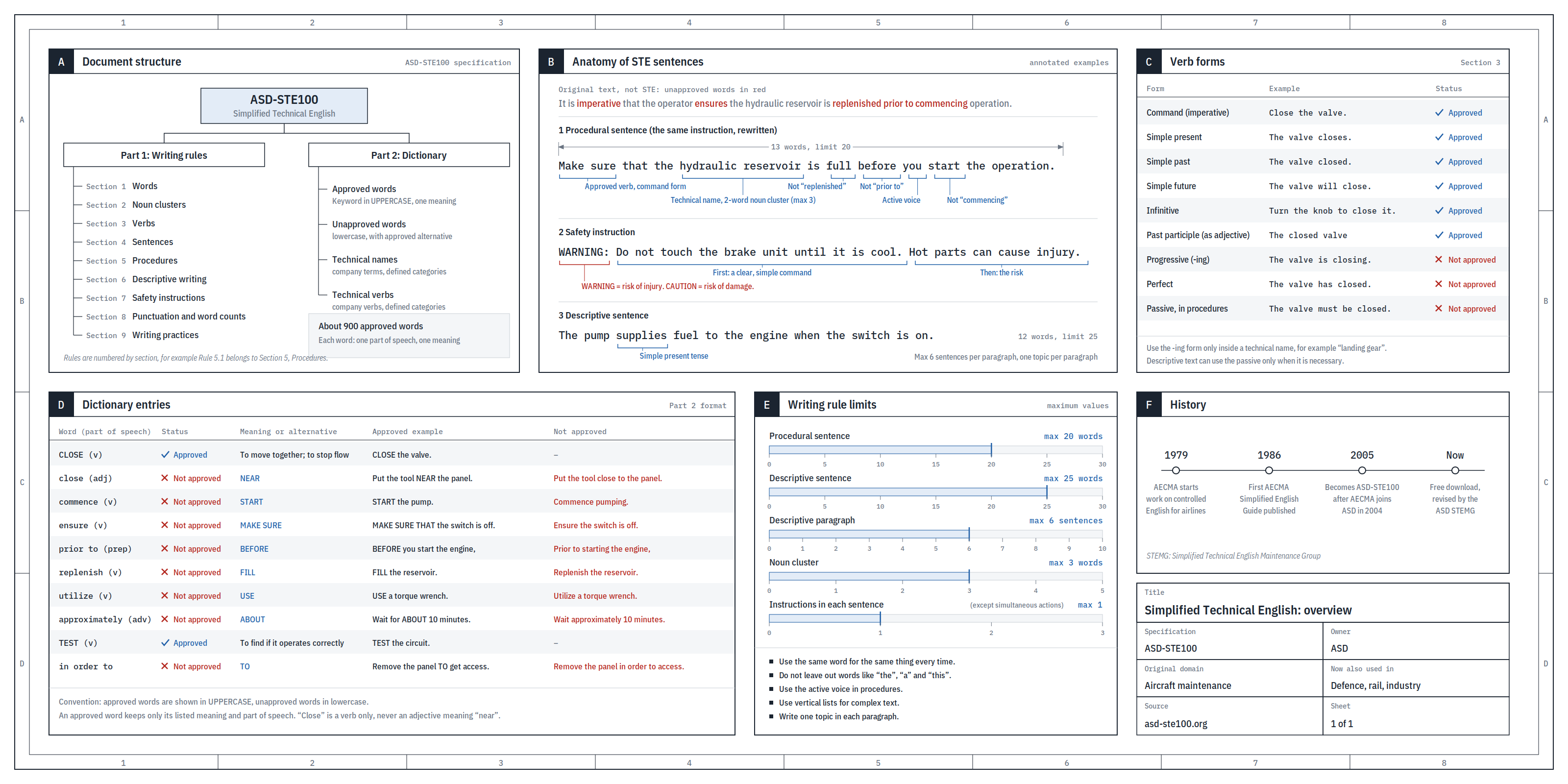 On-site tutorial#AI tutorialHumanize AI Text with STE80 Humanizer: Installation, Modes, and Clear-Writing WorkflowsLearn how to install and use STE80 Humanizer with supported AI coding agents. This tutorial explains its two-pass editing method, Humanize, Light, and Strict STE modes, voice matching, fidelity rules, and the included Python checker.