

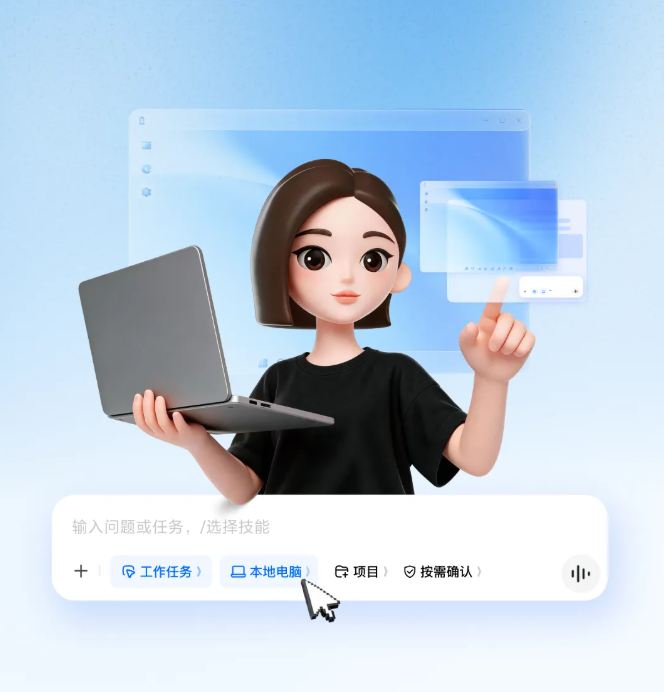
According to Doubao, Doubao Work Task Mode has been updated, and the all-new Doubao Virtual Desktop is now available in the Windows version.
ITHome learned that on the Doubao desktop app, users can select Work Task Mode and Local Computer, then choose “Operate Computer” in the skills bar. After authorization is completed, Doubao can view the computer screen, move the mouse, click buttons, and type on the keyboard in the virtual desktop, continuing to advance complex tasks on the computer.
According to the introduction, the virtual desktop is based on more general-purpose GUI capabilities. It can understand interfaces and complete operations even without MCP, APIs, plugins, or a CLI. Doubao can operate applications, browse the web, and complete cross-application tasks in an environment that does not interfere with the user. It does not occupy the user’s mouse or keyboard or interrupt their current work. Through the virtual desktop, users can view Doubao’s operations in real time and can pause or take over directly whenever needed.