

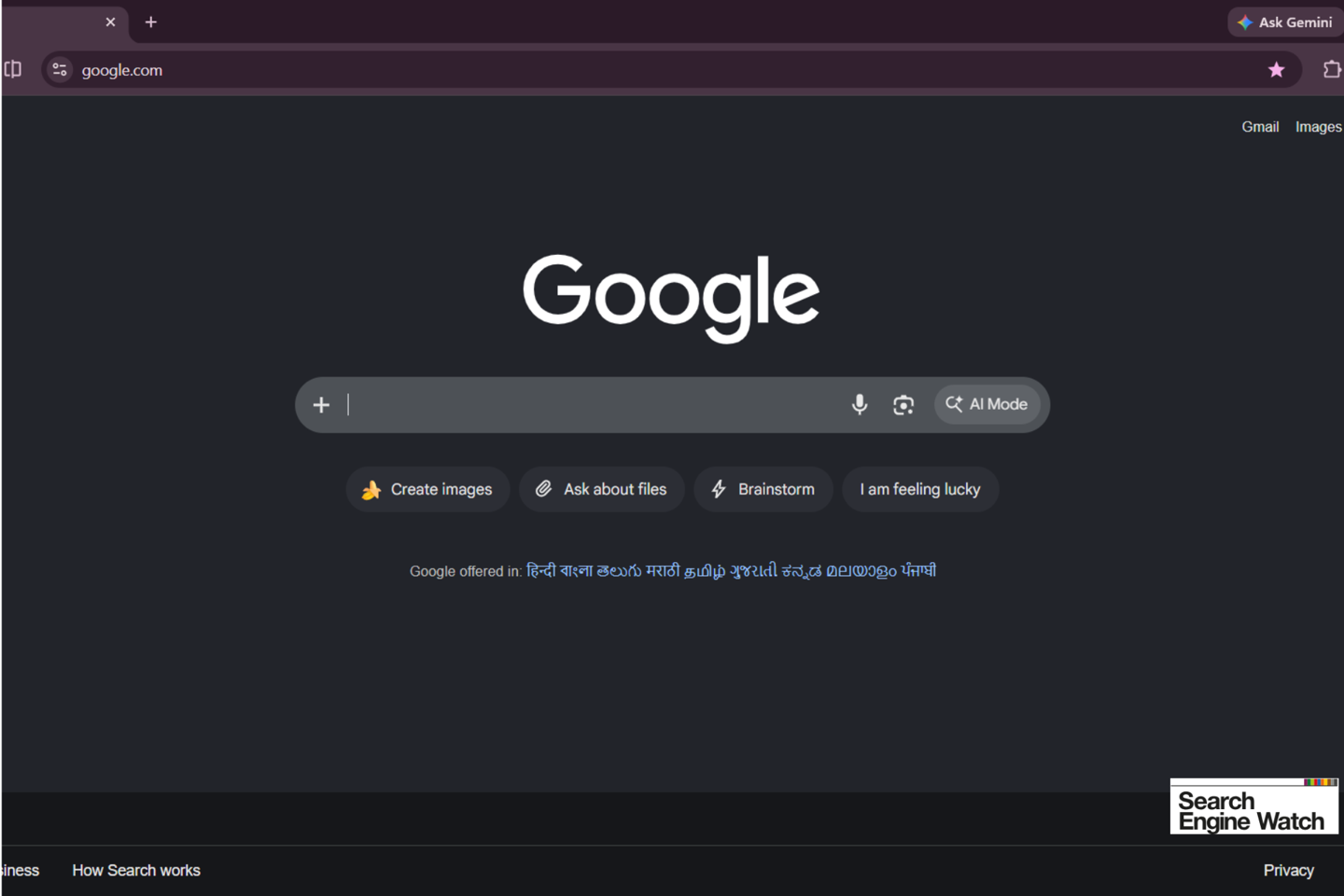
According to a report from foreign media outlet Search Engine Watch today (the 10th), Google is still looking for ways to direct more users to its AI features. This week, Google began testing a redesigned search homepage. Some users noticed that the long-standing “Google Search” button had disappeared, replaced by three shortcuts to AI features.
The new page offers three new buttons—“Create images,” “Ask about files,” and “Brainstorm”—putting AI features front and center on the search homepage.
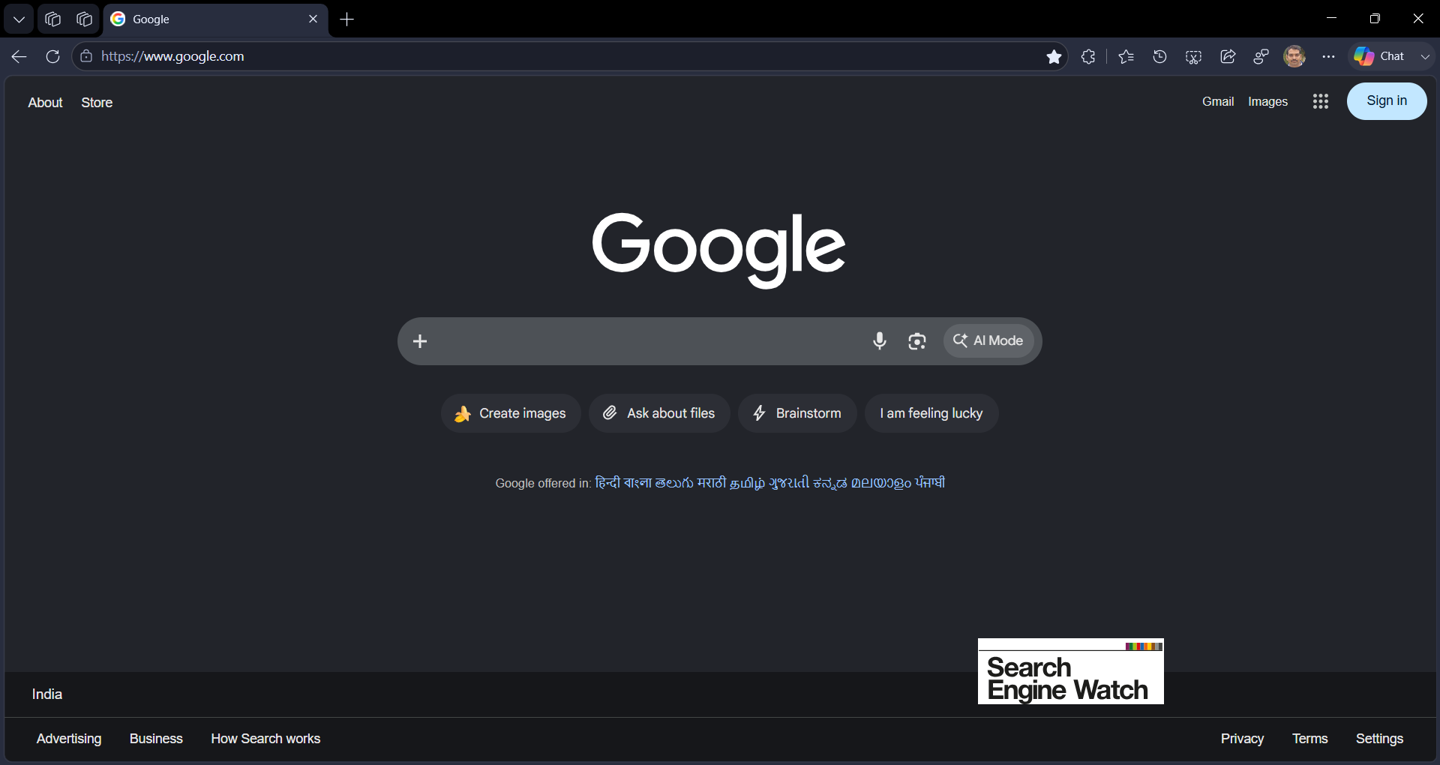
Some users have already seen the new design when visiting Google’s homepage without signing in. After clicking “Create images,” Google provides several generation suggestions and generates images through Nano Banana; “Ask about files” allows AI to answer questions about the contents of files uploaded by users; and “Brainstorm with me” lets users communicate directly with Google AI about any topic. The classic “I’m Feeling Lucky” button is still retained.
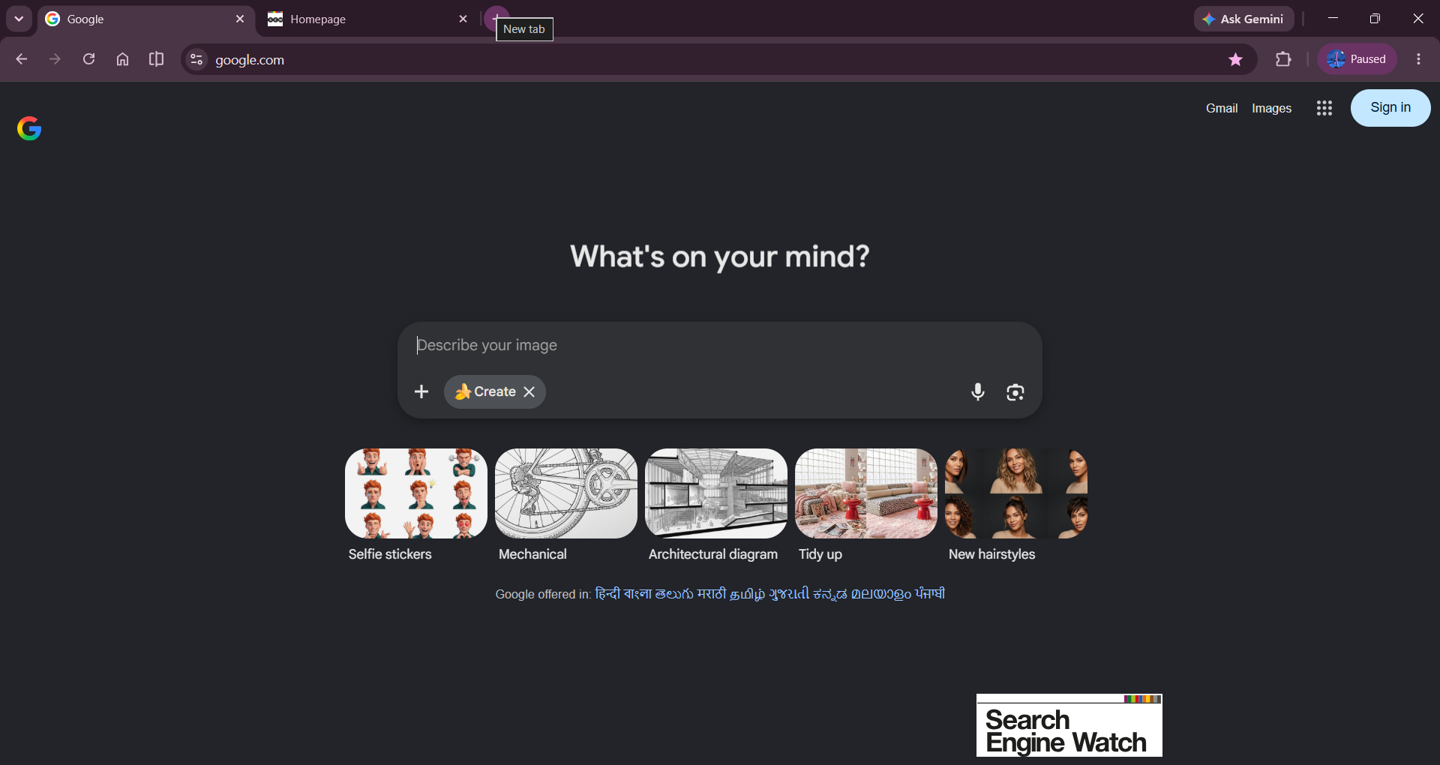
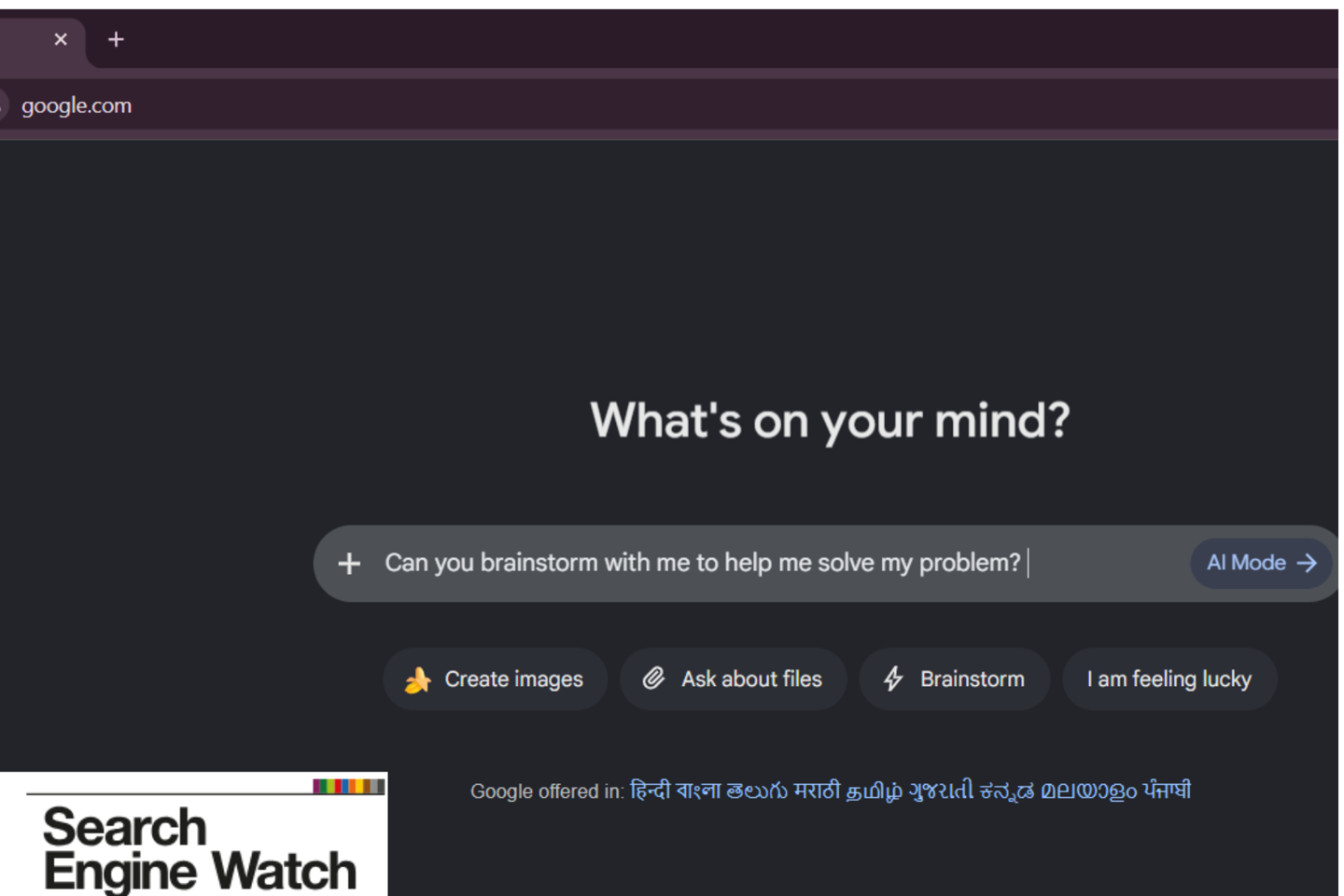
After the “Google Search” button was removed, the homepage no longer has an obvious web search button, with the page’s focus shifting almost entirely to AI. However, the traditional search function has not disappeared: users can still enter keywords in the search box and press the Enter or Return key to perform a regular web search.