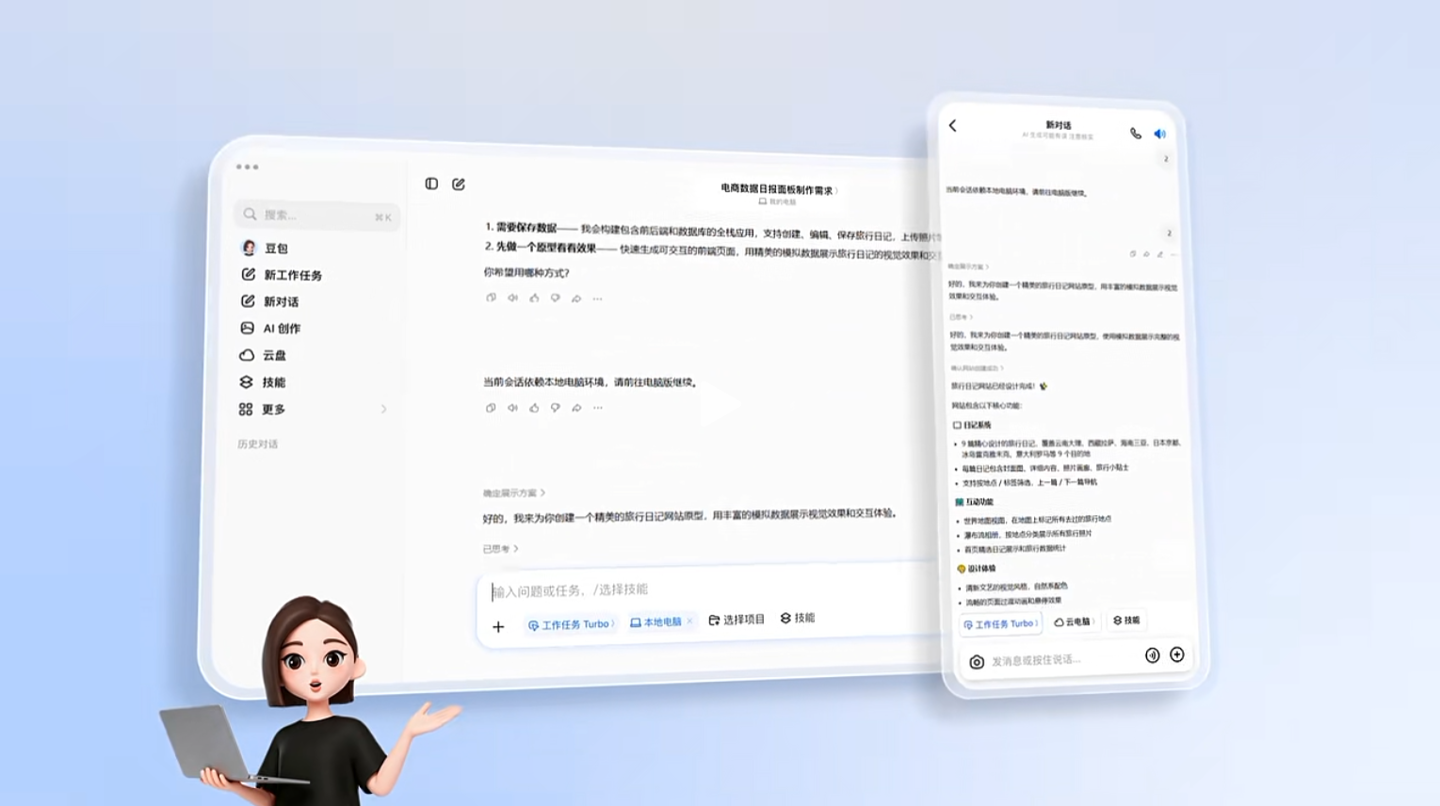
Doubao officially announced today that its “Work Tasks” mode has been updated with support for remotely controlling computers from phones.
According to the announcement, once authorized, users can remotely take control of their computers through the Doubao mobile app to continue tasks left unfinished on the desktop or start new ones, while receiving real-time progress updates.
In addition, Doubao can access file context within the local computer environment, process documents, images, code, spreadsheets, and other materials, and perform more complex computer operations.
Use cases for Doubao’s new “Work Tasks” features include:
You leave home and realize you forgot to send a file from your computer: Use your phone to control the computer and access local files. Doubao can locate the file on the computer, verify its version, convert its format, and send it back to your phone.
You receive last-minute feedback but do not have your computer with you: Use your phone to control the computer and continue complex tasks. Doubao can create summaries and charts on the computer and send them to your phone.
Two files you need are stored on separate computers: Use your phone to connect to different computers and perform cross-computer operations. Doubao can coordinate both computers to retrieve the two files and send them to your phone.