

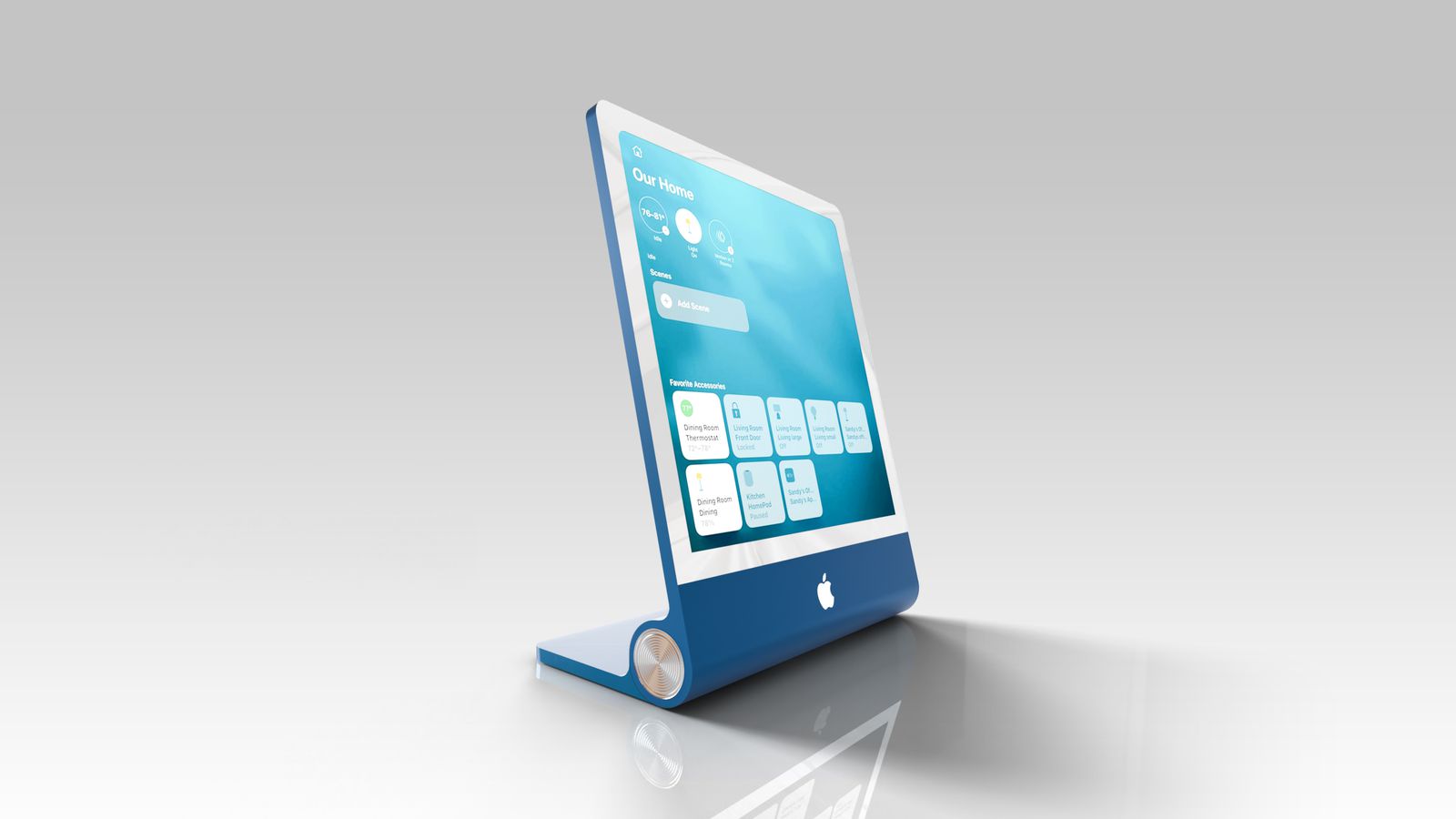
According to Macrumors, Apple is developing a home hub device powered by Siri AI (Home Hub), which could launch as early as this year. The home hub will feature a “Widget Gallery,” allowing users to choose the content they want displayed on the device’s home screen.
Information related to “Widget Gallery” was discovered in the system files of macOS Tahoe 26.7, an update that previously leaked a long list of unreleased Apple products. The relevant strings appear in a file named PosterKit-J490, with J490 being the codename for this home hub. PosterKit is Apple’s framework for customizing the Lock Screen, so the home hub’s home screen may also offer similar options for customizing icons, widgets, and clock faces.
Apple already uses “Widget Gallery” on iPhone, iPad, and Mac, allowing users to add widgets to the home and Lock Screens of these devices. The future home hub is expected to use a similar mechanism.
According to the code, widgets already installed on the iPhone associated with the home hub will be recommended on the home hub. This is similar to how iPhone widgets can be used on Mac even when the corresponding app is not installed on the Mac. The relevant code also indicates that widgets from third-party apps may be supported in addition to Apple’s own apps. When widgets from iPhone apps are displayed on the home hub, their information will remain synchronized with the iPhone.
Everyone in the household will be able to see which widgets are installed on the home hub. However, for privacy reasons, the specific content within the widgets will be shown only when the primary associated device is located in the home.
The home hub will also support Smart Stack, which can automatically rotate relevant information based on the time of day. Users will also be able to manually switch between different Smart Stack options. Apple already offers Smart Stack on other devices, including Apple Watch.
The home hub is not expected to have an independent App Store, but it will support Apple apps including Safari, Apple News, Apple Music, Notes, Calendar, Photos, and Home. When users tap an installed widget from the home screen, it may directly open the corresponding full app to display more information.
Code also references “Face Gallery,” suggesting that users may be able to choose different clock styles for the home hub’s home screen. In addition, the relevant code indicates that the device can be added to HomeKit scenes and automations, like other smart home accessories.
Apple’s home hub is reportedly expected to feature an approximately 7-inch square display that can either be used on a stand or mounted on a wall.