

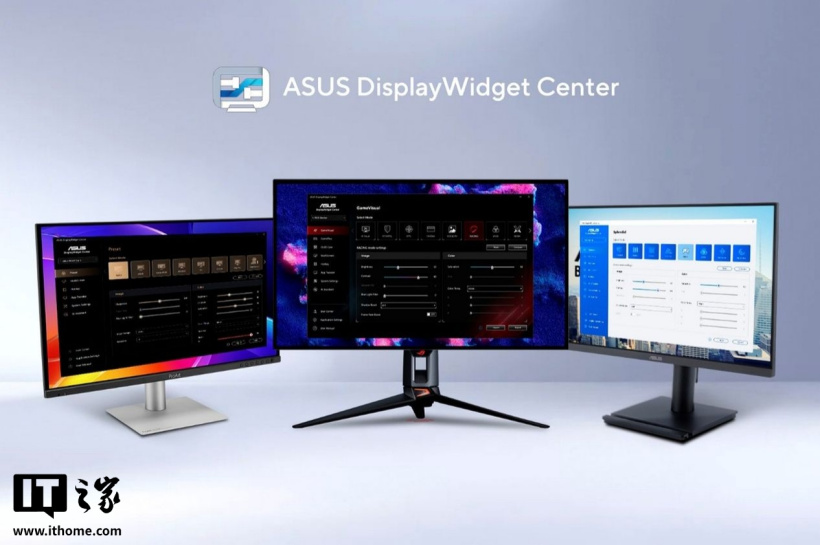
ASUS's display monitor management software ASUS DisplayWidget Center received a major update yesterday, adding AI agent functionality. Users can directly use AI to adjust monitor parameters such as brightness and color temperature without using the OSD.
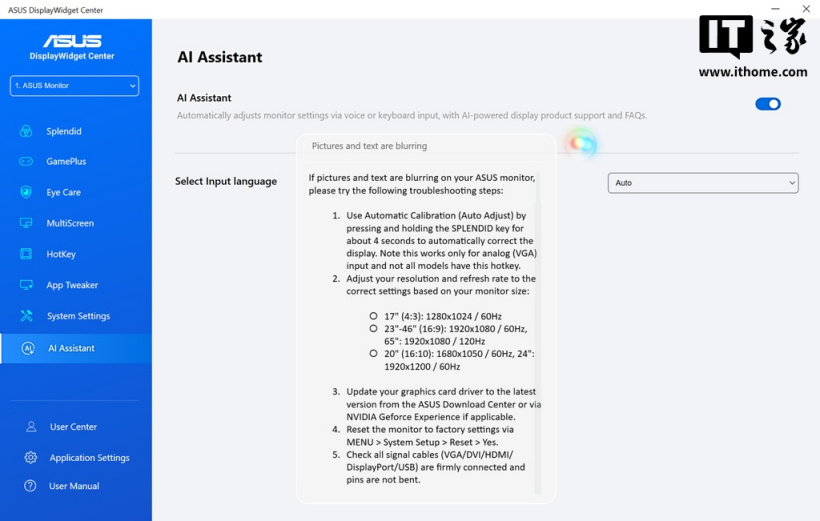
ITHome learned from the official press release that ASUS DisplayWidget Center currently supports a command-line interface (CLI) and Agent Skill. Users can connect various AI agents to the software and then use natural language to adjust the monitor's brightness, color temperature, color mode, refresh rate, and more.
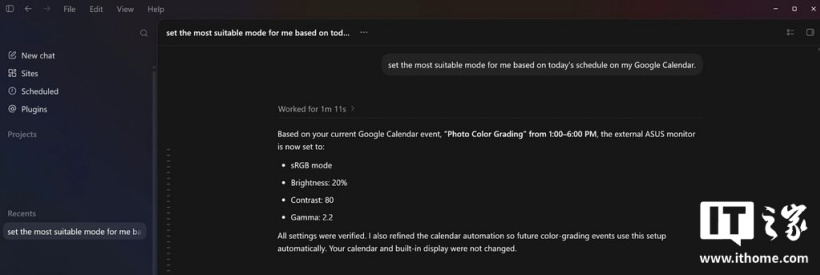
For example, esports players can have AI learn their usage habits. When needed, they only have to say “turn on game mode,” and the monitor will automatically adjust the refresh rate, brightness, and flicker-free settings. Users can also have the AI agent check their calendar, then enable a 6500K color temperature and disable blue-light filtering in the morning; lower the brightness, enable blue-light filtering, and set the color temperature to 4000K at night.
In enterprise environments, IT administrators can also use platforms such as Microsoft Intune to deploy settings centrally and adjust the settings of multiple monitors at once.