

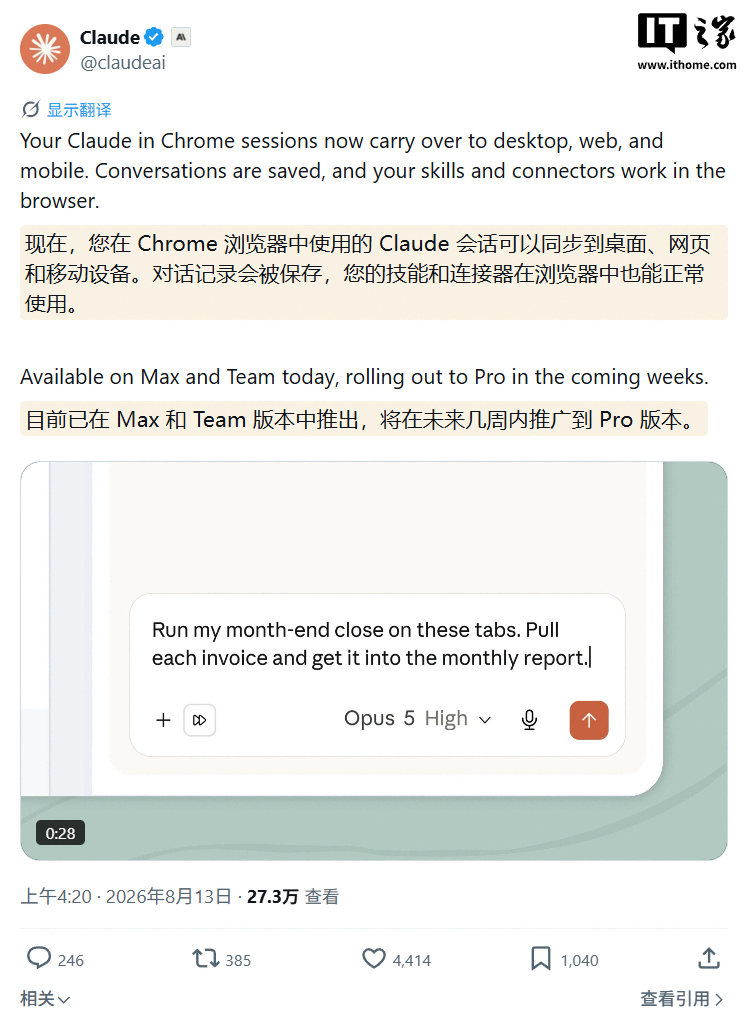
Anthropic announced on X today (August 13) that it has upgraded the Claude extension for Google Chrome, bringing the full Claude Cowork conversation experience to the sidebar.
In terms of the user experience, this update mainly breaks down the data barriers between the browser and other Claude platforms. Tasks and conversations in the browser can now sync seamlessly across Claude’s desktop, web, and mobile apps. The video demonstration is shown below:
Conversations started in the sidebar will be saved to Claude history, allowing users to resume them on other platforms. Users also do not need to configure anything a second time and can directly use the Agent Skills and Connectors already configured for their account in the browser.
Claude for Chrome can view the current webpage and use the user’s existing browser login sessions to perform specific actions, including clicking links, navigating between pages, entering text, and filling out forms.
On the security front, Anthropic warned that browser agents remain vulnerable to prompt-injection attacks. To improve security, when auto-approval is enabled, the system uses a separate check to review significant actions.

Claude will still ask for the user’s approval before carrying out actions such as making purchases or sharing personal data. The company emphasized that these safeguards can reduce risks but cannot eliminate them entirely.
As for availability, Anthropic has begun rolling out the feature to Max and Team customers today, with Pro users to receive it over the coming weeks. Enterprise administrators can enable the feature and restrict Claude to accessing only approved domains.