WeChat officially announced today that, to better serve Official Account creators in their content creation and improve formatting efficiency, the WeChat Official Account platform has launched the AI-powered “One-Click Formatting” feature.
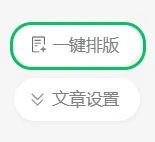
Creators can log in to the “Official Account Assistant App” on their phones or access the Official Account backend on the web, create an article or select an article to publish from their drafts. The system will automatically recognize the content structure and display a “One-Click Formatting” icon. Click it to start formatting.
The main features of “One-Click Formatting” are as follows:
Based on the content of the creator’s article, it automatically divides the text into paragraphs and adjusts paragraph spacing, making the article look well-balanced rather than crammed together.
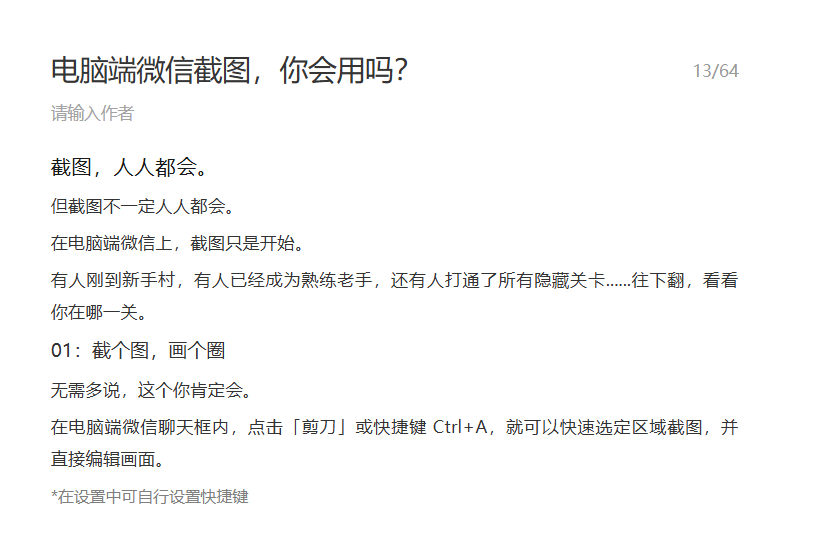
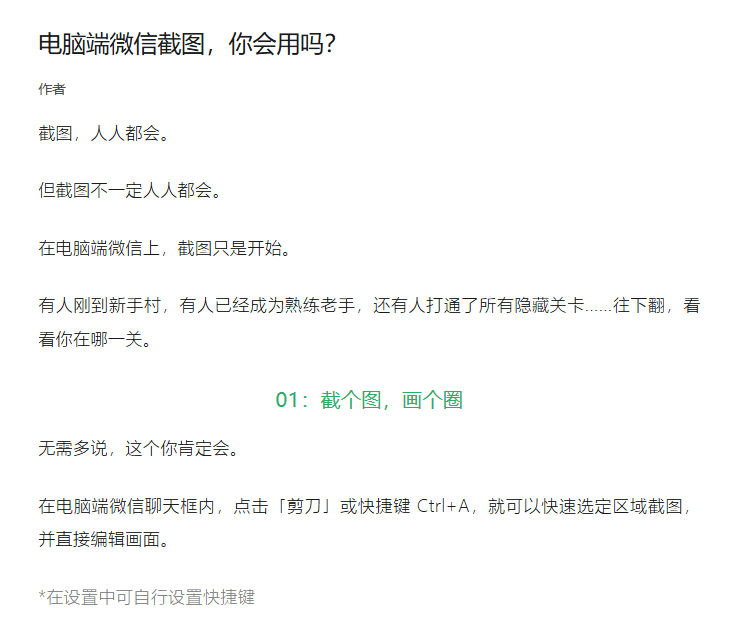
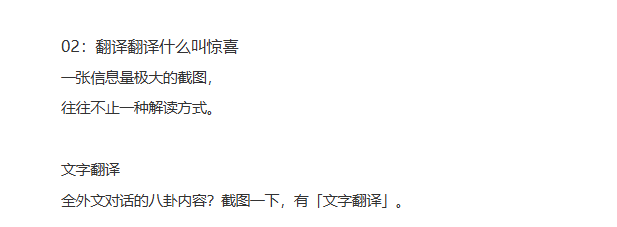
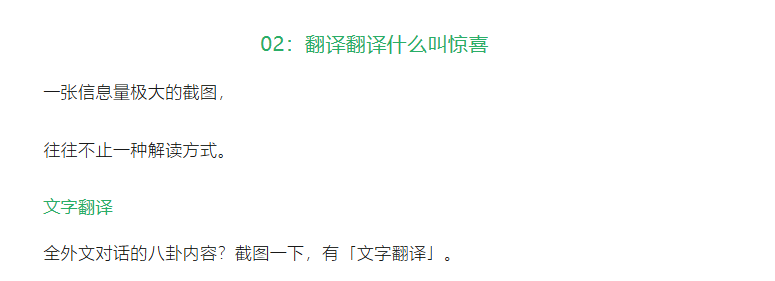
It intelligently identifies the subheadings written by creators and automatically makes them bold, increases their font size, and applies a consistent color, making the article’s structure clear at a glance.
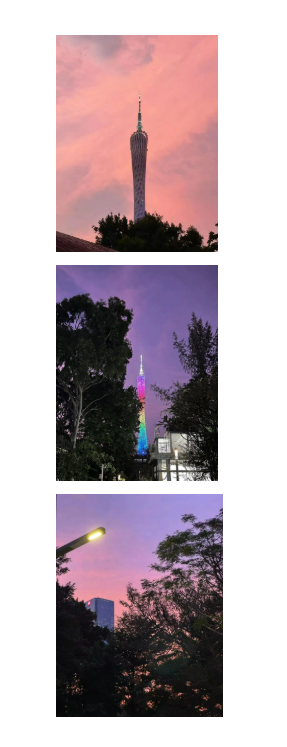
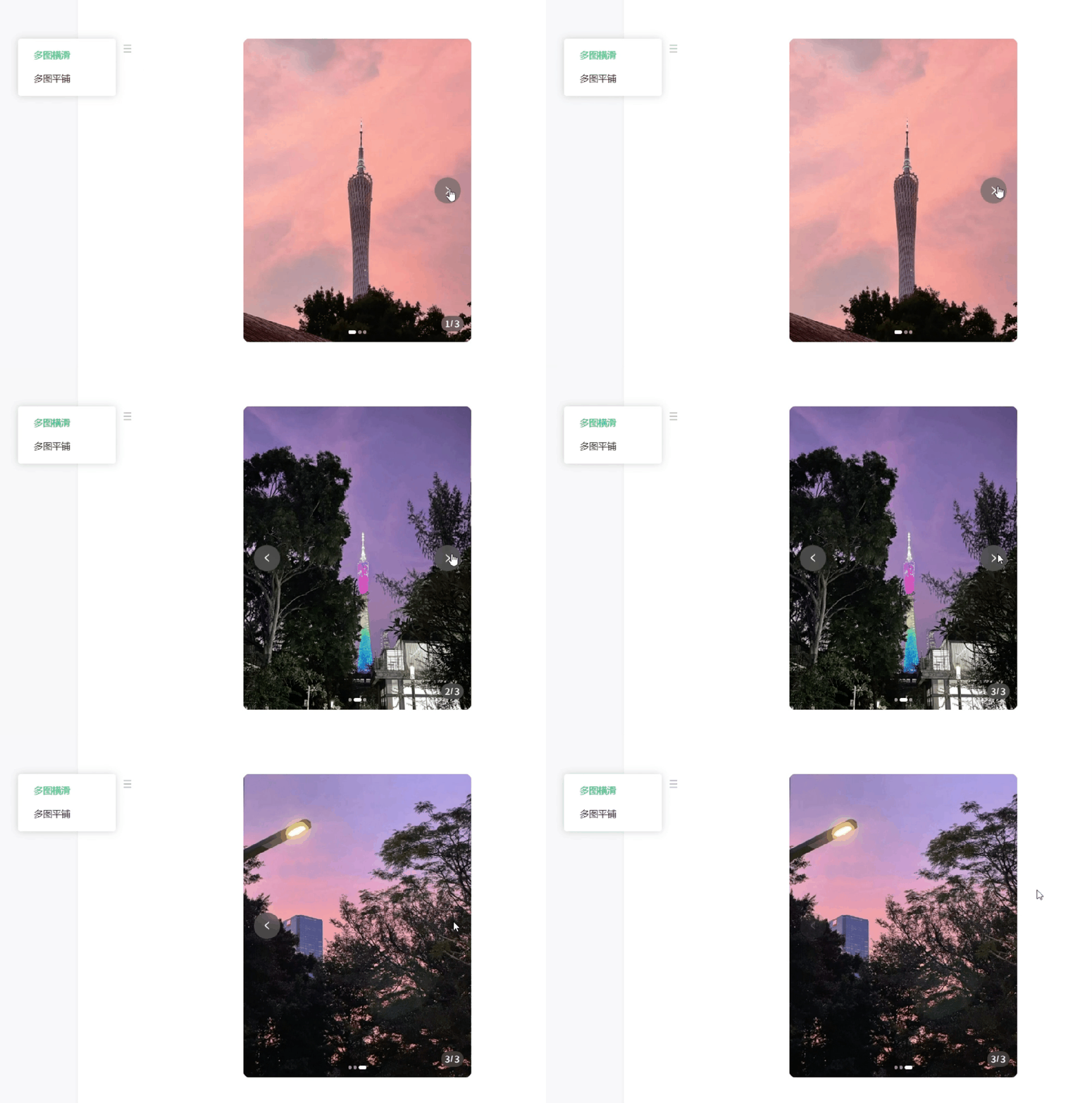
If the creator inserts images into an article, it intelligently adjusts their size and alignment to make the combination of images and text more comfortable to read. When the creator inserts consecutive images, it also supports arranging them in a carousel format.
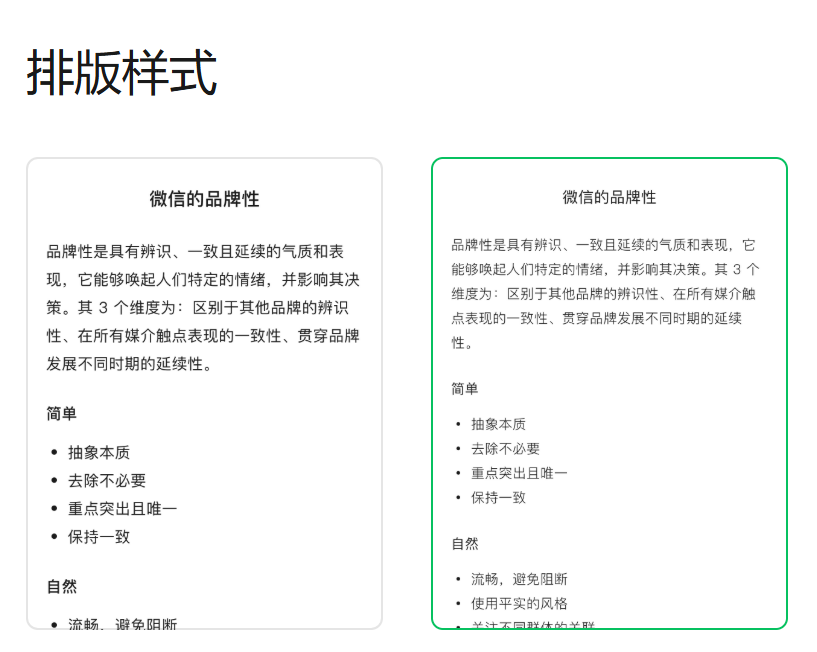
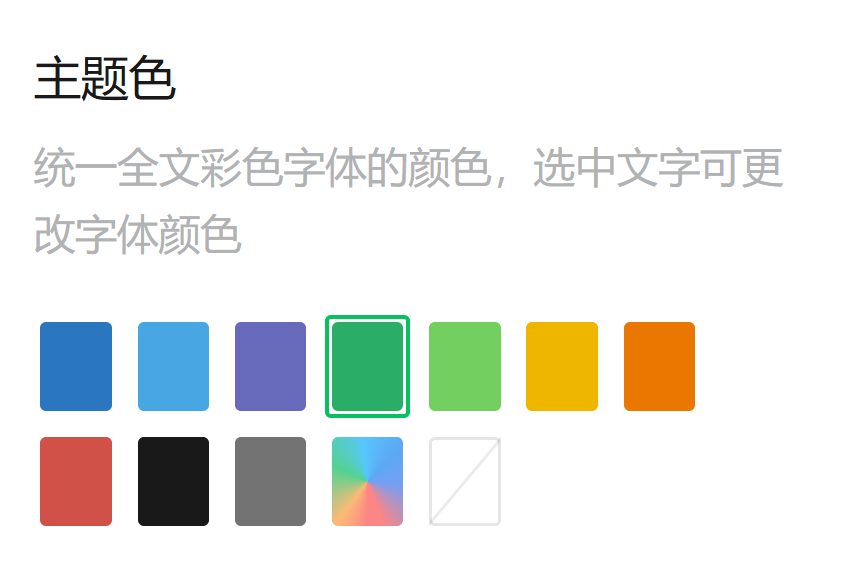
Currently, the Official Account “One-Click Formatting” feature offers two formatting styles: Standard and Light. Each formatting style allows users to adjust the theme color and text style, so creators can choose according to their needs.
Reply with the two characters “微信” to the IT Home WeChat account to obtain the latest official internal-build WeChat download.