

- Monthly visits
- 0
- Pricing
- Free & Paid
- Listed
- 2026-06-14
- Updated
- 2026-08-25
01Product Positioning
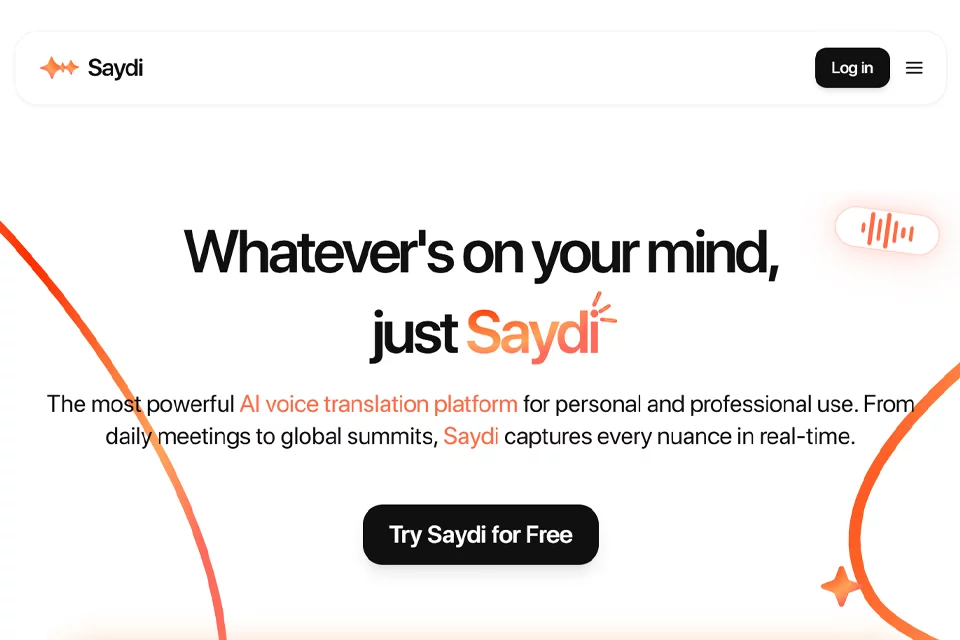
Saydi focuses on multilingual meetings, speeches, and event communication, bringing real-time speech translation and meeting transcription into a single workflow. It is designed for remote collaboration teams, cross-border sales professionals, international conference participants, and event organizers who need to communicate across languages.
The product offers three modes: two-way conversation, one-way speech, and transcription. They support different needs, including communication between two parties, single-speaker presentations, and post-meeting records. At events, participants can also join a translation session through a QR code, reducing the effort required to enter the communication workflow.
02Key Features
Saydi supports real-time speech translation during conversations, along with automatic language detection and speaker identification. Two-way conversation mode is suitable for alternating exchanges, one-way speech mode is designed for lectures, product launches, and event hosting, and meeting transcription mode converts speech into text for reviewing and organizing meeting content.
Users can enter meeting context, keywords, and industry terminology in advance, or use a custom terminology glossary to support translation. The product is available through a Chrome extension and mobile app, covering remote meetings and mobile communication scenarios. Event organizers can use a QR code to let multiple people join the same translation session.
03Use Cases
Cross-border sales teams can use Saydi for customer communication, product demonstrations, and business negotiations. Remote collaboration teams can use it for project updates, multilingual discussions, and meeting records.
International conferences, forums, summits, and other events can use one-way translation or group-follow translation to help participants understand live speeches. International students and travelers can also use two-way conversation for classroom interaction, everyday communication, and travel inquiries, though results depend on the speech and communication environment.
04Usage Considerations
Before use, select two-way conversation, one-way speech, or transcription mode according to the communication format, and enter meeting context, keywords, and proper nouns in advance. During group discussions, speaking clearly and avoiding simultaneous speech can help the system identify speakers and produce more understandable translations.
Real-time translation is not equivalent to professional interpreting. Accents, background noise, overlapping speech, and complex industry terminology may affect recognition and translation results. For contracts, quotes, technical specifications, or other critical content, the output should be checked against the original speech.
© Disclaimer: domains and linked content may change over time. AIEZZ does not control third-party websites. Review external content and risks independently.
User reviews0