

- Monthly visits
- 0
- Pricing
- Free
- Listed
- 2026-04-16
- Updated
- 2026-04-24
01Product Positioning
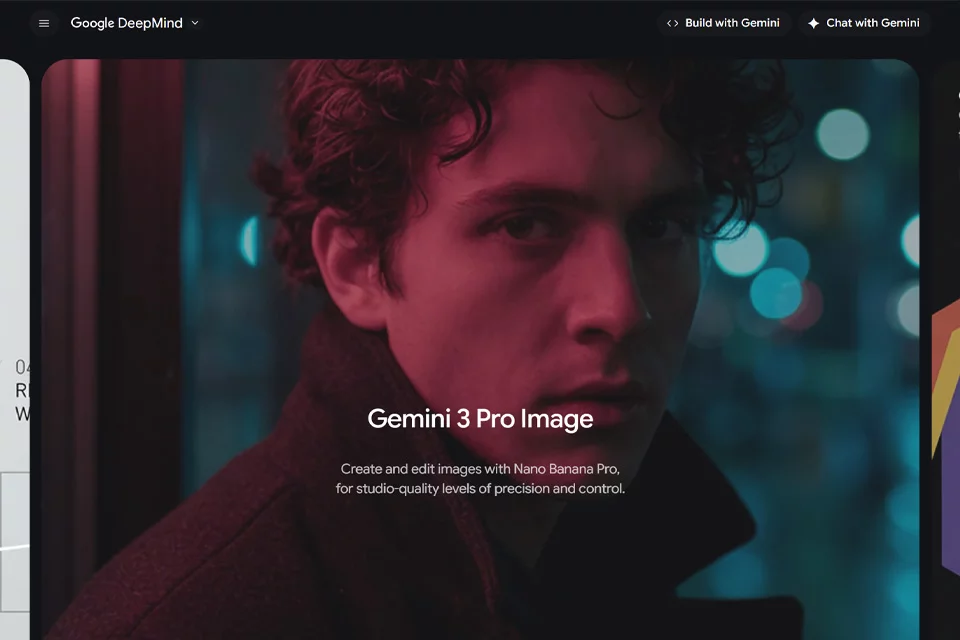
Nano Banana Pro is positioned as an AI image generation and editing model for professional creative work. It uses natural language to understand scene structure, object relationships, lighting, and materials, helping users turn written ideas into visual content while also supporting adjustments to existing images.
The product is suitable for design and content workflows involving composition, text, and visual information. However, it remains an assistive tool and cannot replace design review, fact-checking, and detail refinement before publication.
02Key Features
The tool supports text-to-image generation, image editing, localized redrawing, multi-image blending, and natural-language instructions. Users can modify people’s clothing, backgrounds, or lighting, and use reference images to control the visual style and subject representation.
Its materials also highlight capabilities such as text generation within images, multilingual typography, infographic creation, and character consistency. These features are suitable for posters, book covers, presentation slides, and other visual materials.
03Use Cases
Visual designers can use it to quickly explore compositions, create concept drafts, or adjust existing assets. Content teams can generate illustrations, posters, and social media visuals, while marketing teams can create promotional graphics in different languages from written specifications.
Data analysts and educators can also turn data or abstract concepts into infographics and instructional diagrams. However, content involving specific figures, specialized knowledge, or brand guidelines still requires manual verification.
04Usage Considerations
When using the tool, clearly describe the subject, setting, composition, text, language, and scope of the edits, and make adjustments step by step for complex tasks. When working with identities, brand marks, product details, or multiple reference images, check that the subject remains consistent and that localized edits do not affect other areas.
Text in images may contain spelling, font, spacing, or layout problems. Data and facts in infographics must not be accepted solely based on generated output. Materials intended for print, commercial communications, or reports should undergo manual proofreading and any necessary post-production.
© Disclaimer: domains and linked content may change over time. AIEZZ does not control third-party websites. Review external content and risks independently.
User reviews0