

- Monthly visits
- 0
- Pricing
- Free & Paid
- Listed
- 2026-06-03
- Updated
- 2026-08-25
01Introduction to Coworker AI
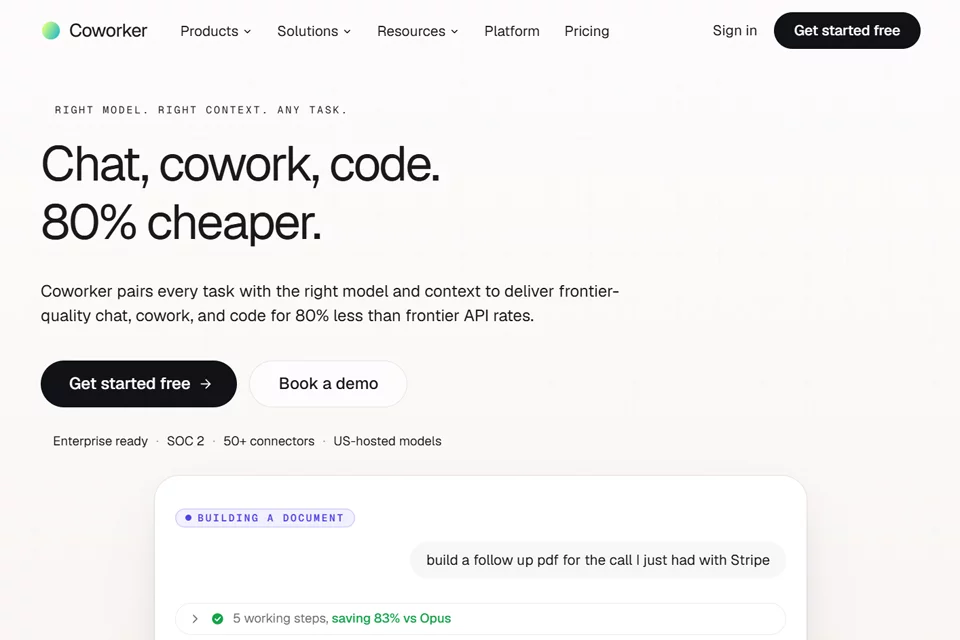
Coworker AI connects the tools enterprises use every day in a unified AI work environment. Users can query company information in Chat, create editable artifacts in Cowork, use a cloud code sandbox in Code, and configure long-running agents in natural language to operate across Slack, CRM, calendars, and email. The platform supports human approvals, monitoring, auditing, and multi-model routing.
02Who Is Coworker AI For?
Enterprise Operations Teams
Connect CRM, document, collaboration, and data systems to query business information and let agents execute routine workflows across tools.
Customer Support Teams
Use agents to draft ticket replies, classify and route tickets, identify trends, and send customer communications after human review.
Software Engineering Teams
Use a cloud coding environment that understands the code repository in a cloud sandbox, perform multi-file edits, and handle development tasks with organizational context.
Enterprise IT and Administrators
Manage agent operations and usage across the enterprise through access controls, approvals, auditing, monitoring, and deployment options.
03Key Features of Coworker AI
Enterprise Contextual Q&A
Connect Slack, CRM, Jira, Gmail, documents, and data warehouses to answer questions using company context and cite sources from connected systems.
Artifact Generation
Generate dashboards, financial models, branded PDFs, presentations, and interactive applications from prompts and real-time enterprise data, with support for editing, sharing, and export.
Cloud-Based Intelligent Coding
Handle coding tasks in an isolated cloud sandbox with code repository awareness, multi-file editing, and sandbox execution. Tasks do not run on the local machine.
Long-Running Agents
Configure agents in natural language to trigger on schedules, events, or requests, execute work across Slack, CRM, calendars, and email, and wait for approval when needed.
Intelligent Model Routing
Route tasks between open and closed models to balance cost, latency, and quality, while allowing engineers or advanced users to select models themselves.
Approvals and Runtime Monitoring
Configure human approvals, permissions, and escalation rules for sensitive actions, then monitor agent operations through real-time dashboards, alerts, and analytics.
Meeting Notes and Synchronization
Transcribe Zoom, Google Meet, and Microsoft Teams meetings, generate summaries and action items, and sync them back to CRM systems and documents.
Customer Intelligence Analysis
Enterprise plans can combine CRM, support, and product signals to generate customer health scores, expansion opportunities, churn risks, and next steps.
04What Sets Coworker AI Apart
Organization-Level Contextual Memory
OM1 and OM2 organize entities such as people, customers, projects, and documents in a knowledge graph, providing permission-based structured retrieval and persistent context.
Multi-Model Routing Without Lock-In
Support open, closed, and self-hosted models simultaneously. The platform can select models automatically, or users can control which model a task uses.
Cross-Tool Read and Write Connections
Connectors do more than read information: they can also write updates back to CRM, communications, support, document, code, and data systems while inheriting existing permissions.
Enterprise Deployment Controls
Provide multi-tenant isolation, approval workflows, complete auditing, SSO, RBAC, VPC peering, and deployment options for cloud, private cloud, on-premises, and isolated networks.
05Sources
© Disclaimer: domains and linked content may change over time. AIEZZ does not control third-party websites. Review external content and risks independently.
User reviews0