

- Monthly visits
- 0
- Pricing
- Free & Paid
- Listed
- 2026-05-07
- Updated
- 2026-08-25
01Product Positioning
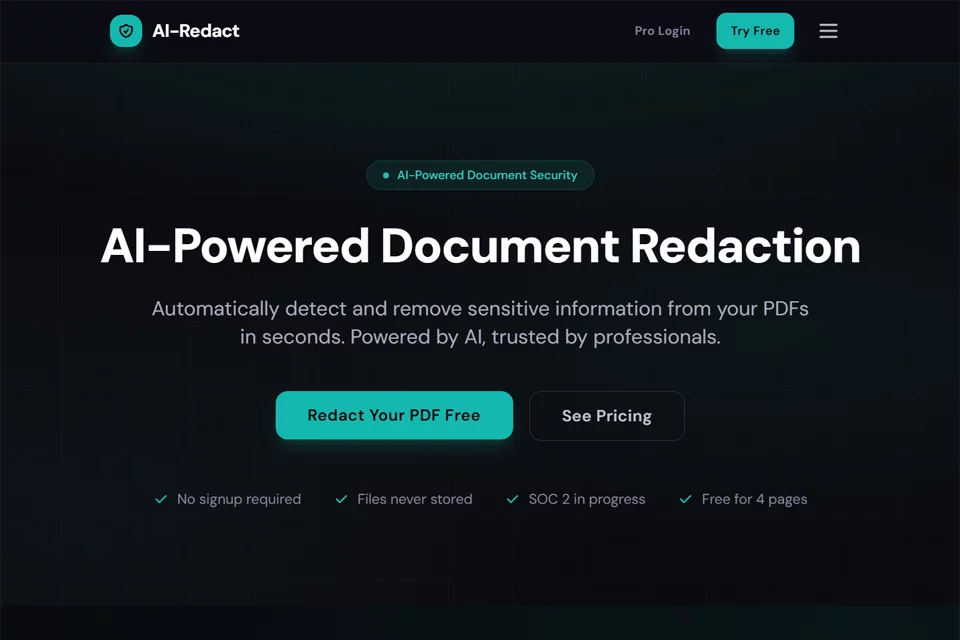
AI-Redact focuses on processing privacy-sensitive information in PDF documents. It combines automated identification with human confirmation to help users find content that needs to be hidden before sharing, publishing, or archiving files.
The output is intended for formal document workflows, with an emphasis on removing information that requires redaction rather than merely covering it with black shapes on the page.
02Key Features
The tool can identify names, addresses, phone numbers, email addresses, Social Security numbers, credit card numbers, bank accounts, and some financial and medical information. It also supports custom detection patterns.
For scanned or image-based PDFs, OCR can extract text before it enters the redaction workflow. Users can review detection results, confirm items for processing, and process multiple files in batches. Metadata such as authors, creation dates, software information, and comments can also be included in the cleanup scope; multilingual detection depends on the product's actual supported languages.
03Use Cases
Legal teams can use it to process identifying information in contracts, litigation materials, evidence files, and public-records submissions; healthcare organizations can process patient-related fields before sharing medical records or insurance documents.
Government and public-sector departments, as well as finance and insurance teams, can use it for public documents, transaction records, tax materials, and claims files. HR and corporate administrators can also process employee records, payroll documents, and background-check materials. Individual users can use it for occasional processing of a small number of privacy-sensitive PDFs.
04Important Considerations
AI detection is not a substitute for human review. Names, amounts, addresses, and other content may be misclassified depending on context, while fields with complex formatting or low image quality may be missed; OCR results for scanned documents require particular attention.
After downloading a redacted file, it is recommended to use a PDF reader to test text search, copying, and page display, and to confirm that annotations, attachments, and metadata meet sharing requirements. Original files should be stored separately from processed files. Where internal policies or compliance requirements apply, the organization's review procedures should also be followed.
© Disclaimer: domains and linked content may change over time. AIEZZ does not control third-party websites. Review external content and risks independently.
User reviews0