
- Monthly visits
- 0
- Pricing
- Free & Paid
- Listed
- 2025-09-03
- Updated
- 2026-08-25
01Product Positioning
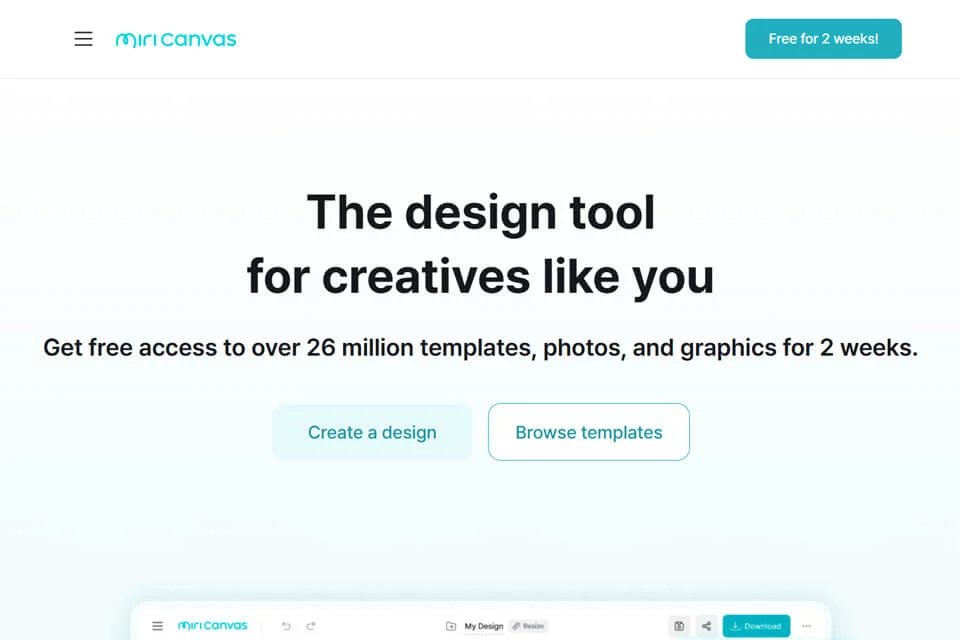
MiriCanvas is an office design platform that combines a template library, design assets, and AI generation features. It is primarily used to create presentations, images, posters, and social media content.
Users can start with a topic or keywords to generate a draft, then enter the editing workflow to adjust the layout and content. The platform combines free and paid plans, making it suitable for individuals and teams that want to reduce design production time while retaining a manual editing step.
02Key Features
The platform can generate draft presentations and images based on a topic or keywords, and provides design resources such as templates, images, icons, video, and audio. Existing information indicates that the platform includes more than 530,000 templates and over 10 million design elements.
Editing features include one-click background removal, motion effects, and combined editing of images, text, and graphics. Team members can edit, comment on, or view designs together, and continue working on them on computers, tablets, and mobile phones.
03Use Cases
Students and professionals can use it to quickly organize class presentations, work reports, and other PPT content. Content creators can produce social media images and video-related covers, while marketers and event organizers can create visual content such as event posters and promotional materials.
For designers or teams seeking layout references, the template and asset libraries can provide a creative starting point. However, the final visual specifications still need to be adjusted to meet brand or project requirements.
04Usage Considerations
AI-generated content is suitable for creating an initial draft but cannot replace checks for textual accuracy, information completeness, and page structure. Generated results may require layout rearrangement, asset replacement, or wording changes, and should be manually reviewed before official publication.
The platform offers both free and paid options. Available resources, feature scope, and usage limits should be confirmed on the actual account page. When collaborating as a team, editing permissions and the content review process should also be clarified in advance.
© Disclaimer: domains and linked content may change over time. AIEZZ does not control third-party websites. Review external content and risks independently.
User reviews0