
- Monthly visits
- 0
- Pricing
- Not set
- Listed
- —
- Updated
- 2026-09-12
01What is Town
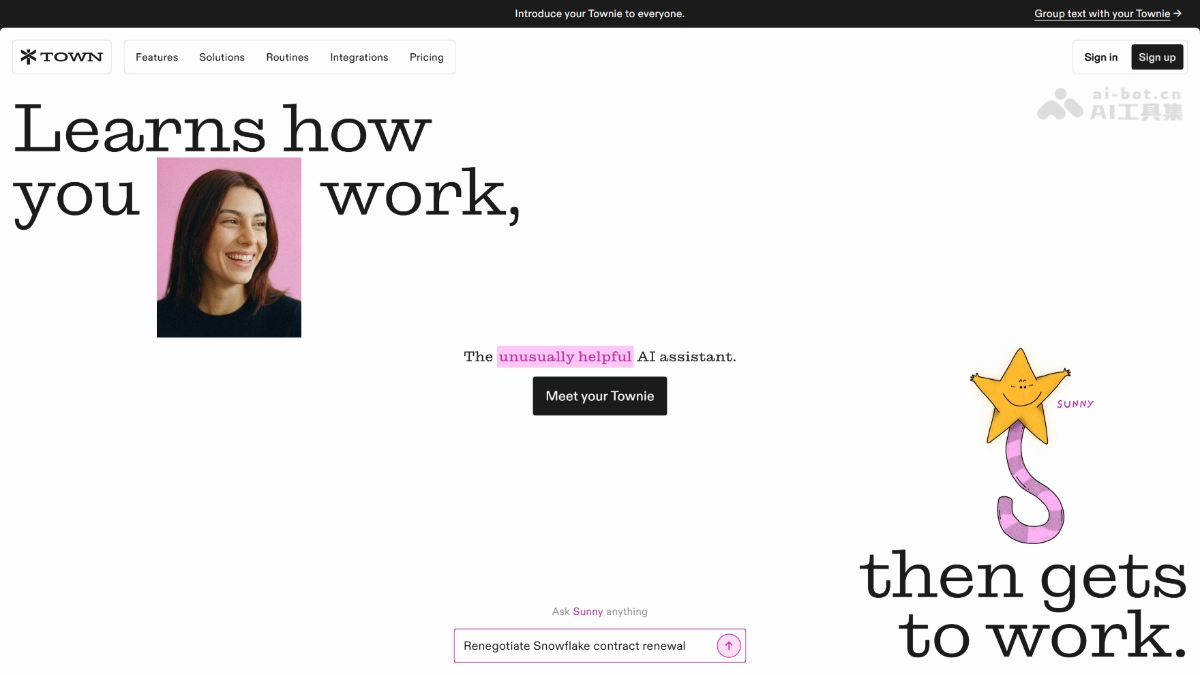
Town is a proactive AI personal assistant that goes beyond waiting for questions in a chat box. Once connected to your email and calendar, it continuously learns about your contacts, schedule, and habits, and proactively takes on tasks. Its core feature, Routines, can be preset to run automatically over time, such as morning briefings, pre-meeting preparation, and automatically declining cold emails. AI personas called Townies can also collaborate to coordinate schedules.
02Town's Main Features
Personal wiki learning: Continuously learns from your existing emails, calendar, and writing style, understanding your clients, deadlines, and work habits without requiring prompt engineering.
Task execution: Write down a task list and Townie executes it directly, then reports the results, such as drafting emails or replying to threads. When a decision is needed, it marks the item “Needs input” for your confirmation.
Routines automation: Set up scheduled tasks that continue running, such as scanning for unmerged PRs every Friday and drafting a team status update.
Auto-inbox management: Automatically categorizes new emails and drafts replies to messages that clearly need a response.
Cold email declines: Identifies recruiter and sales outreach emails and flags them, optionally drafting polite rejections for your review.
Schedule optimization: Analyzes the following week's schedule every Sunday evening and suggests ways to combine meetings and protect focus time.
Pre-meeting briefings: Researches upcoming meetings and sends concise briefs, helping you skip low-value meetings.
Contact background research: When an email arrives from a new contact, automatically generates a structured background profile of the person and their company.
Morning Briefing: Delivers a daily update covering your schedule, urgent items, and topics you follow, with an audio version.
03How to Use Town
Create an account: Visit the Town website at https://www.tarkcloud.com/, sign up, and use the Web, iOS, or Mac client.
Let it learn: Townie automatically builds a wiki about how you work from your existing emails, calendar, and contacts, without requiring prompts.
Assign tasks: Write down what needs to be done as you would for a human assistant. Townie executes the task and brings back the result, asking for confirmation when a decision is required.
Set up Routines: Enable preset templates such as morning briefings, pre-meeting briefs, and cold email declines with one click, or describe your own scheduled tasks in natural language.
Define permissions: Decide which actions Townie can execute directly and which require your confirmation first.
Keep information flowing: New emails and calendar changes continuously come in, allowing Townie to keep updating its understanding of your current state.
04Town's Core Advantages
True proactivity: Proactively identifies what needs to be done in your email and calendar, prepares meeting briefs in advance, and offers to take over repetitive work after recognizing recurring patterns.
Zero prompt barrier: Automatically builds a wiki of “how you work,” including clients, deadlines, and writing style. Everyday users can get started without studying automation, leaving AI to discover how AI can help.
Set it once, keep it running: The Routines system automatically runs tasks on a recurring schedule, so you do not have to repeat instructions each time.
Agent-to-Agent collaboration: Your Townie can directly coordinate schedules and request information from another Townie, supporting multi-person collaboration.
Humanized trust design: Each Townie has a name, persona, and dedicated email address. Combined with permission controls that let you decide which actions require confirmation, this balances proactivity with control.
05Town Use Cases
Inbox management: Automatically categorizes new emails, drafts replies to messages that need responses, and identifies and declines recruiter and sales outreach.
Calendar and meeting management: Analyzes the following week's schedule every Sunday evening and provides optimization suggestions; before meetings, it researches attendee backgrounds and sends concise briefs.
Daily intelligence briefing: Delivers the day's schedule, urgent items, updates on followed topics, and competitor developments every day, with an audio version for listening during your commute.
Sales lead discovery: Scans the inbox for buying signals, automatically records qualified leads in Google Sheets, and recommends next steps.
Family task coordination: Extracts permission forms and deadlines from school field-trip notices, identifies conflicts in children's pickup and drop-off schedules and suggests coordination plans, then organizes key points after parent-teacher meetings and assigns family tasks.
© Disclaimer: domains and linked content may change over time. AIEZZ does not control third-party websites. Review external content and risks independently.
User reviews0