
- Monthly visits
- 0
- Pricing
- Free & Paid
- Listed
- 2026-08-09
- Updated
- 2026-08-09
01What Is Wan-Animate-2?
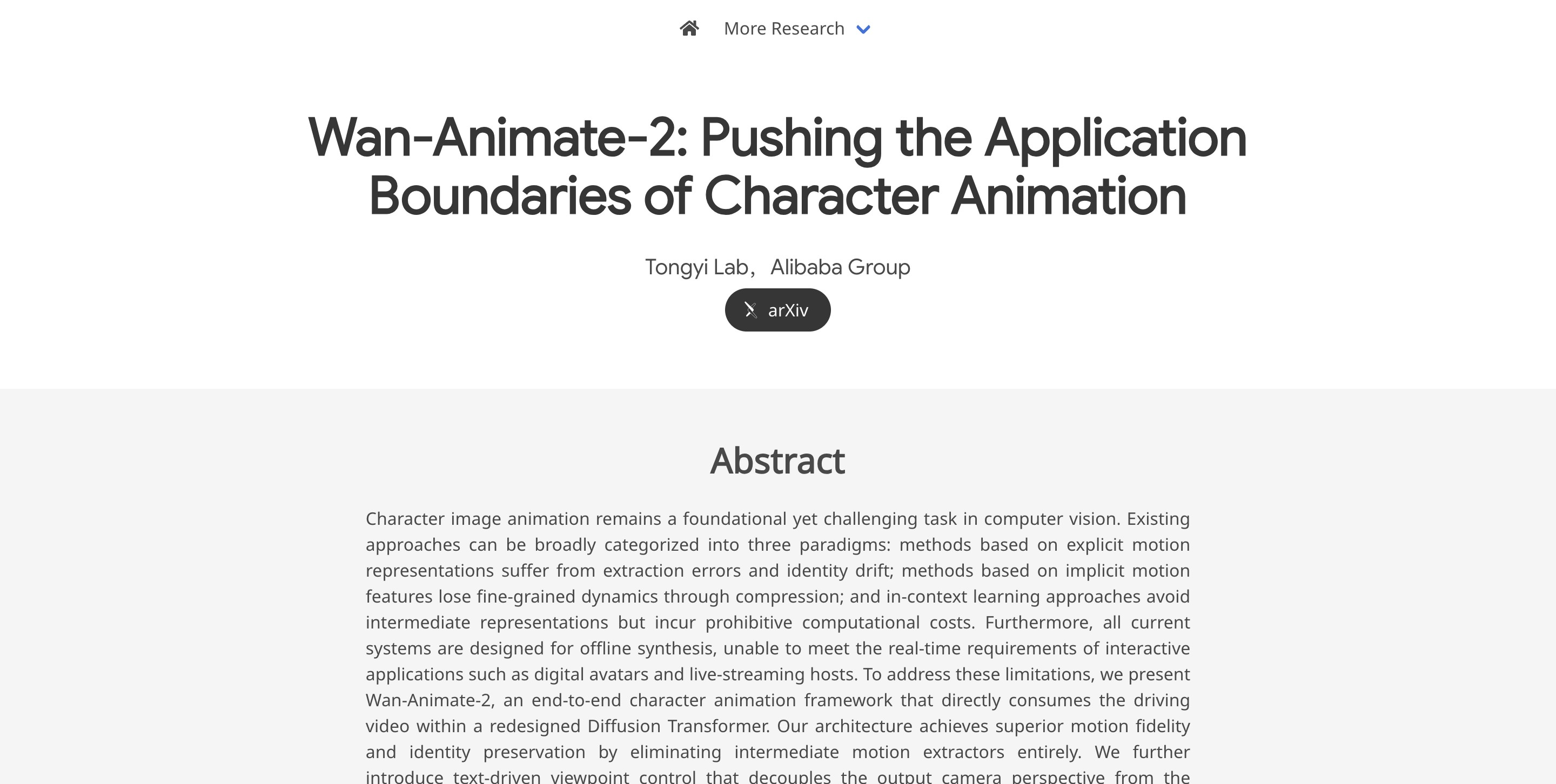
Wan-Animate-2 is a new-generation character animation model open-sourced by the Wanxiang team. As a major architectural upgrade to Wan-Animate, it abandons reliance on explicit pose skeletons and auxiliary pose-extraction networks, switching to an end-to-end dual-branch Diffusion Transformer (DiT) that directly captures motion priors from reference videos. The model supports text-driven camera-view control and provides a real-time streaming variant capable of up to 24 fps.
02Key Features of Wan-Animate-2
Driving video to character animation: Input a reference image reference.png and a driving template video template.mp4, allowing the reference character to replicate the actions and camera rhythm in the driving video.
End-to-end motion transfer: The redesigned DiT directly consumes the driving video without an intermediate motion extractor, aiming to improve both motion fidelity and identity consistency.
Identity/appearance preservation: Reference image tokens and reference video tokens participate in attention computation, injecting the reference appearance into the generation process and reducing cases where “the motion looks right but the face falls apart.”
Text normalization control: Before inference, use an LLM to generate a caption in a fixed format that describes only the “character appearance + background,” without describing actions or inferring emotions, and then use it as the Wan-Animate-2 prompt.
Text-driven camera-view control: Use text to decouple the output camera view from the driving video, making it easier to generate “the same set of actions from different camera positions/views.”
Base high-quality mode: The default inference script uses the standard configuration. The official Diffusers example uses num_inference_steps=40, with quality prioritized.
Distillation low-step mode: The distilled-weight example uses 10 steps, guidance_scale=1.0, and an Euler solver/no CFG, targeting faster output and low-latency validation.
Real-time-oriented feature: The paper proposes Wan-Animate-2-Lite. Through teacher forcing, an error buffer, Self-Forcing distillation, and chunk-wise backpropagation, it pushes latency toward the real-time threshold for streaming character animation.
Local and online experiences: Local Gradio scripts are provided. Base uses wan_animate_2_gradio.py, while distillation uses wan_animate_2_gradio_distillation.py. The README also points to an online demo on ModelScope Studio.
Engineering ecosystem entry points: Weights are available through HuggingFace/ModelScope. An example model ID is Wan-AI/Wan2.2-Animate-2-14B. Diffusers can already be integrated by installing from source, while ComfyUI/DiffSynth-Studio are still listed as Todo.
Configurable parallel generation: The default settings are tuned for 8×A800 at 720P, and 2×A800 at 480P has also been tested. Different hardware requires modifying the YAML parallel configuration.
03How to Use Wan-Animate-2
Follow WeChat and reply “开源” to join the AI open-source project discussion group.
Prepare hardware: Plan around the official default of 8×A800 at 720P whenever possible. The official team has also tested 2×A800 at 480P; do not assume that a single consumer-grade GPU can run it.
Clone the repository: git clone --recursive https://github.com/Wan-Video/Wan-Animate-2.git.
Set up the environment: Python 3.11; install torch 2.7.0 / torchvision 0.22.0 / torchaudio 2.7.0 from the CUDA 12.6 source; then install requirements.txt and flash-attn, and finally run pip install -e .
Download the weights: For HuggingFace, use huggingface-cli download Wan-AI/Wan2.2-Animate-2-14B --local-dir ./ckpts/; for ModelScope, use modelscope download --model Wan-AI/Wan2.2-Animate-2-14B --local_dir ./ckpts/.
Generate the caption first: Use an LLM such as Qwen3.7-Plus and follow the official Chinese format to write only the “character appearance + background.” Do not include actions, emotions, or evaluations.
Run Base: Enter infer and execute wan_animate_2_demo.py, passing --prompt, --refer-img-file, --refer-video-file, and --config ./wan_animate_2.yaml.
Run the distilled version: Switch to wan_animate_2_distillation.yaml and add --sample_guide_scale 1.0 --step 10. On the Diffusers side, the corresponding settings are guidance_scale=1.0 and flow_solver="euler".
Modify the parallel configuration: When the number of GPUs or their memory differs from the official setup, first modify the YAML parallel configs, then troubleshoot OOM or abnormal speed.
Quick start: If you do not want to deploy locally, try ModelScope Studio first. Locally, run wan_animate_2_gradio.py or wan_animate_2_gradio_distillation.py.
04Core Advantages of Wan-Animate-2
Motion fidelity and identity consistency are the main selling points: Removing the intermediate motion extractor theoretically eliminates one source of accumulated errors.
Closer to production workflows: The official setup standardizes captions in advance, requiring descriptions of the character’s appearance and background without describing actions, which facilitates stable reproduction.
A clear low-latency path: Distillation can already run 10-step inference, while the Lite paper explicitly targets real-time/streaming digital humans.
Relatively commercial-friendly: Apache-2.0 is more friendly to secondary development, but actual commercial use still requires addressing material copyrights, portrait rights, and platform rules.
05Wan-Animate-2 Project Links
Official website: https://humanaigc.github.io/wan-animate-2
GitHub repository: https://github.com/Wan-Video/Wan-Animate-2
ModelScope: https://modelscope.cn/models/Wan-AI/Wan2.2-Animate-2-14B
arXiv technical paper: https://arxiv.org/pdf/2608.06009
Online demo: https://www.modelscope.cn/studios/Wan-AI/Wan2.2-Animate
06Applications of Wan-Animate-2
Virtual streamers / digital-human livestreaming: The Lite approach clearly targets the real-time threshold and streaming character animation, making it suitable for low-latency livestreams featuring “real-person-driven virtual avatars.”
Short videos / short-drama character stand-ins: Use an actor’s performance video as the driving video and apply it to a character illustration or reference image. This is suitable for fantasy characters, IP avatars, and low-cost stand-in shots; the core capabilities are end-to-end motion transfer and identity preservation.
Dance, music videos, and gesture-dance remixes: Use a dance template to drive different character appearances, creating multi-character dance covers, outfit changes in the same frame, or stylized music videos. Camera-view control can also produce editing footage with “the same actions from different camera positions.”
E-commerce and branded content: Have a brand mascot or virtual model perform actions according to a standardized template for launch clips, campaign-page videos, and social-media assets. Before commercial use, address portrait rights, clothing copyrights, and platform compliance.
Education / knowledge-creator courseware: Drive a lecturer’s appearance or a cartoon lecturer with fixed action templates to batch-generate opening, transition, and key-point reminder shots, reducing the cost of repeated filming.
Game NPCs / previsualization: Designers can first use real-person performances to quickly drive character prototypes, verify action rhythm, camera work, and emotions, and then decide whether to proceed to the formal motion-capture and rendering pipeline.
© Disclaimer: domains and linked content may change over time. AIEZZ does not control third-party websites. Review external content and risks independently.
User reviews0