

- Monthly visits
- 0
- Pricing
- Free & Paid
- Listed
- 2025-10-23
- Updated
- 2026-08-25
01Product Positioning
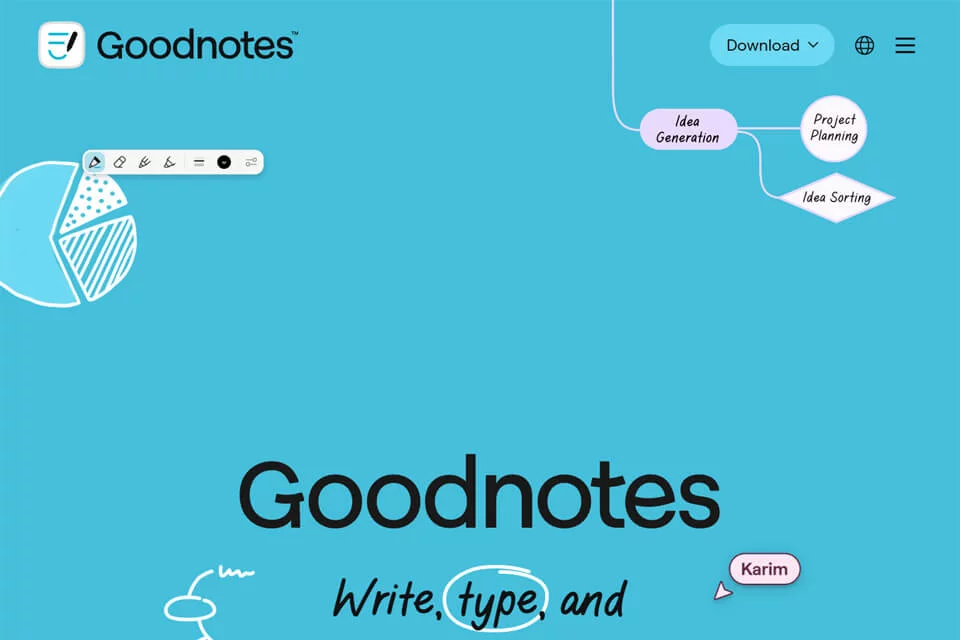
Goodnotes is positioned as a note-taking tool that combines digital handwriting with AI-powered organization. It supports classroom notes, course materials, meeting minutes, project planning, creative drafts, and more.
It brings handwriting, typing, and voice input into a single note-taking workflow. With notebooks, templates, and content organization features, it helps individuals and collaborative teams manage records in one place.
02Key Features
The product supports digital handwriting, typing, and voice input. Users can insert images, stickers, stamps, and other content into notes, and use customizable notebooks and templates. The infinite canvas is suitable for flexible layouts, brainstorming, and multimedia notes.
AI features include audio transcription, meeting summaries, and note organization. Smart search can be used to find keywords and related notes. The product also supports real-time comments, editing, and synchronization across iOS, Mac, Windows, and Android.
03Use Cases
Students can use it to record classes, organize review materials, and create flashcards. Teachers and education professionals can use it for grading assignments, interactive teaching, and sharing course materials.
Professionals can record meetings, organize projects, and collaborate remotely. Freelancers and creative workers can use it for sketching drafts, planning schedules, and creating multimedia notes. Team members can collaborate on materials through comments, co-editing, and synchronized progress.
04Usage Considerations
Goodnotes offers both free and paid plans, and the specific available features should be confirmed on the actual version and platform page. Although the product supports use across multiple devices, users should still verify compatibility with their device systems.
Voice transcription, meeting summaries, and AI organization can improve initial processing efficiency. For professional terminology, critical information, or formal documents, users should review the original recordings and notes and perform a manual check.
© Disclaimer: domains and linked content may change over time. AIEZZ does not control third-party websites. Review external content and risks independently.
User reviews0