

- Monthly visits
- 0
- Pricing
- Free & Paid
- Listed
- 2026-07-07
- Updated
- 2026-08-25
01Introduction to Fyxer AI
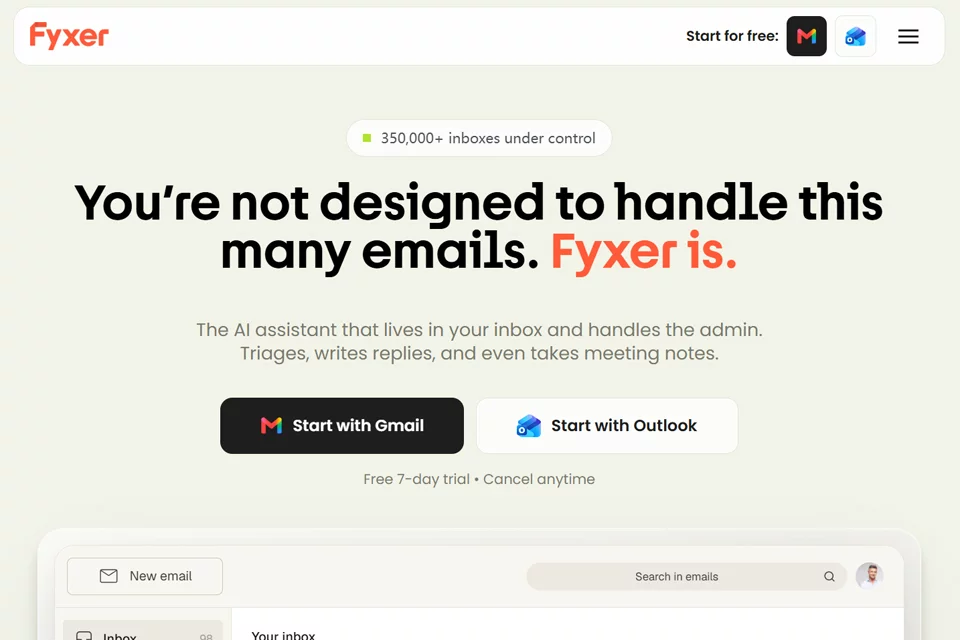
Fyxer AI is an AI assistant that connects to email and calendars, covering inbox management, email replies, meeting notes, and scheduling. It classifies information based on email content and senders, and can reference past conversations to generate drafts that match the user's tone. After a meeting, users can review follow-up email content in drafts and use meeting notes and related files to find information.
02Who Fyxer AI is for
People who process large volumes of email
Suitable for professionals who handle a high volume of email every day, helping organize inboxes, identify emails that need replies, and generate reply drafts.
Customer service and business teams
Suitable for teams in brokerage, consulting, agency, and similar fields that need to continuously follow up with clients, helping them manage multiple inboxes and prepare customer communications.
Meeting-intensive teams
Suitable for individuals and teams who frequently attend video meetings, allowing the assistant to join meetings, record content, and prepare post-meeting follow-up emails.
03Key features of Fyxer AI
Inbox organization
Automatically classifies emails based on their content and senders, highlighting information that needs attention. Users can also manually adjust categories so emails remain in the inbox or move to folders according to their preferences.
Email reply drafts
Reads emails and past conversations to generate reply drafts, organizing the content in the user's established communication style. Users review and send the drafts themselves; Fyxer does not send emails on their behalf.
Meeting notes
With the user's permission, Fyxer joins video meetings and records their content. After the meeting, it provides links to the recording and notes, and prepares follow-up email drafts for review.
Meetings and scheduling
The Professional plan supports scheduling meetings across teams and time zones, helping coordinate meetings involving multiple participants.
Inbox Q&A
Fyxer Chat can answer questions based on inboxes and meeting notes, helping users quickly find and organize existing work information.
File and CRM integrations
The Professional plan supports reading email attachments, connecting HubSpot, and uploading files to train Fyxer, supplementing the business information needed for email and meeting workflows.
04What makes Fyxer AI distinctive
Trained by a human data team
The website states that its AI is trained by a human data team familiar with proactive communication and email draft quality, with a focus on adapting to users' communication tones and ways of working.
Connected email and meeting context
In addition to managing inboxes, Fyxer joins meetings, records notes, and reads important files, allowing email drafts to reference a more complete business context.
Adjustable email classification
Users can modify email classifications and decide whether different categories remain in the inbox. The website states that the system continuously adapts to users' needs based on these corrections.
Enterprise security and management
The website lists SOC 2 Type II, ISO/IEC 27001, and GDPR compliance information. Enterprise plans also support SSO, SCIM, and customized security controls.
05Sources
© Disclaimer: domains and linked content may change over time. AIEZZ does not control third-party websites. Review external content and risks independently.
User reviews0