

- Monthly visits
- 0
- Pricing
- Free
- Listed
- 2026-07-17
- Updated
- 2026-08-25
01Introduction to Tier List Maker
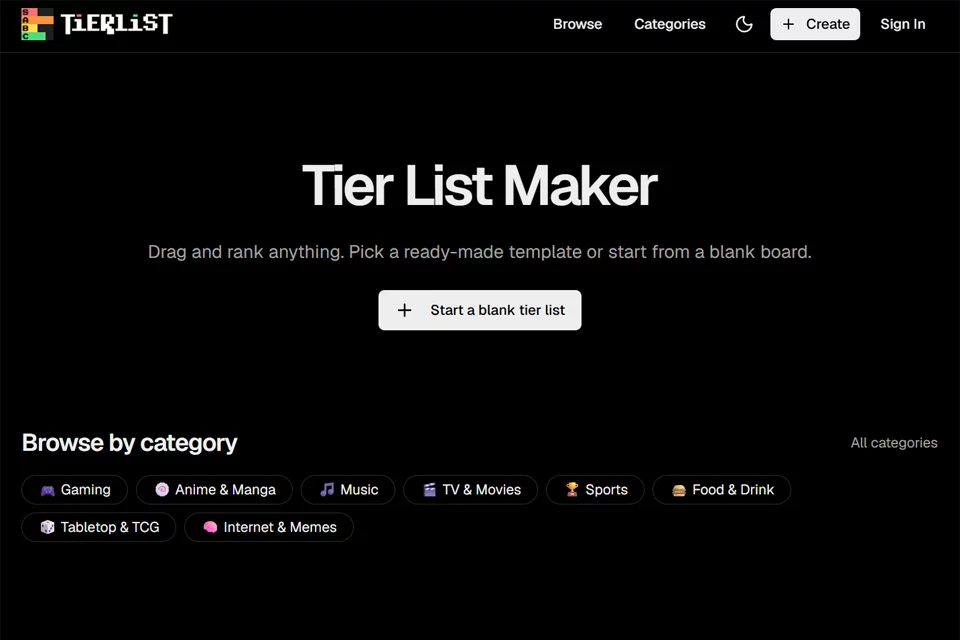
Tier List Maker lets you sort characters, works, items, or other objects into different tiers based on preference, strength, or custom criteria. Users can choose an existing template or upload their own images and set tier names, colors, and order. When finished, they can export a watermark-free PNG or generate a link to share with others.
02Who Uses Tier List Maker
Gamers
Use game character, hero, equipment, or league templates to create rankings and share opinions about the current version or personal preferences.
Anime and Pop Culture Fans
Organize personal preferences by characters, works, movies, music, idols, and other themes, and join ranking discussions on social platforms.
Content Creators
Create tier list images for videos, social media, and community posts, use your own assets, and share them through links.
Teachers and Classroom Organizers
Create sorting activities around movies, media, or other class topics, using tier lists to support classroom discussion without requiring participants to register.
03Key Features of Tier List Maker
Create Lists from Templates
Start with a ready-made theme template or blank canvas, drag items into different tiers, and quickly rank games, anime, music, and other subjects.
Custom Tier Rows
Rename tiers and change row colors to move beyond the fixed S-to-D structure, adapting lists to different ranking criteria and visual styles.
Upload Your Own Images
Upload your own images as ranking items, then drag them from the item pool into the appropriate tiers to create personalized lists.
Drag-and-Drop Sorting
Move items and adjust their order within tiers on desktop and mobile devices, while viewing list changes instantly.
High-Resolution PNG Export
Export completed tier lists as high-resolution PNG images without watermarks for publishing or saving.
Link Sharing
Copy a shareable link to publish rankings on social media, Discord, Reddit, or send them directly to others.
Browse Community Templates
Browse community tier list templates across different themes and categories, and save or edit content created by other users.
04Tier List Maker Highlights
Use Without Registration
The official website clearly supports an online creation process without an account or software download. Open a browser to start creating from a template or blank tier list.
Watermark-Free Export
Completed tier lists can be exported for free as high-resolution PNGs. The official website states that exported results do not include watermarks, making them suitable for direct use in social content.
Templates Across Multiple Topics
The official website provides more than 200 ready-made templates covering games, anime, music, movies, food, sports, and many other categories.
List Data Saved in the Page Link
The About page explains that users' rankings are saved in the page link and are not stored on the server unless users actively choose to do so.
05Sources
© Disclaimer: domains and linked content may change over time. AIEZZ does not control third-party websites. Review external content and risks independently.
User reviews0