
- Monthly visits
- 0
- Pricing
- Free & Paid
- Listed
- 2025-10-25
- Updated
- 2026-08-25
01Product Positioning
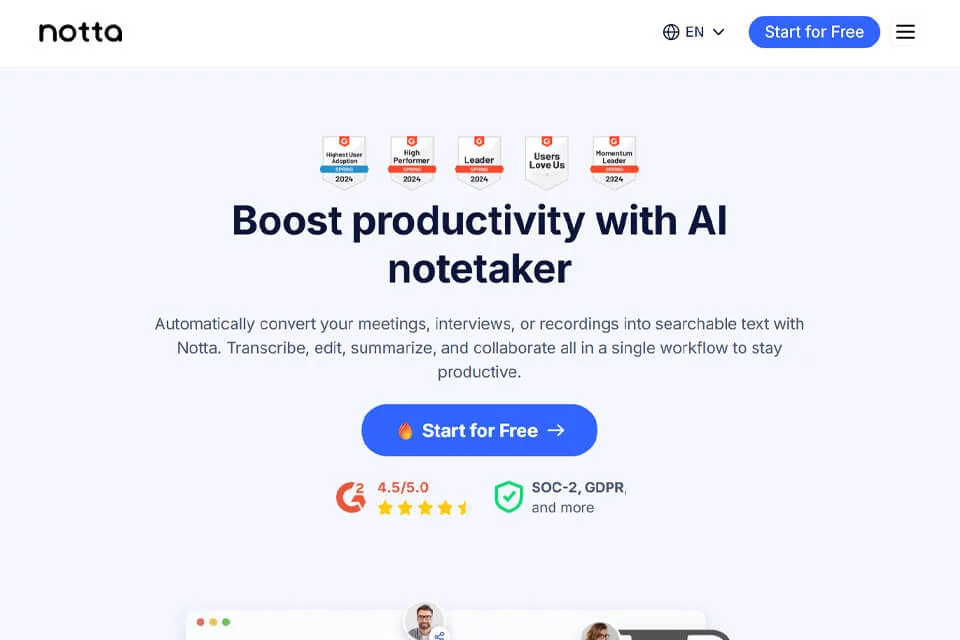
Notta is positioned as an AI speech-to-text and meeting collaboration tool that supports workflows from audio and video recording to organized text. It can convert meetings, interviews, lectures, and recordings into editable, searchable text, then support further processing such as summaries, notes, and sharing.
The product is designed for corporate teams, educational organizations, content creators, journalists, and individual professionals who need to preserve discussions, extract key points, or build written resources.
02Key Features
Notta supports real-time transcription and can also process existing recordings or audio and video files into text. Transcripts can be edited and checked to correct proper nouns, filler words, and recognition errors.
For text organization, the product provides automatic summaries, key point extraction, and content search, along with multilingual processing. Organized content can be exported in formats such as TXT, Word, PDF, and SRT for further editing, archiving, or subtitle creation. Team members can also view, comment on, and share notes.
03Use Cases
Business and sales teams can use it to record meeting discussions, decisions, and follow-up actions, supporting customer follow-up. Product and operations teams can organize requirements and issues from interviews, reviews, or feedback.
Journalists and content creators can convert interviews and speeches into transcripts for writing and subsequent editing. Educational and training organizations can turn courses or lectures into review materials. Individual users can use search and summaries to revisit meetings, courses, and other voice recordings.
04Usage Considerations
Automatic transcription and summaries can reduce the work of organizing content, but they should not directly replace human review. When multiple people speak at once, background noise, accents, specialized terminology, or poor recording quality are involved, the text may contain incorrect characters, omissions, or inaccurate speaker identification. Important meeting records should be checked against the original audio.
Notta offers free and paid plans. Specific features, quotas, and export limits should be confirmed on the applicable plan page. When handling meeting recordings, interviews, or course content, recording and sharing permissions should also be managed according to organizational policies and participants' preferences.
© Disclaimer: domains and linked content may change over time. AIEZZ does not control third-party websites. Review external content and risks independently.
User reviews0