
- Monthly visits
- 0
- Pricing
- Paid
- Listed
- 2026-07-25
- Updated
- 2026-08-25
01Introduction to Staff Scheduling
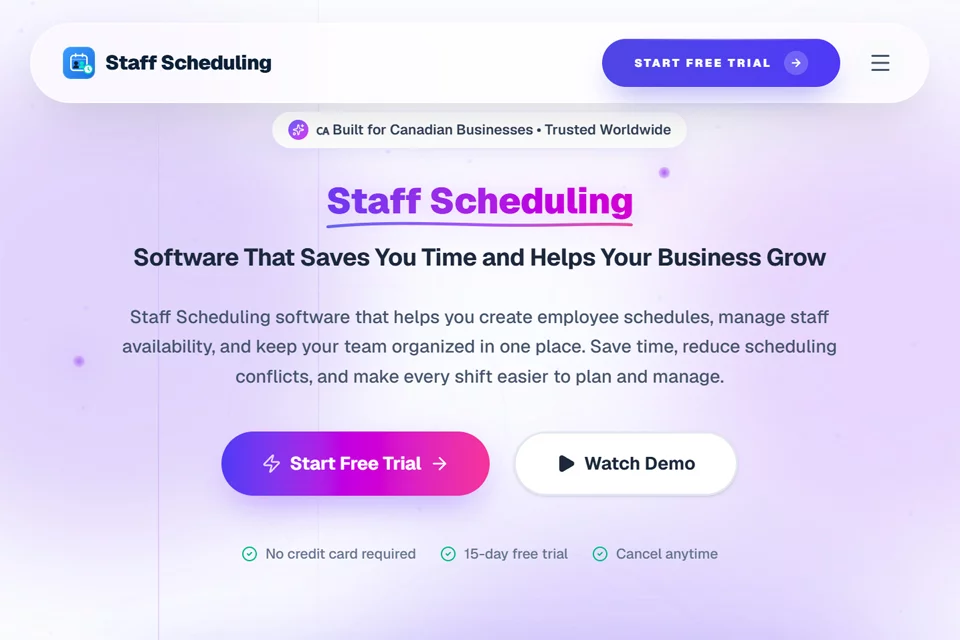
Staff Scheduling brings employee scheduling, time tracking, time off and availability, team messaging, analytics, and payroll integration together in one platform. Managers can create and publish schedules, while employees use the mobile app to view shifts, request time off, swap shifts, and clock in and out. The product also supports centralized management for multi-location teams.
02Who Staff Scheduling Is For
Food Service and Hospitality Managers
Schedule shifts for restaurants, hotels, and event catering teams while handling last-minute absences, employee shift changes, and collaboration across locations.
Retail and Chain Operations Teams
Manage roles, shifts, and staffing across multiple stores, while viewing attendance and workforce data for each location.
Healthcare and Care Organizations
Plan shifts for clinics and healthcare teams, collect employee availability and time-off requests, and maintain work-hour records.
HR and Payroll Administrators
Review employee hours and attendance data, export reports, or sync approved timesheets with payroll providers.
03Key Staff Scheduling Features
Drag-and-Drop Employee Scheduling
Drag and drop shifts in a weekly view, assign roles, save recurring schedule templates, and publish schedules to employee devices to reduce manual planning.
AI Schedule Generation
Automatically generate schedules based on demand, employee availability, skills, and labor budgets to help managers quickly create shift plans.
Time-Off and Availability Management
Employees can submit their availability and time-off requests in the app, while managers review them centrally and see the relevant information during scheduling.
GPS Time Tracking
Employees clock in and out through the mobile app with GPS and geofence verification, with optional photo verification for timesheet creation.
Shift Swaps and Open Shifts
Employees can request shift swaps in the app, and managers can update schedules after approval. Open shifts can also be claimed by eligible employees.
Team Messaging and Notifications
Send schedule changes, shift reminders, and approval results through direct messages, group chats, announcements, push notifications, text messages, and email.
Workforce Analytics and Reports
View labor costs, attendance, and overtime trends; use custom reports; and export CSV, Excel, or PDF files.
Payroll Integration
Sync approved timesheets directly with payroll providers, supporting the flow from scheduling and attendance data into payroll processing.
04Staff Scheduling Highlights
Unified Scheduling and Operations Data
Scheduling, time tracking, messaging, time off, analytics, and payroll integration are managed on one platform, allowing related data to connect across workflows.
Support for Canadian Compliance
The product emphasizes managing rest, overtime, and scheduling rules across Canadian provinces and territories, while providing records needed for audits.
Multi-Location Workspace Management
Managers can manage multiple locations, departments, and teams from one dashboard and reassign employees between locations.
Workspace-Based Pricing
The plans listed on the website charge a fixed fee per workspace rather than per employee, with Starter, Growth, and Company plans available.
05Sources
- Official homepage: Staff Scheduling Software – Build Perfect Shifts in Minutes
- Official pricing page: Staff Scheduling Software Pricing
- Official features page: All Features — Staff Scheduling Software for Canadian Businesses
- Official about page: About Staff Scheduling — Built to End Scheduling Chaos
- Official documentation: Staff Scheduling Learning Center — Guides & Playbooks
- Official updates page: Staff Scheduling Tips, Shift Planning Guides & Team Management Blog | Staff Scheduling | Staff Scheduling
© Disclaimer: domains and linked content may change over time. AIEZZ does not control third-party websites. Review external content and risks independently.
User reviews0