

- Monthly visits
- 0
- Pricing
- Free & Paid
- Listed
- 2025-10-23
- Updated
- 2026-04-09
01Product Positioning
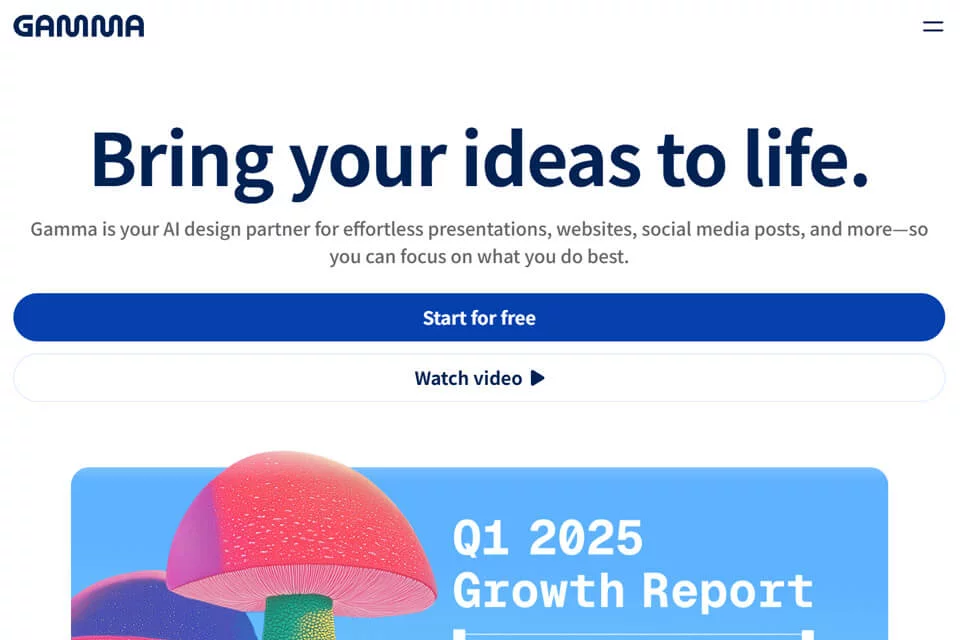
Gamma is an AI-powered productivity content platform designed to turn text or topics into structured presentations, documents, and websites.
It combines content generation, layout design, multimedia integration, and online sharing in one workflow. It is suitable for users who need to create visual content quickly without starting the layout from a blank page.
02Key Features
Users can enter a topic or text, generate a page structure through conversational interactions, and then edit it by choosing templates and design styles. Content can include images, videos, and other external resources, including embeds from services such as YouTube, Spotify, and Google Drive.
The product supports real-time collaborative editing, permission management, shareable links, and view analytics. Finished content can be exported as a PDF or PPT for further editing, downloading, or external presentation.
03Use Cases
Educators and students can use it to create course presentations, study reports, and instructional content that includes video and other materials. Business professionals and marketing teams can use it for project reports, proposal explanations, and marketing presentations.
Content creators can combine text, images, and videos into websites or presentations. Teams can edit the same material collaboratively and assign permissions. It is also suitable for quickly creating initial drafts, especially for users without professional layout experience.
04Usage Considerations
AI-generated results are best treated as content drafts. Before use, verify the facts, logic, wording, and page order. Manual adjustments may still be needed for brand guidelines, complex charts, or precise layouts.
After exporting to PDF or PPT, some page layouts, interactive content, and external embeds may appear differently from the online version. Before formal distribution, check the exported file and the actual behavior of the share link. The product offers free and paid plans; current limits and feature availability should be confirmed on the relevant product page.
© Disclaimer: domains and linked content may change over time. AIEZZ does not control third-party websites. Review external content and risks independently.
User reviews0