

- Monthly visits
- 0
- Pricing
- Free
- Listed
- 2025-12-10
- Updated
- 2026-08-25
01Product Positioning
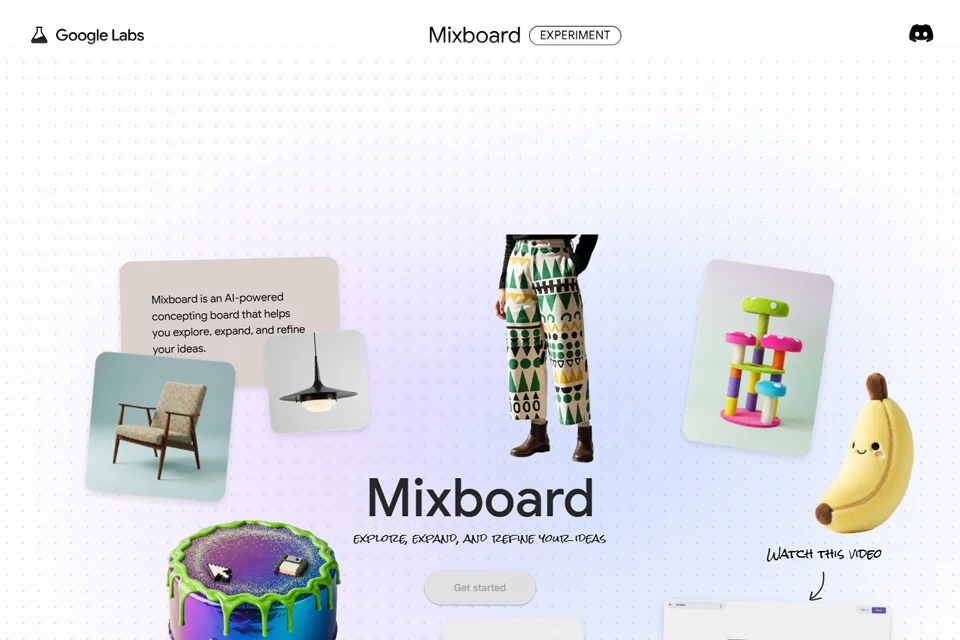
Mixboard combines an infinite canvas with conversational image creation, focusing on visual brainstorming and concept exploration. Rather than serving as traditional design software centered on detailed retouching or complex layer editing, it lets users collect, generate, and combine visual assets before gradually defining a direction.
Users can freely place and organize images on the canvas and advance their work through an ongoing conversation, making it suitable for building mood boards around concepts, atmospheres, and styles.
02Key Features
The tool supports image generation through natural language and lets users request changes to existing images, such as adjusting lighting, changing visual effects, or blending the styles of different images. Users can also place multiple reference images together to explore new visual combinations.
For existing concepts, Mixboard offers regeneration and similar-variation generation, making it easier to compare multiple directions. Canvas assets can be dragged, arranged, and combined to continuously organize visual relationships.
03Use Cases
Designers and creative teams can use it to quickly build mood boards and organize proposal directions, reducing the time spent repeatedly gathering reference images during the early concept stage. Planning work for interiors, events, and other projects can also benefit from image combinations to preview different styles, objects, or spatial elements together.
Content creators can use it to turn abstract themes into visual inspiration. Users without experience in professional design software can express ideas about gatherings, decorations, or other visual concepts with natural language.
04Things to Keep in Mind
Mixboard is better suited to early-stage ideation, visual reference organization, and comparing concepts than to a complete professional design or post-production workflow. Image quality depends on the wording of the description, the reference materials, and the specific requirements. Before using the output, users should still check the composition, details, and overall consistency.
Because the tool emphasizes a nonlinear exploration process, users need to actively organize assets and separate concepts when the canvas becomes crowded, preventing different directions from becoming mixed together.
© Disclaimer: domains and linked content may change over time. AIEZZ does not control third-party websites. Review external content and risks independently.
User reviews0