

- Monthly visits
- 0
- Pricing
- Free & Paid
- Listed
- 2026-04-26
- Updated
- 2026-08-25
01Product Positioning
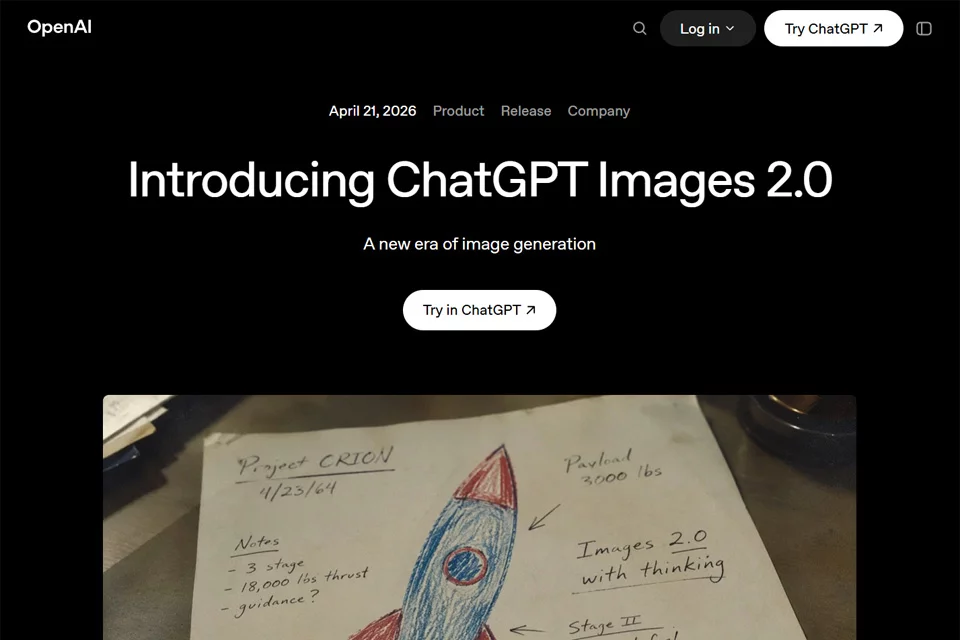
ChatGPT Images 2.0 turns text descriptions into visual content, covering creative tasks ranging from concept sketches to marketing assets and interface mockups. It is designed for individual creators, designers, and enterprise teams that need to produce or iteratively refine images quickly.
The product offers free and paid usage options and can be used in ChatGPT, Codex, and OpenAI API-related environments. Available capabilities, quotas, and billing rules vary by usage method and should be confirmed on the actual product page.
02Key Features
The tool generates images from text prompts and can plan complex structures. It supports in-image typography for non-Latin scripts such as Chinese and Japanese, and can also understand descriptions in multiple languages. Up to 8 images can be generated from a single prompt for different scene or style variations.
Canvas aspect ratios range from 1:3 to 3:1, making the tool suitable for layouts such as banners, posters, and vertical covers. It supports output at resolutions up to 2K. The tool also supports visual analysis based on uploaded files or desktop screenshots, as well as optimizing or restructuring existing interfaces.
03Use Cases
Visual designers can use it to create posters with text and complex layouts, advertising drafts, and layout variations. Content creators can generate article illustrations, infographics, and social media assets.
Product and interface designers can use screenshot understanding to organize directions for interface redesigns. Developers and enterprise teams can integrate image generation into visual content workflows for advertising, education, and other applications through the API. Marketing professionals can also quickly explore campaign assets in multiple languages and styles.
04Usage Considerations
Generated images are suitable for creative exploration and initial drafts, but should not bypass human review. Before publication, check the text in the image, data, relationships between people and objects, brand guidelines, and the accuracy of visual details.
Batch generation makes it convenient to compare variations, but differences in composition, details, or style may still occur between results. For time-sensitive information, external materials, or official commercial publication, independently verify the content and confirm the available models, resolutions, quotas, and fees for the relevant account.
© Disclaimer: domains and linked content may change over time. AIEZZ does not control third-party websites. Review external content and risks independently.
User reviews0