

- Monthly visits
- 0
- Pricing
- Free & Paid
- Listed
- 2026-01-13
- Updated
- 2026-08-25
01Product Positioning
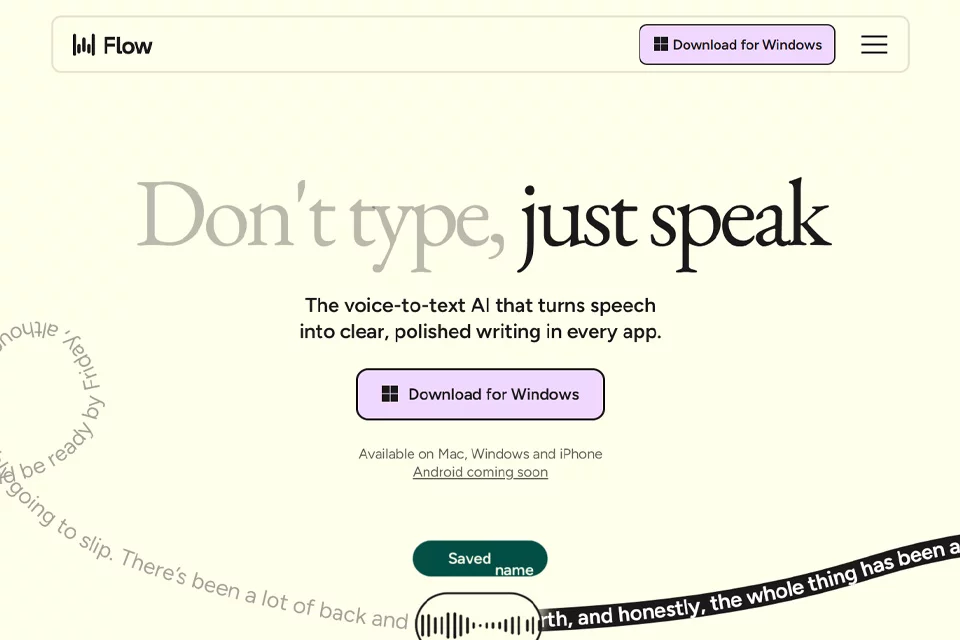
Wispr Flow is an AI voice tool for text input. Its core function is to transcribe spoken content into ready-to-use text and organize the wording. It is suitable for users who want to reduce keyboard input and improve the efficiency of turning speech into finished text.
Product materials state that it can be used in software such as WeChat, Slack, Notion, and VS Code, covering scenarios including instant messaging, document editing, email handling, and code input.
02Key Features
The tool supports voice dictation and can filter some conversational phrasing, add punctuation, and organize scattered spoken content into smoother written language. It also supports mixed-language recognition; available information indicates coverage of more than 100 languages, making it suitable for expressions that combine Chinese and English.
Wispr Flow provides context-based tone adaptation, adjusting the writing style for environments such as instant messaging and business communication. Its personalized instruction library can invoke preset long-form text, links, or common replies through trigger words.
03Use Cases
For people who type slowly, experience wrist discomfort, or need to produce text continuously, voice input can be used to write emails, reply to messages, and organize documents. People communicating internationally can use it to handle multilingual or mixed Chinese-English content.
Doctors, lawyers, and other professionals can use it as an input method for text-based work such as medical records and legal documents, but technical terms and sensitive content still need to be reviewed according to the relevant workflow. Developers can also try using it to enter code explanations, comments, commit messages, and related text.
04Usage Considerations
Voice input requires an environment suitable for speaking. Transcription results may require substantial editing when there is significant noise, unclear speech, or a large number of technical terms. Automatic polishing changes how spoken language is organized, so before sending emails or messages or saving formal documents, users should confirm that the facts, tone, formatting, and proper nouns are accurate.
For high-accuracy scenarios such as code, medical records, and legal documents, Wispr Flow is better suited as an input and initial organization tool; users should not skip human review and submit the result directly.
© Disclaimer: domains and linked content may change over time. AIEZZ does not control third-party websites. Review external content and risks independently.
User reviews0