

- Monthly visits
- 0
- Pricing
- Free & Paid
- Listed
- 2026-06-16
- Updated
- 2026-08-25
01About Cleanlist
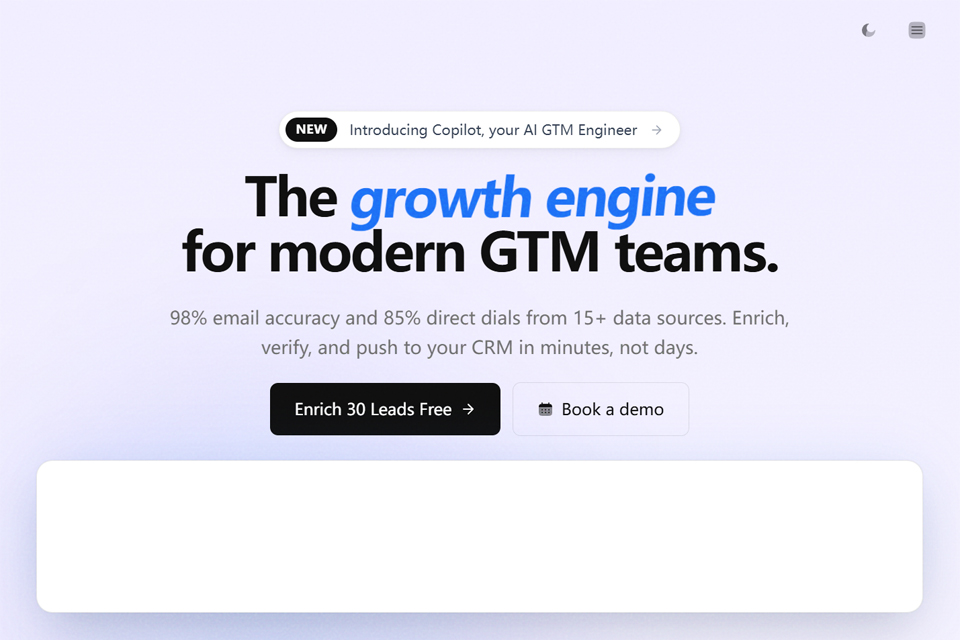
Cleanlist helps users find, enrich, and verify B2B data from company and contact lists. Users can describe their ideal customer profile, search for companies and relevant decision-makers, upload CSV files, process LinkedIn profiles, or submit data through the API. After enrichment, results can be exported or pushed to tools such as HubSpot, Salesforce, Pipedrive, Outreach, Salesloft, and lemlist.
02Who Cleanlist Is For
GTM Teams
Build target account and contact lists using criteria such as industry, employee count, headquarters location, founding year, and job title.
Sales Teams
Import prospects from LinkedIn, Sales Navigator, CSV files, or CRMs, then enrich them with verified work emails, direct phone numbers, and job information.
Marketing Teams
Process B2B lists from meetings, webinars, or other sources, then enrich and organize contact data by company size or role.
Recruiters
Retrieve contact information from LinkedIn candidate profiles and filter candidates by experience, skills, and qualifications.
Developers and AI Application Users
Connect contact search, data enrichment, intelligent agents, and CRM sync to your own systems or Claude through the REST API or MCP server.
03Key Cleanlist Features
Natural-Language List Search
Describe target company and contact criteria in plain language, and Cleanlist searches for accounts, relevant roles, and contact data.
Multi-Source Data Enrichment
Submit contact or company information to a multi-provider waterfall to enrich and verify work emails, direct phone numbers, job titles, and company details.
LinkedIn Profile Enrichment
Open Cleanlist on a LinkedIn or Sales Navigator profile to retrieve verified emails and direct phone numbers with one click, then add them to a list or push them to a CRM.
CSV Batch Processing
Upload CSV files containing names, companies, LinkedIn URLs, or email addresses to receive contact and company enrichment results in bulk.
AI Agents and Research Columns
Use Research, Qualification, and Custom agents, or add custom prompts to generate company information, ICP scores, and other research results for your lists.
CRM and Sales Tool Sync
After mapping fields, push lists with one click to HubSpot, Salesforce, Pipedrive, Outreach, Salesloft, or lemlist.
REST API Integration
Use the public REST API to programmatically submit contact and company enrichment jobs, check credit balances, and process batch data through the available endpoints.
Claude MCP Server
Use the Cleanlist MCP server as a custom Claude connector, allowing AI clients to call search, enrichment, list management, and sync tools through OAuth.
04What Sets Cleanlist Apart
Real-Time Multi-Provider Waterfall
Cleanlist queries multiple data providers in sequence to perform multi-source enrichment for contacts and companies instead of relying on a single database.
Pay for Successful Results
Self-service plans use a shared credit wallet. Enrichment for emails, phone numbers, and other data consumes credits only when successful; failed enrichment is not charged.
MCP Access for AI Agents
The remote MCP server exposes more than 30 tools to MCP clients such as Claude and limits estimated spending through signed quotes before paid operations.
Company-First ICP Search
First identify target accounts based on company criteria, then retrieve relevant decision-makers and contact data in bulk. Accounts and people are managed in the same workspace.
05Sources
- Official homepage: Cleanlist | The GTM Playbook Engine Built on Clean Data
- Official pricing page: Cleanlist Pricing | Simple Credit-Based Plans From $0/mo
- Official product page: Cleanlist MCP Server | B2B Data Enrichment for Claude & AI Agents
- Official documentation: Cleanlist Documentation — B2B Data Enrichment Platform | Cleanlist.ai
- Official about page: About Us | The Team Behind Clean B2B Data | Cleanlist
© Disclaimer: domains and linked content may change over time. AIEZZ does not control third-party websites. Review external content and risks independently.
User reviews0