

- Monthly visits
- 0
- Pricing
- Free
- Listed
- 2026-07-28
- Updated
- 2026-08-25
01Introduction to BillExtractor
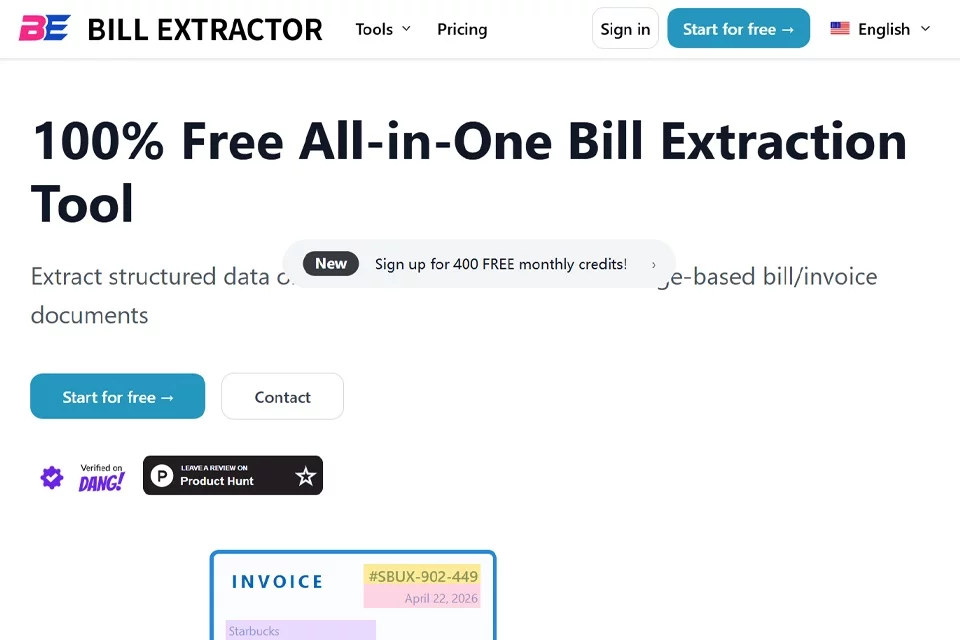
BillExtractor converts bills, invoices, and receipts scattered across emails, PDFs, and images into processable data. Users can upload files in batches or forward bills to a dedicated receiving address. After recognizing the documents, the system presents the extracted results in one place and provides Excel and JSON downloads as well as a Google Sheets sync option.
02Who Uses BillExtractor
Finance and accounting professionals
Process business bills, expense receipts, and supplier invoices in batches, extracting fields such as amounts, dates, and taxes for bookkeeping and reconciliation.
Corporate administration and procurement staff
Organize receipts for office purchases, subscription services, property management, and logistics, reducing manual entry and consolidating daily spending data.
Travel and expense management staff
Process hotel, dining, transportation, and other travel invoices, extracting expense details to support reimbursement reviews and travel accounting.
Individual users
Organize household bills for utilities, telephone services, credit cards, rent, and shopping, keeping centralized records and exporting structured data.
03Key BillExtractor Features
Receive bills by email
Users can forward bills and invoices to a dedicated email address. The system collects files from emails in a private inbox, making it suitable for continuously consolidating scattered receipts.
Batch file uploads
Upload or drag and drop PDF, JPG, PNG, and other files on the website. Multiple bills can be processed at once, reducing the need to submit documents individually.
AI field extraction
Automatically recognize key fields in bills and convert them into structured results. Users can choose preset modes or define the fields they want to extract.
Table extraction
Recognize tables and line items in bills and invoices, converting content that is difficult to edit into data that can be processed further.
Export results
Download results individually or in batches after extraction. Excel and JSON formats are supported for easy integration with subsequent financial or data processing workflows.
Sync with online tools
Automatically sync extracted results to Google Sheets or other online tools, reducing the steps needed to download, copy, and re-enter data.
04What Sets BillExtractor Apart
Email and web access
BillExtractor provides both dedicated email forwarding and web upload options, supporting automatic consolidation of emailed bills as well as temporary manual file processing.
Custom extraction modes
In addition to preset field configurations, users can define their own extraction schemas so that outputs better match different bill types and business workflows.
Broad bill coverage
The official website lists document scenarios including utilities, credit cards, medical expenses, travel, rent, logistics, and subscriptions, covering a broad range of receipts.
Structured data and tables
The product extracts both bill fields and document tables, while Excel, JSON, and online syncing support different ways of using the data.
05Sources
© Disclaimer: domains and linked content may change over time. AIEZZ does not control third-party websites. Review external content and risks independently.
User reviews0