

- Monthly visits
- 0
- Pricing
- Free & Paid
- Listed
- 2025-12-15
- Updated
- 2026-04-06
01Product Positioning
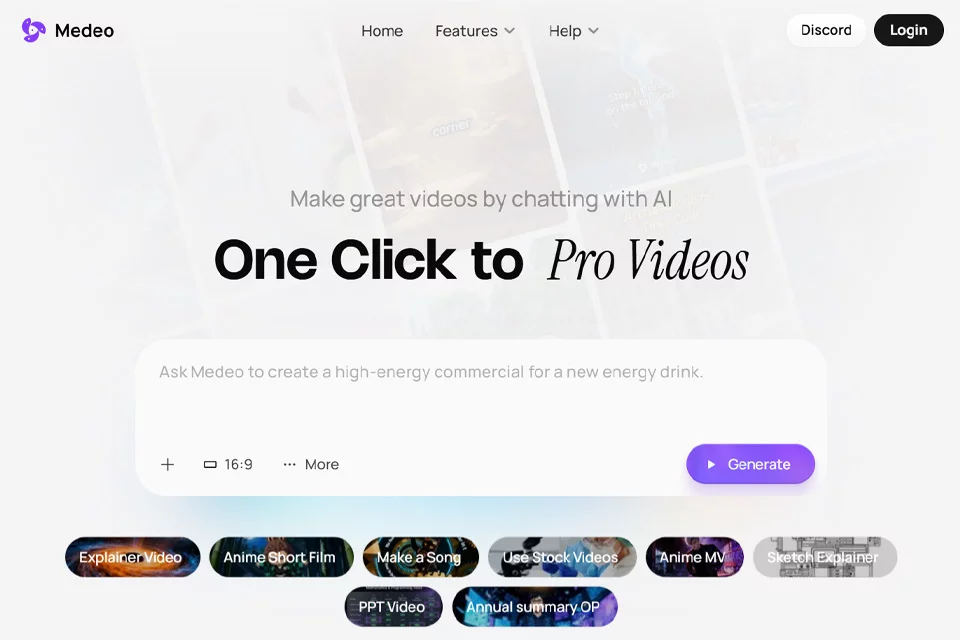
Medeo AI is an AI video generation tool for content creation, primarily handling the workflow from text or web content to a finished video. Users can enter plain-language instructions, text scripts, or web links, and the system handles media selection, visual organization, and post-production to reduce manual editing.
It is best suited to users who need to quickly create a first video draft but are unfamiliar with the editing process. The product offers both free and paid plans; specific pricing and usage limits should be confirmed on the actual product page.
02Key Features
The product supports generating videos from a single sentence or a script, as well as converting web links into video content. The system can automatically match relevant media to the text and generate supplementary visuals when source media is insufficient.
For finished-video processing, Medeo AI can generate or add voiceovers, subtitles, transitions, and background music, and provides multilingual voiceover capabilities. For animated stories, it can combine style reference images with written stories to generate content. Facial features of the main character can help maintain character consistency, and video details can be modified through chat after generation.
03Use Cases
Individual creators can use it to turn story outlines, topics, or scripts into first drafts of short videos. Teams that publish content regularly can use it to produce explainer or informational videos in batches.
Business owners and marketers can convert product copy, articles, or web content into videos for content presentation, brand communications, or marketing materials. It is also suitable for creating animated stories with voiceovers and subtitles, as well as basic video content requiring multilingual versions.
04Usage Considerations
Automatically generated videos can improve the efficiency of early-stage production, but the visuals, voiceover, subtitles, and copy may still require manual review. When content involves product information, factual claims, or brand messaging, accuracy and wording should be checked before publication.
Creative requirements involving complex narratives, precise shot direction, or highly customized visual styles may still require further editing. The product uses a combination of free and paid plans, so users should confirm the current feature scope, usage limits, and pricing rules before use.
© Disclaimer: domains and linked content may change over time. AIEZZ does not control third-party websites. Review external content and risks independently.
User reviews0