

- Monthly visits
- 0
- Pricing
- Free & Paid
- Listed
- 2026-04-01
- Updated
- 2026-04-22
01Product Positioning
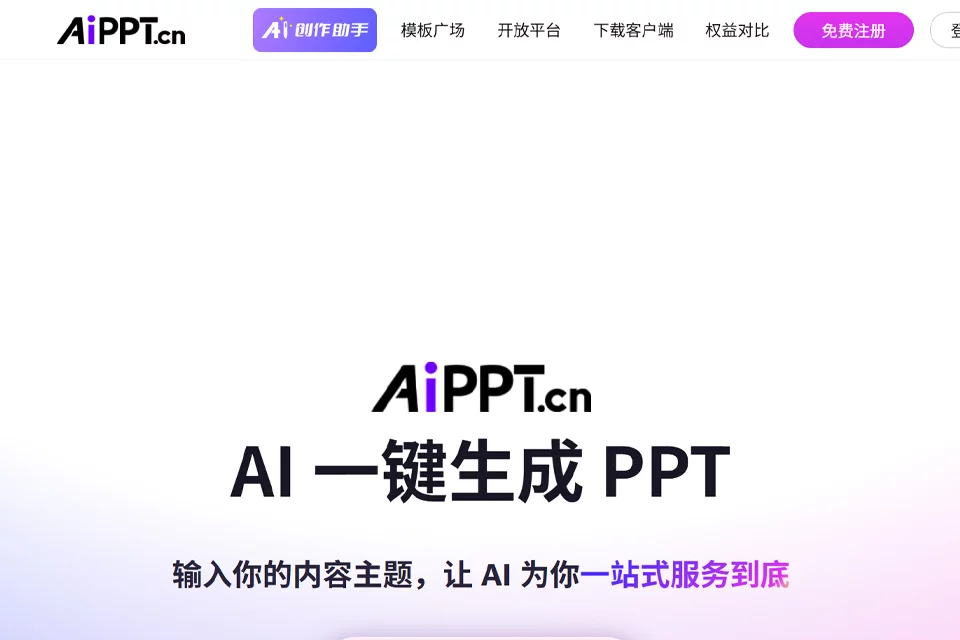
AiPPT is an AI office tool for creating presentations, covering the main workflow from content organization to page design. Users can start with a topic title or an existing document, reducing the effort required to manually build a PPT structure, write copy, and match templates.
The product is suitable for users who want to improve their creation efficiency without designing from a blank page. The platform offers both free and paid plans; the specific available features should be confirmed on the current product page.
02Key Features
After a topic title is entered, AiPPT can generate a PPT structure and help complete the corresponding copy and page layout. After Word, PDF, or other office files are uploaded, the tool can organize their content into structured slides.
During the design process, users can switch templates to adjust the overall style. The system also assists with page elements such as fonts, color schemes, and charts. The copy optimization feature can be used to organize outlines and presentation content, with Chinese-language expression as its primary area of applicability.
03Use Cases
Professionals can use it for internal presentations such as performance reports and project updates. Students can use it for course defenses, graduation projects, and other presentation assignments. Marketers can try using it to organize commercial presentation materials for product launches, event planning, and similar activities.
For users with existing Word or PDF materials who need to quickly convert them into a presentation structure, the document conversion workflow is more direct. When presentation content involves complex data, strict brand guidelines, or highly customized visual design, manual organization and adjustment are still required.
04Usage Considerations
After generating a PPT, each slide should be checked for heading hierarchy, factual data, professional terminology, and presentation copy to prevent information from the source document from being incorrectly summarized or omitted. Automatic template adaptation can reduce layout work, but it does not mean every slide will meet the requirements of a specific presentation.
Before formal use, page content should also be revised based on the audience, presentation duration, and brand guidelines. Pay particular attention to charts, color schemes, fonts, and information density. Details about the feature scope and usage limits of the free and paid plans should be confirmed according to the current product page.
© Disclaimer: domains and linked content may change over time. AIEZZ does not control third-party websites. Review external content and risks independently.
User reviews0