

- Monthly visits
- 0
- Pricing
- Free & Paid
- Listed
- 2026-07-23
- Updated
- 2026-08-25
01About zeroheight
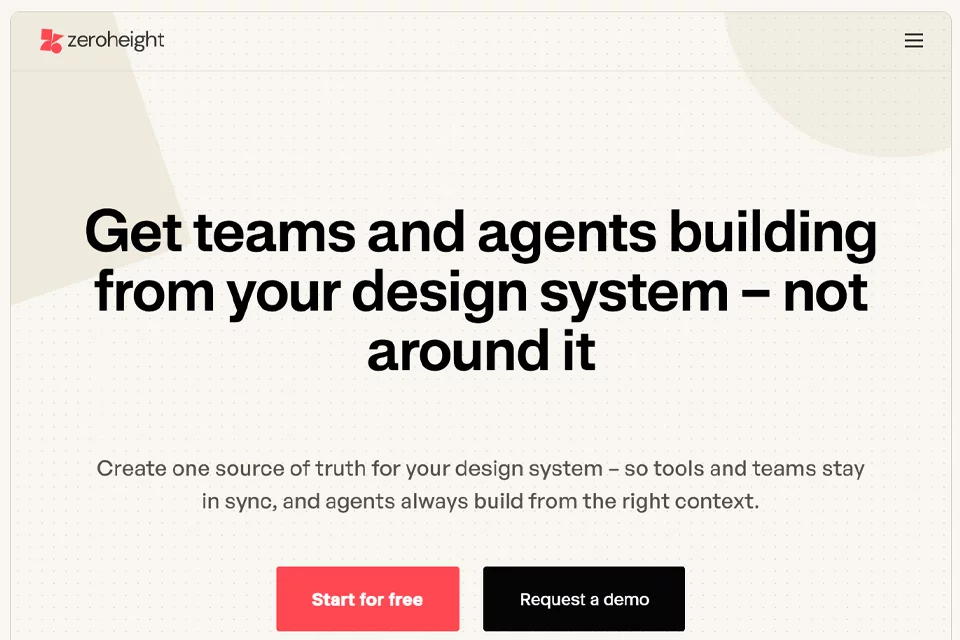
zeroheight is used to centrally manage and deliver design systems. Teams can create design system documentation, connect design and development tools, maintain components and design tokens, and collaborate through comments, versions, permissions, and analytics. The platform also provides APIs, an AI assistant, and MCP services, bringing design system content into development tools and AI workflows.
02Who Uses zeroheight
Design system teams
Centrally maintain components, design tokens, documentation, and versions to establish a shared source of truth for the team's design system.
Product designers
Find reusable components and guidelines, and use templates and design tool integrations to reduce repetitive design work and handoff communication.
Frontend engineers
Access the design system information needed for implementation through development tool integrations, code snippets, and component documentation.
Design and product leaders
Use adoption metrics, analytics dashboards, and system health data to understand design system usage and support governance decisions.
Multi-product enterprises
Share foundational components and tokens while maintaining separate themes and design systems for different products and brands.
03Key zeroheight Features
Design system documentation
Create and maintain components, guidelines, code snippets, and other design system content so teams can find and use resources from a unified entry point.
Design and development tool integrations
Connect Figma, Sketch, Adobe XD, Zeplin, Storybook, GitHub, and other tools to reduce information gaps between design and development workflows.
Component and design token management
Manage components and design tokens, support token automation, and enable multi-product collaboration with shared foundations and product-specific styles.
Version and release management
View page history, restore previous versions, and publish styleguide versions to help teams track changes and deliver design systems consistently.
Collaboration and governance
Manage collaboration and access with comments, reviewers, page permissions, hidden pages, password protection, single sign-on, and other capabilities.
Adoption and analytics
Use analytics dashboards, adoption dashboards, page ratings, and Google Analytics or Hotjar integrations to understand design system usage.
AI documentation and assistant
Use AI to create, maintain, write, and improve documentation, and generate release notes. Editors and viewers can use the AI assistant.
API and MCP workflows
Bring design system knowledge into tools, plugins, and custom model workflows through the Content API, MCP services, and AI integrations.
04What Makes zeroheight Stand Out
Coverage across the full design system lifecycle
Bring documentation creation, design system delivery, adoption measurement, and management and governance together on one platform, covering the workflow from maintenance through usage feedback.
Built for multiple products and brands
Support shared foundations, parent and child systems, and independent brand systems, while adapting to different product visual implementations through multiple themes and synced pages.
Built for AI workflows
Alongside AI documentation capabilities, zeroheight provides MCP services, AI integrations, and a Content API so tools and AI agents can access design system content.
Connect design to development
Provide design tools, development tools, component documentation, code snippets, and automation to bring design system knowledge into implementation.
05Sources
- Official homepage: zeroheight - Design System Management for Teams Building with AI
- Official pricing page: pricing | zeroheight — the design system platform for product teams
- Official product page: Design System for Multi-Product - zeroheight
- Official about page: About zeroheight | Our Mission, Team & Story
© Disclaimer: domains and linked content may change over time. AIEZZ does not control third-party websites. Review external content and risks independently.
User reviews0