

- Monthly visits
- 0
- Pricing
- Free & Paid
- Listed
- 2026-06-18
- Updated
- 2026-08-25
01Introduction to Ubblu
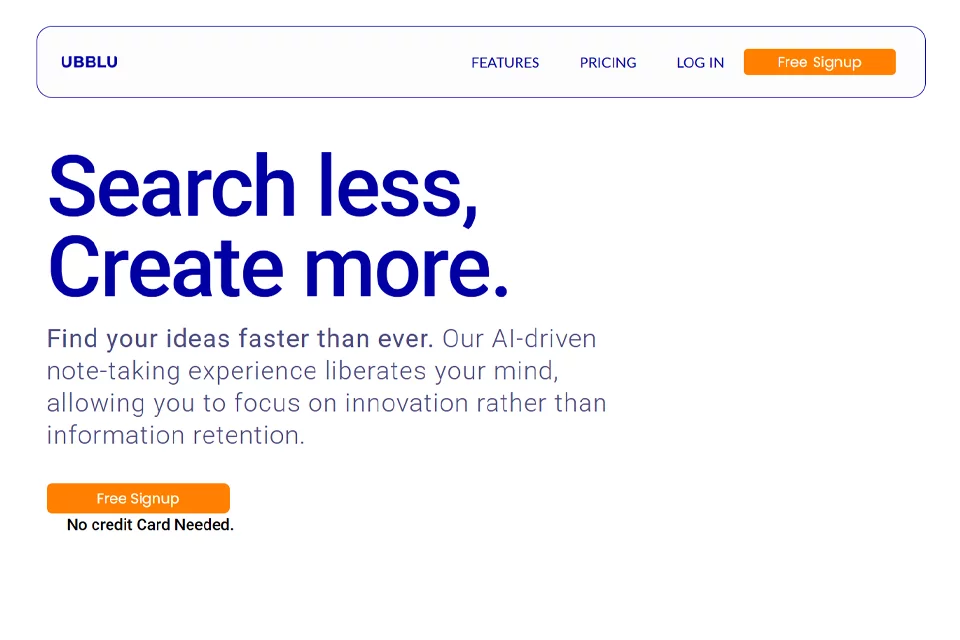
Ubblu combines quick notes, structured cards, tags, and folders in one personal knowledge base. Users can capture scattered ideas or use Cards to organize complex topics, project plans, or research materials, then use Ask to search saved information by question or keyword and gain insights from uploaded documents.
02Who Is Ubblu For?
Creators and Independent Workers
Capture inspiration instantly, organize long-term ideas, and use Ask to retrieve relevant content during the creative process.
Product Managers and Knowledge Workers
Save meeting notes, project materials, and key facts, then quickly locate information with folders, tags, and Q&A.
Researchers and Students
Organize research notes, study materials, and uploaded documents, then search related content around cards or tags.
Technical Writers
Build and organize long-form information, then review materials through structured cards and intelligent search.
03Key Features of Ubblu
Quick Notes
Capture ideas, inspiration, meeting notes, and key information instantly, then quickly retrieve them through the note system when needed.
Cards
Hold more complex or longer content, organize topics, project plans, and research notes, and place them in folders or connect them with related content.
Tag Management
Add tags to notes and cards to classify content, connect related material, and navigate and discover information by tag in the knowledge base.
Ask Intelligent Q&A
Enter a question or keyword to get relevant information and answers from notes, cards, folders, tags, and the entire knowledge base.
Scoped Search
When using Ask, choose a scope such as notes, cards, or folders, or search the entire database to ask questions about specific content.
Document Upload and Q&A
Upload documents, ask questions about them, and get insights. Related results can also be saved as notes.
Folder Organization
Classify cards into folders to create a more organized content view, and use tags alongside folders to structure the knowledge base.
Pinning and Reminders
Pin important notes, cards, or folders, and set reminders for notes to track deadlines, appointments, or follow-up tasks.
04What Makes Ubblu Stand Out
Natural-Language Knowledge Base Search
Ask lets users search saved content directly with questions or keywords, covering notes, cards, folders, and tags instead of relying solely on manual browsing.
Multilevel Knowledge Organization
Notes, Cards, Tags, and Folders work together to capture scattered information quickly while organizing complex topics and related content.
Searchable Uploaded Documents
After uploading a document, users can ask questions and extract insights directly, then save related content back to the note system.
Currently Free
The official website states that Ubblu is currently free to use, with the free plan including AI search, unlimited notes, cards, and folders.
05Sources
© Disclaimer: domains and linked content may change over time. AIEZZ does not control third-party websites. Review external content and risks independently.
User reviews0