
- Monthly visits
- 0
- Pricing
- Free & Paid
- Listed
- 2026-04-27
- Updated
- 2026-08-25
01Product Positioning
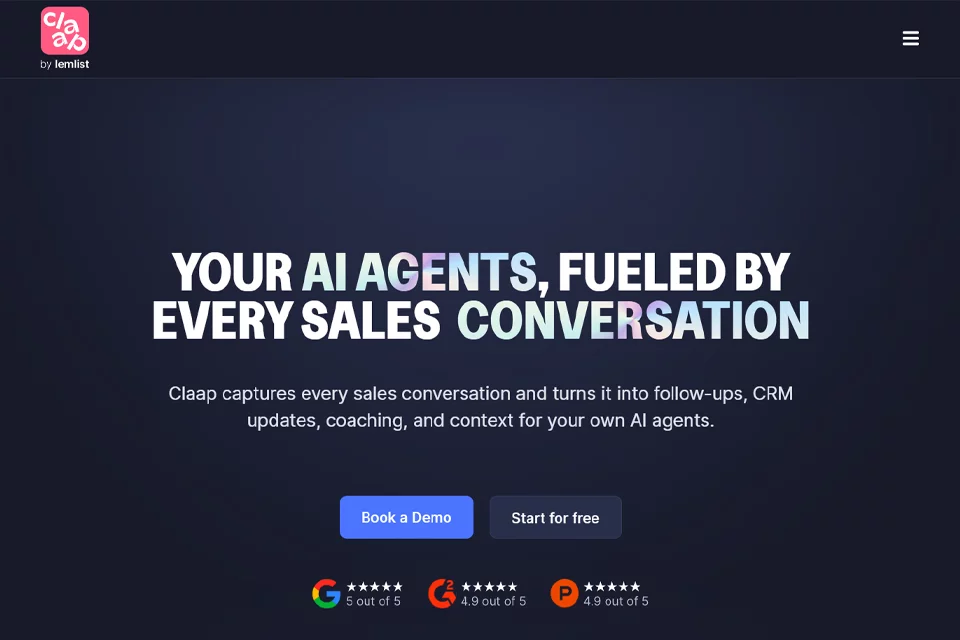
Claap brings meeting recording, transcription, summaries, follow-up, and team collaboration into one workflow. It does more than save meeting recordings: it also organizes conclusions, customer signals, and action items from conversations into information that can be used afterward.
The product is primarily positioned for sales and revenue teams, while also supporting customer success, product research, and other collaboration scenarios that require meeting knowledge to be captured and retained.
02Key Features
Claap supports online meetings, screen recording, and camera recording, and can be used with meeting platforms such as Zoom, Microsoft Teams, Google Meet, and Webex. It offers transcription in 99 languages, searchable transcripts, AI summaries, key conclusions, action items, and scenario-based summary templates.
For collaboration, users can comment, mention team members, reply to videos, share clips, and use team workspaces to organize meeting materials. Sales-focused capabilities include sales insights, AI coaching, sales email generation, and automatic CRM enrichment. Supported integrations include Salesforce, HubSpot, and Pipedrive.
03Use Cases
Sales teams can use Claap to record customer calls, organize buying signals, objections, and next steps, and help generate post-meeting follow-up content. Customer success teams can use it to review customer meetings, track action items, and preserve context during handoffs.
Product and user research teams can record user interviews, collect feedback, and organize requirements. For remote or cross-time-zone teams, meeting videos, key clips, comments, and workspaces help members review context asynchronously and reduce repetitive communication.
04Usage Considerations
Claap offers a broad range of features, but its core value is most concentrated in sales meetings and post-meeting collaboration. Before adoption, confirm that the meeting platforms, CRM, and other systems your team needs are supported, then configure synced fields and workspace permissions to match your processes.
Multilingual transcription and AI summaries can reduce preparation time, but may contain recognition errors, omit important points, or misinterpret action items. When handling customer commitments, sales decisions, or CRM records, team members should review the content before sending or syncing it.
© Disclaimer: domains and linked content may change over time. AIEZZ does not control third-party websites. Review external content and risks independently.
User reviews0