

- Monthly visits
- 0
- Pricing
- Free & Paid
- Listed
- 2025-11-20
- Updated
- 2026-08-25
01Product Positioning
Typeform designs online forms as an interactive flow that presents one question at a time. Respondents handle a single question on each screen, making it suitable for surveys and information-collection tasks that benefit from controlled pacing and less pressure from reading long lists.
It offers free and paid plans for enterprise teams, product researchers, marketers, HR professionals, independent creators, and small businesses.
02Key Features
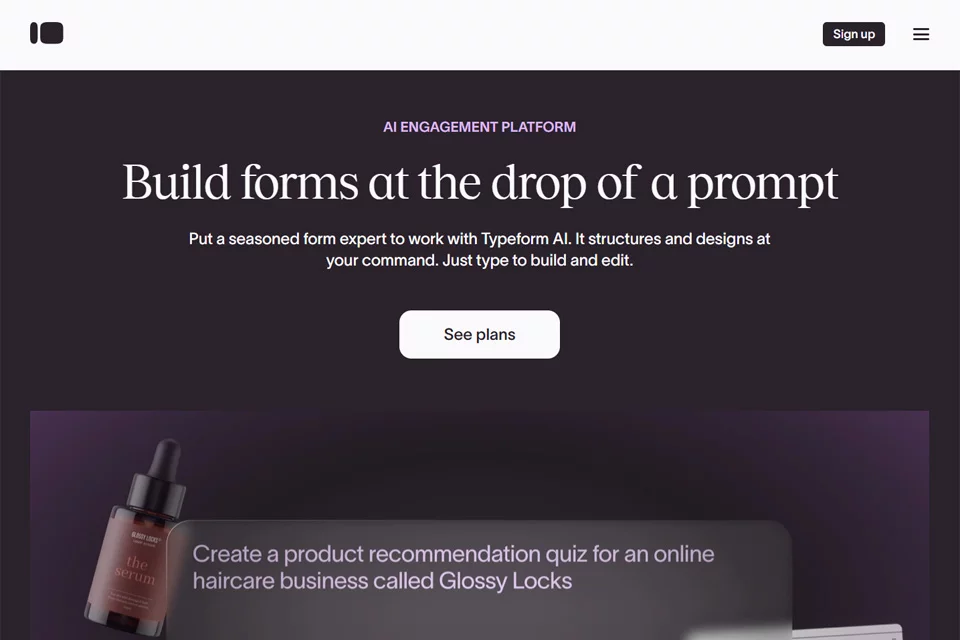
Users can describe their needs in natural language and have AI help generate form questions, logic jumps, and design themes. They can also configure branching paths visually to create follow-up questions based on different answers.
The product also provides smart follow-up questions and open-ended response analysis, which can supplement brief answers, categorize text, and organize recurring topics. Collected data can connect to tools such as Slack, HubSpot, and Notion for subsequent processing.
03Use Cases
Marketing teams can use it to create lead capture forms, contact forms, and event registration forms. Product and user experience teams can use it for user research, feedback surveys, and qualitative data collection.
HR and administrative staff can create employee satisfaction surveys, onboarding information forms, and internal event registration forms. Independent creators and small businesses can also use it to collect order details, customer requirements, or service inquiries.
04Usage Considerations
The one-question-at-a-time flow works well for short to medium-length forms, but completion paths may become longer when there are many questions or complex branching relationships. Review the logic for completeness before publishing.
AI-generated questions, follow-ups, and analysis results require human review. Pay particular attention to leading questions, whether open-ended responses are categorized correctly, and data-processing permissions after integrations are connected. Refer to the current product page for the specific AI capabilities and plan coverage.
© Disclaimer: domains and linked content may change over time. AIEZZ does not control third-party websites. Review external content and risks independently.
User reviews0