


>When using these AI tools, I feel that the difficulty lies in not imagining the application scenarios boldly enough. Sometimes we don't know how far we can take them. The best approach is to copy someone else's homework. Earlier, I was searching for application scenarios related to workbuddy and reading notes, and I found this post by a blogger. I think it's quite good:

>This expert created a dynamic webpage—Book Sea, Galaxy, and even turned it into a video. Both the aesthetics and the technology are impressive.
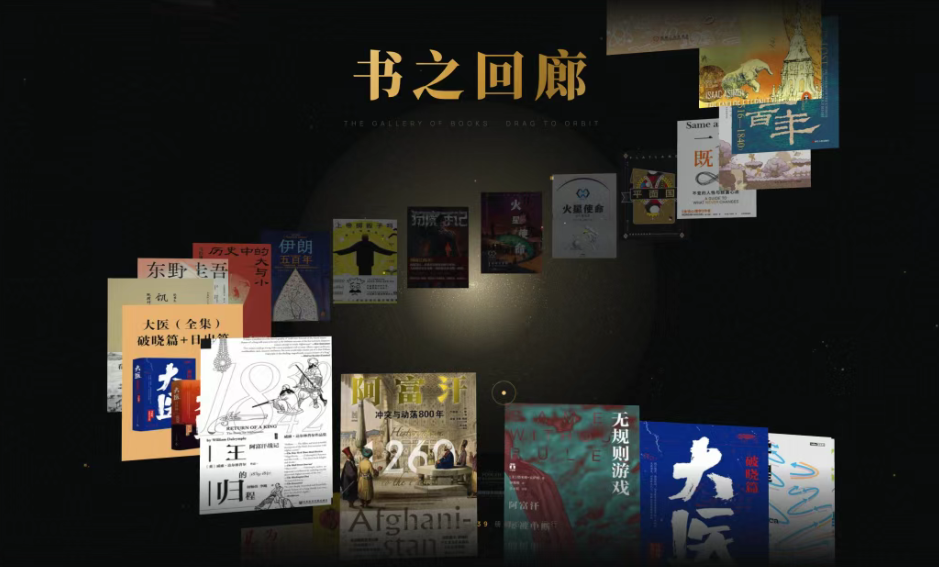
>More importantly, there are instructions and an answer application. If you're a programming beginner like me, we can directly copy the link they provided—the finished product's style—and then send it to workbuddy. Yes, it's really that simple.

>Following their example, simply copy the URL https://dracoread.aigc.green/ and send it to workbuddy.

>To take advantage of the free offer, remember to select this Hunyuan model. It will probably think deeply for about 10 minutes, after which you can get a reading webpage like this one of your own. Note that the prerequisite step is that you have already connected workbuddy with the WeChat Reading skill last time. (I resent the conversation to workbuddy and found that the assignment it gave me was 🈶 different from last time.)
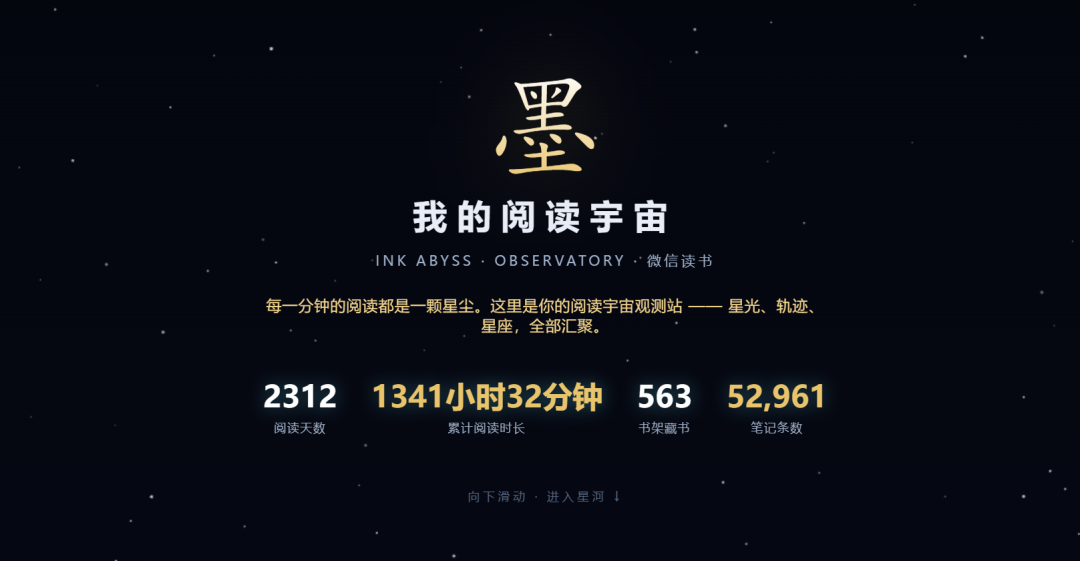
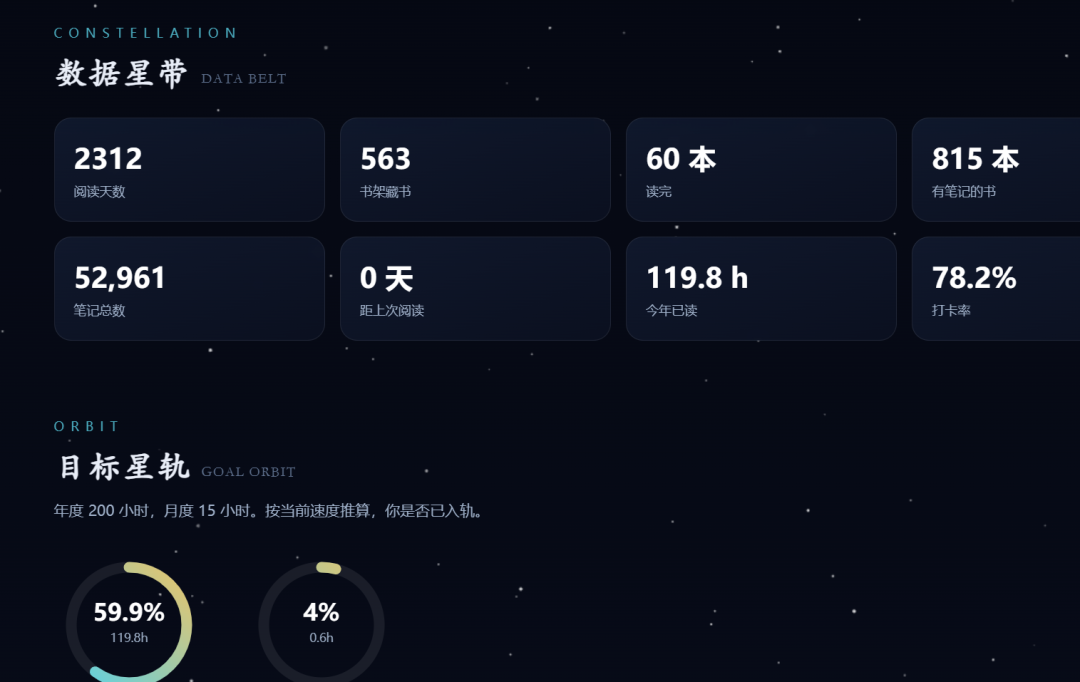
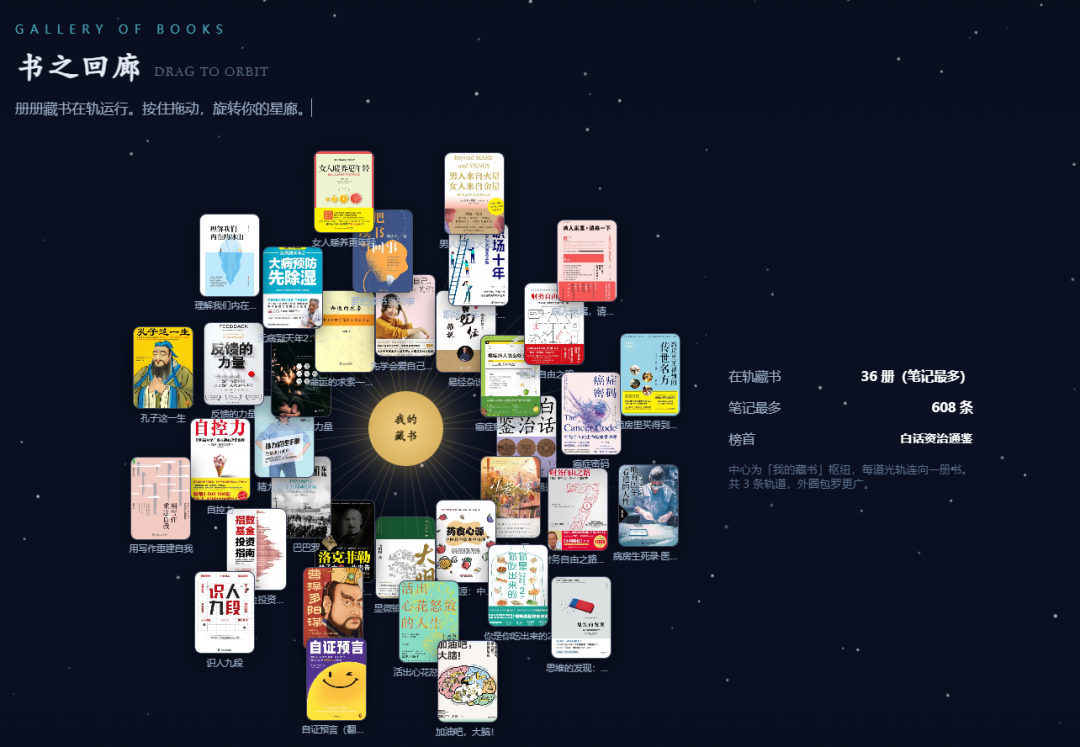
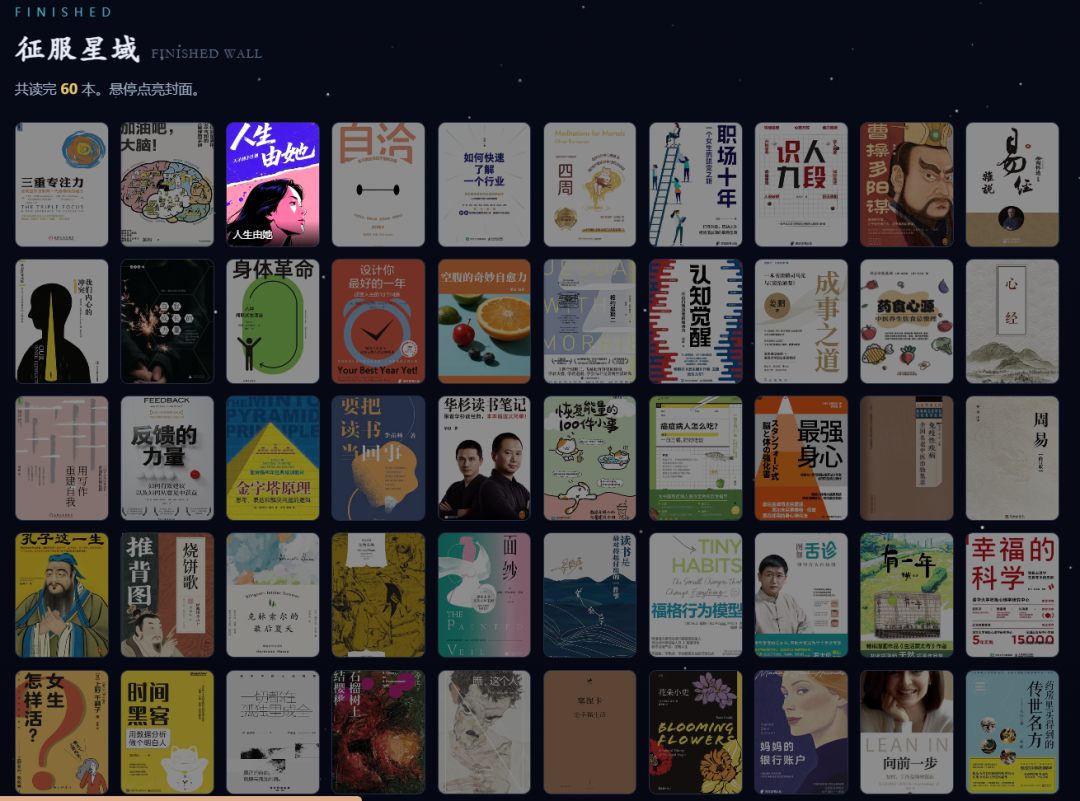
>I think this is just more flashy than WeChat Reading's analysis, but not as fun as the previous one. The prompt for the previous one was very simple, like this.

I tried teasing it again and combining it with the previous style, and got this:
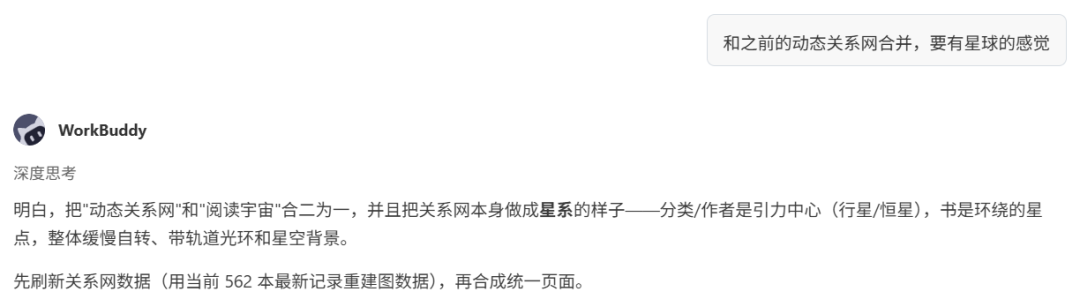
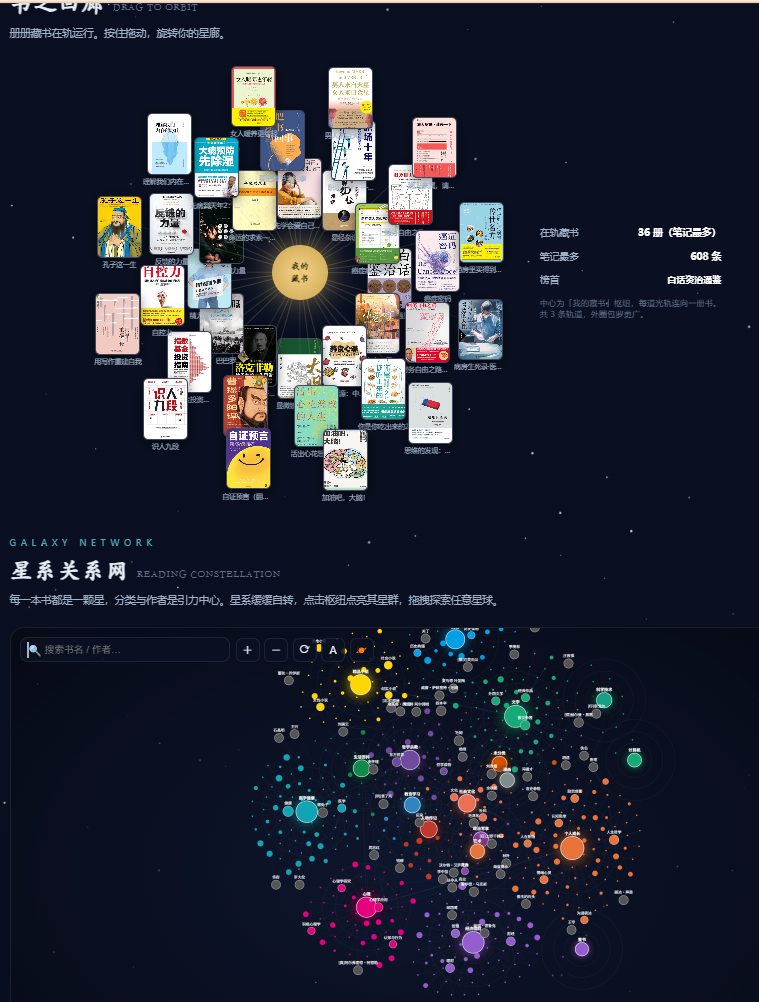
>The dynamic planetary feeling is back~ You can copy that blogger's style and send it to your own workbudyy to see what kind of style comes out~ If you know how to program, you can further use programming to design the webpage. One of the steps involves “deploying it to EdgeOne Pages,” which is a bit beyond this, so I didn't explore it further. Compared with webpages, I feel that mini programs are used more frequently in daily life.