

What Is Open Math Harness?
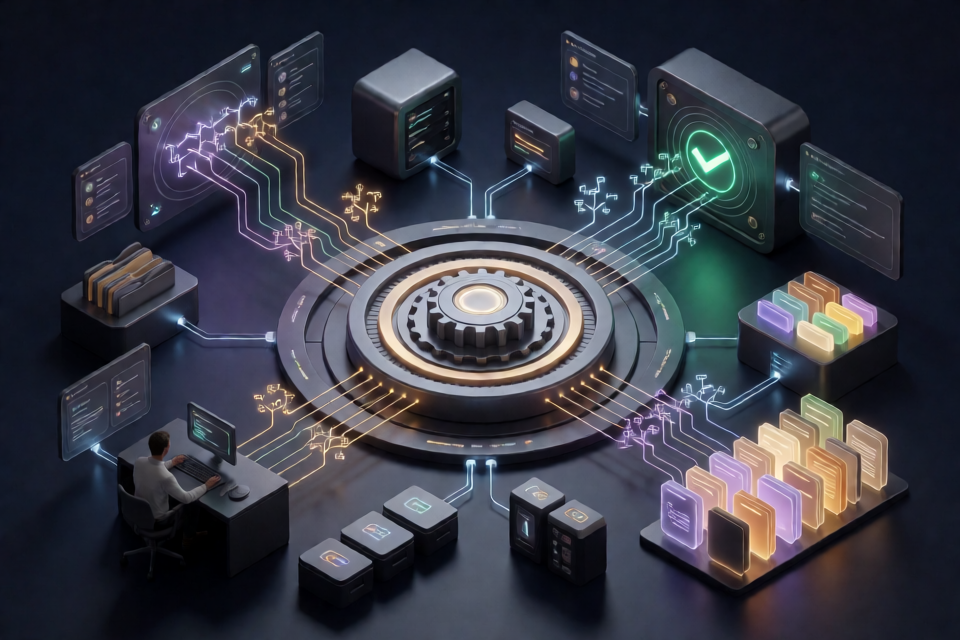
Open Math Harness is the open-source runtime behind Open Math OS. Its first generation, named Nucleus, is written in Rust and contains the kernel, services, and agents used by the platform.
The runtime is designed for collaborative mathematical research. It can support agents running on open-weight models, parallel problem exploration through Ultramath, Lean-verified proof search, project memory, tools, and human approval for protected actions.
Current limitation: the complete runtime depends on the Open Math OS deployment environment. The repository can be built from source and includes a small self-contained example, but it does not yet provide a standalone local environment for interactive agents, Ultramath, memory, or proof search.
Core Design and Features
Capability-Based Confinement
Open Math Harness uses a capability-based microkernel. Each process receives only the authority granted by its composition, and any process it starts receives no more authority than the parent can delegate. This applies to agents as well as other programs.
Model responses, tool results, repository files, and other text are treated as untrusted input. Text cannot grant permissions, approve protected actions, or determine whether a proof is valid. Credentials remain in narrowly privileged providers rather than being exposed to models, transcripts, or logs.
Agents and Research Tools
- Open-model agents: Sessions can use open-weight models with streaming responses, tools, sub-agents, and persistent history.
- Ultramath: Multiple agents asynchronously investigate different approaches to a difficult problem, share findings, and submit reports to a coordinating agent.
- Proof search: Workers explore branches in a tree of candidate Lean proofs. A candidate succeeds only if Lean verifies it against the original statement.
- Project tools: Agents can work with repository files, the shell, web and PDF tools, project skills, MCP servers, and plugins.
- Human control: Protected actions wait for approval, while session records are scanned for secrets before being displayed.
Project Memory
Memory is maintained separately for each project. After a session becomes quiet, the memory service can extract useful material from its history and consolidate selected information into MEMORY.md. Later sessions receive this memory as context and cite the material they use.
Memory provides context only. It cannot grant permissions or override the user's current instructions.
Prerequisites
Before building Open Math Harness, prepare a supported Linux environment with the following dependencies:
- Linux: Windows and macOS are not supported as native runtime hosts.
- Native build tools: Install a C compiler and linker for native dependencies.
- Rust through rustup: The repository's
rust-toolchain.tomlpins the required toolchain and includes formatting and linting components. - bubblewrap: Install
bwrap, place it onPATH, and ensure the host permits unprivileged user namespaces.
Confinement is mandatory. If bubblewrap cannot create its sandbox because of the host's security policy, the runtime will fail during startup.
Build Open Math Harness from Source
Clone the repository, enter its directory, and build the complete Rust workspace:
git clone https://github.com/openmathmodel/open-math-harness.git
cd open-math-harness
cargo build --locked --workspace
The --locked option makes Cargo use the dependency versions recorded in the lockfile. After a successful build, the launcher and service binaries are available under target/debug/.
The files under
deploy/vm/target the managed Open Math OS virtual machine. They are not a standalone installer for a personal computer.
Run the Self-Contained Slice Example
The repository includes a scripted example under examples/slice/. It starts an agent, a worker, and a filesystem service to demonstrate capability checks and delegation.
This example does not contact a model provider and does not require model credentials or an Open Math OS deployment. It also does not start interactive chat, Ultramath, memory, or proof search. Linux and functional bubblewrap confinement are still required.
Step 1: Start the Example
From the repository root, run:
cargo run --locked --manifest-path cli/Cargo.toml -- run examples/slice/config.jsonStep 2: Understand the Demonstration
During the run, the scripted agent performs three important kinds of activity:
- It reads files that its granted capabilities permit it to access.
- It delegates access to a smaller directory to its worker.
- It attempts operations that the kernel refuses because they exceed its authority.
This makes the slice example a compact demonstration of the project's central rule: a process can use and delegate only the capabilities it actually holds.
Step 3: Inspect the Results
After the run, inspect the agent and worker transcripts:
examples/slice/out/agent/transcript.jsonl
examples/slice/out/agent/worker/transcript.jsonl
The filesystem service separately records the calls it receives:
examples/slice/log/access.jsonlThe example also creates this report:
examples/slice/data/work/report.txtCompare the transcripts with the filesystem access log to see which operations were requested, delegated, accepted, or refused.
Run the Example Again
The generated report.txt affects repeated runs. Remove it before rerunning the example if you want the report creation to succeed again:
rm examples/slice/data/work/report.txt
cargo run --locked --manifest-path cli/Cargo.toml -- run examples/slice/config.json
Retaining old transcript and log files may still be useful when comparing behavior across runs, so review the output directories before deleting additional artifacts.
Run the Test Suite
After building the workspace, run the default Rust tests from the repository root:
cargo test --workspaceThe default test suite does not require paid model APIs or production credentials. Some integration tests launch real child processes and use bubblewrap, so the same Linux confinement requirements apply.
Tests that require external model providers or a Lean installation are explicitly opt-in. The repository's CI workflow also defines formatting, Clippy, Python tooling, and Node.js MCP integration checks.
Advanced Usage and Development Tips
Use Logs to Study Capability Boundaries
The slice example is most useful when its JSON Lines files are treated as an audit trail. Review the agent transcript, worker transcript, and filesystem access log together. This reveals how delegated access becomes narrower and how the kernel rejects operations outside the assigned authority.
Keep Deployment Requirements Separate
Building the workspace does not automatically produce a complete local Open Math OS installation. Interactive agents additionally require service configuration, model-provider credentials, and a client. Proof search also requires a configured Lean and Mathlib environment.
Avoid treating the managed VM configuration in deploy/vm/ as a general-purpose installation script. The repository currently documents the slice example as the supported self-contained local demonstration.
Preserve Reproducible Cargo Resolution
Use --locked with the documented build and run commands. This keeps dependency resolution aligned with the repository's lockfile and reduces unexpected differences between environments.
Verify Confinement Early
If startup fails, check bubblewrap before debugging higher-level services. Confirm that bwrap is on PATH and that the host security policy permits unprivileged user namespaces. The runtime intentionally does not continue without its required confinement.
Understand the Proof-Verification Boundary
In the full architecture, an agent's confidence does not establish that a theorem is proved. Candidate proofs are evaluated in confined workspaces with deadlines, and Lean determines whether they pass. Search records preserve candidate work so later rounds can continue from earlier branches.
Follow the Contribution Checks
Before proposing changes, review CONTRIBUTING.md and the repository's CI workflow. The contribution guide describes testing, AI review, and the information expected in pull requests.
Conclusion
Open Math Harness provides the security-oriented runtime foundation for Open Math OS. Although the complete interactive environment is not yet available as a standalone local setup, you can build the Nucleus workspace, run its self-contained slice example, inspect capability enforcement, and execute the default tests. These steps provide a practical introduction to the runtime's core principle: agents propose and operate within explicit authority, while people and trusted verifiers retain control.