

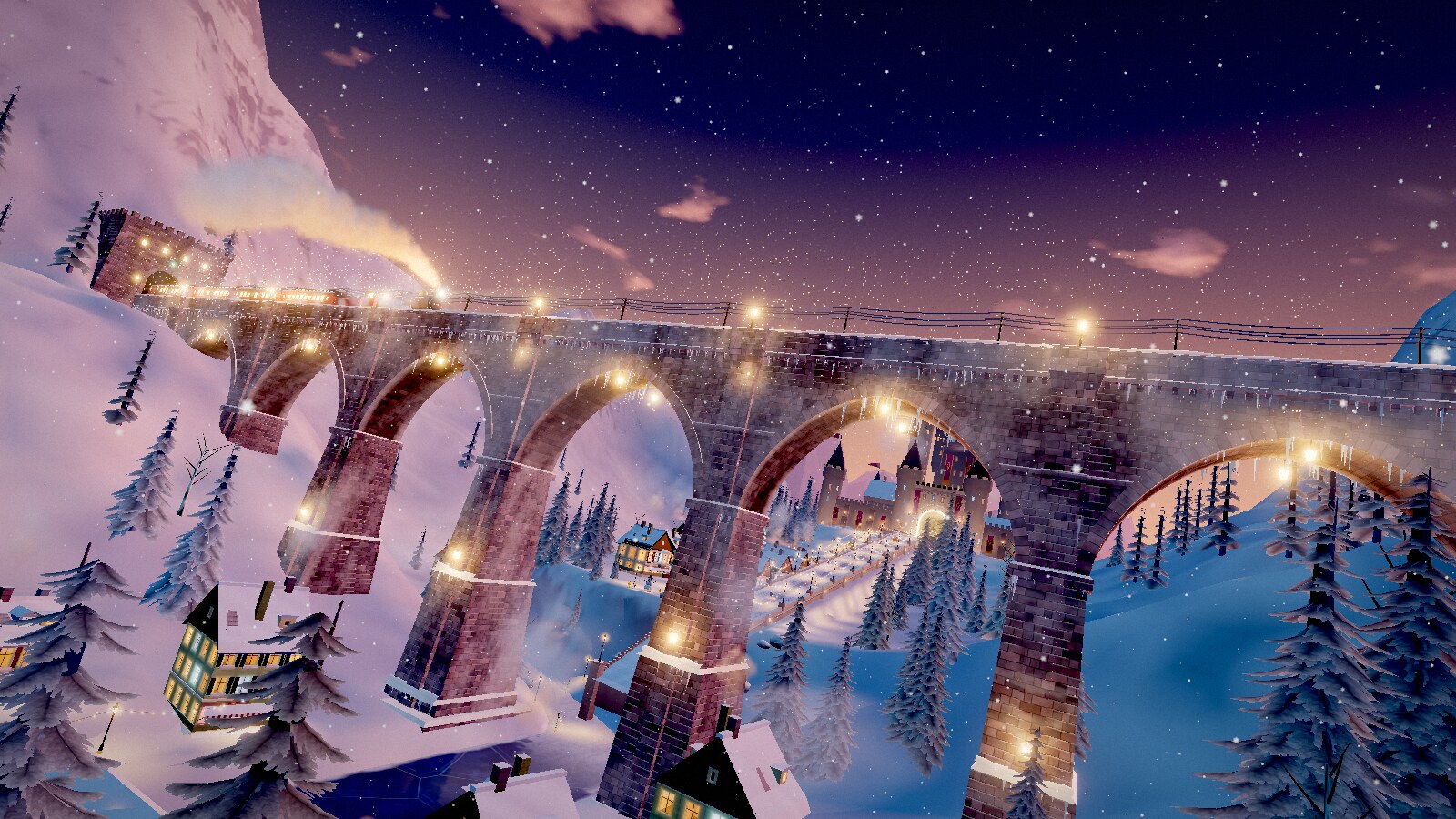
What is Portals?
Portals is a hands-off browser flight through 471 generated 3D worlds. The camera follows a predetermined path, reaches a portal, and passes directly into the next running world without a cut or fade. You do not steer the flight, but you can control its pace, presentation, sound, graphics, and world selection.
The project is built with JavaScript and three.js. Every world generates its geometry and textures in the browser, and its audio is synthesized during playback. Worlds do not load external 3D models, texture images, or sound files. The project is also a static site: it requires no account, application server, or tracking service.
The repository represents release
s8fas of November 9, 2026. That release contains about 1.4 million lines of JavaScript and 471 worlds.
Key features
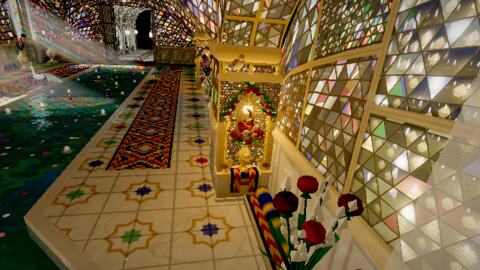
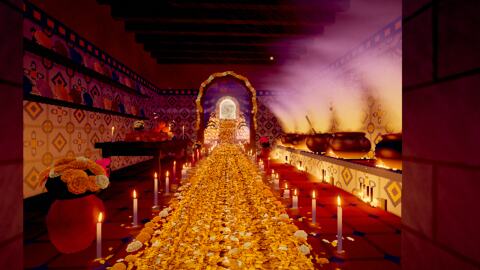
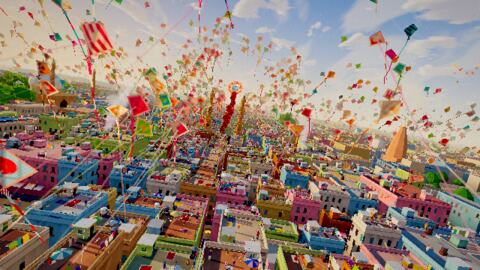
- 471 generated worlds: The collection spans wilderness, cities, oceans, interiors, skies, alien settings, prehistoric scenes, art-inspired places, literary worlds, film and television inspirations, ancient wonders, and AI in-jokes.
- Seamless portals: The current world and the world beyond the portal run simultaneously, allowing the camera to cross without a transition screen.
- Procedural assets: Geometry, textures, and sound are produced in the browser instead of being loaded as conventional world assets.
- Automatic flight: Each world supplies a camera path and duration. Most flights last approximately 40 to 50 seconds.
- Adaptive graphics: Auto mode estimates a quality level from the graphics card and adjusts drawing resolution to maintain smooth motion.
- Local preferences: Seen worlds, favorites, and settings remain in browser storage.
- Gallery and journeys: The gallery exposes all worlds, while 20 curated journeys play selected worlds in a fixed order.
- Static deployment: The production build creates ordinary files in
distthat can be served by a static web host.
Prerequisites
You need Node.js 18 or later and Git. The direct source preview does not require an installation or build step. A dedicated graphics card is preferable, although the project can run at reduced quality on phones and older laptops.
Confirm your Node.js version:
node --versionIf the result is earlier than version 18, update Node.js before continuing.
Run Portals directly from source
1. Clone the repository
git clone https://github.com/emollick/ai-portals.git
cd ai-portals
2. Start the local source server
npm startOpen http://localhost:8000 in a browser. This serves the source tree as it stands, with no package installation or compilation required first.
The source preview has two expected limitations. Its gallery cannot identify newly added worlds or show the generated descriptions page. On the first visit, the browser console also reports a missing atlas.json file because that file is produced only by the build process.
Create and preview a production build
Install the build dependencies, generate the deployment package, and start its preview server:
npm install
npm run build
npm run preview
The generated static site is written to dist. Open http://localhost:8001 to inspect it.
The build minifies project scripts with esbuild and creates deployment-only resources, including:
- A small share-preview page for every world and journey.
- A plain page listing every world and its description.
- The gallery data that records which worlds are new.
- The hosting configuration file.
Reproduce release s8f
The build accepts a release stamp. According to the repository documentation, the following command reproduced the live s8f release file for file and byte for byte on November 9, 2026:
npm run build -- --stamp s8fUse a normal build while developing. Use the stamp when you specifically need release metadata or want to reproduce the documented release.
Basic controls and usage
Portals begins flying automatically. Sound starts disabled, so press S if you want to hear the synthesized soundtrack. The keyboard controls are:
- Space: Pause or resume the flight.
- Right Arrow: Hurry toward the next portal.
- S: Turn sound on or off.
- G: Enable Gentle mode for a steadier camera and level horizon.
- H: Save the current world as a favorite.
- P: Save a picture.
- I: Open the gallery, journeys, and search interface.
- O: Open graphics, camera, art style, ride, companion, and time-of-day options.
- F: Enter or leave fullscreen mode.
Moving the mouse reveals a control bar at the bottom of the screen. It contains buttons corresponding to the keyboard controls, plus a Pace slider and an Earthly to Strange slider. In narrow windows, the sliders are moved into the options interface.
A useful first exploration
- Start the source or production preview.
- Press
Sto enable audio. - Let one complete world play so you can observe a normal portal crossing.
- Press
Gif the camera movement is uncomfortable. - Open the gallery with
Iand search or browse the complete collection. - Adjust Earthly to Strange to influence how frequently unusual worlds are selected.
- Press
Hwhen you encounter a world you want to keep as a favorite.
How seamless portals work
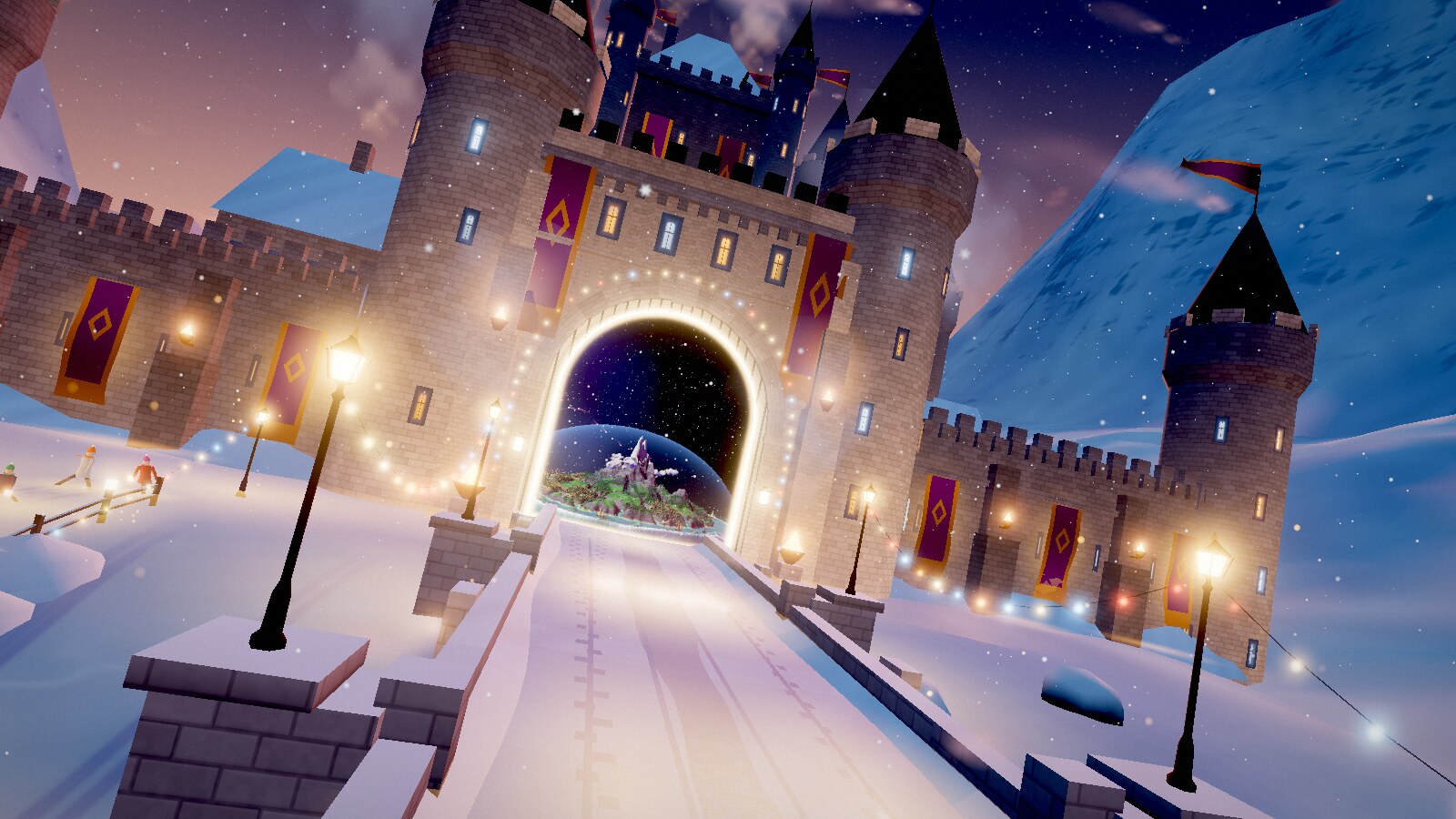
About one second after a crossing, the engine chooses the next world. It builds that world a few milliseconds at a time between rendered frames, then warms up its shaders and textures while it remains out of sight.
The destination is not a still preview. A second camera renders the next running world into the portal opening on every frame. Shortly before the camera reaches the gate, the engine promotes the destination to the current world and continues the flight. If preparation has not finished, the current flight slows and waits in front of the portal.
How worlds are selected
The picker prioritizes worlds the visitor has not seen. During the first dozen worlds of a visit, it favors worlds that the project’s judging agents rated most highly. Each world has a quality band from 1 to 5, and those bands help determine which experiences appear early.
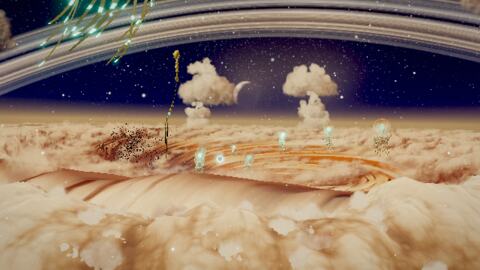
The picker also seeks contrast. It tends to choose a destination that differs from the current setting in type, brightness, or temperature. The Earthly to Strange setting controls how often the more unusual entries appear.
Understand the project layout
The most important files and directories are:
index.html: The application page.src/main.js: Keyboard controls, options, and the bottom control bar.src/core: Flight, portals, world selection, sound, and graphics-quality systems.src/kit: Shared world-building components such as skies, water, terrain, plants, animals, buildings, and interiors.src/worlds: One module per world, the world registry, and the opening hall.src/parts: Main set pieces used by individual worlds.src/extras.js: Lists of rides, companions, and art styles.src/rides,src/companions, andsrc/styles: Implementations of those extras.src/ui: Gallery and sharing code, plusui.css, the site’s only style sheet.vendor/three: The bundled three.js library.thumbs: Gallery thumbnail images.design: World text and release-arrival tables read by the build.tools: The build script and local server.
How a world module is structured
A world is a file under src/worlds. Its default export is an object containing a build function. The world must also be registered in src/worlds/index.js with its title, kind, and caption because both the picker and gallery read that list.
The build function returns three essential elements:
- A three.js scene.
- A camera path.
- A flight duration.
Most worlds place their principal set piece in a separate file under src/parts. Shared facilities in src/kit provide reusable components rather than requiring every world to implement common scenery independently.
A safe workflow for studying or extending worlds
- Choose an existing world under
src/worldsthat resembles the type of environment you want to understand. - Follow its imports into
src/partsandsrc/kitto see how its scene is assembled. - Inspect its default export and
buildfunction to learn the repository’s actual object shape and camera-path conventions. - Check the corresponding registration in
src/worlds/index.jsfor the required title, kind, and caption metadata. - Run
npm startfor quick source testing. - Create a production build to verify generated gallery and sharing resources.
This repository is unusually large, so adapting a nearby world is safer than attempting to infer undocumented APIs or build a module from scratch.
Sound and graphics behavior
Sound synthesis
Every world receives a slow chord and several bells. Most also use a quiet ambient bed, such as wind, water, room tone, or a steady space hum. A world may add up to three layers selected from nineteen available effects, including rain, surf, birds, and distant bells. The browser audio engine synthesizes these sounds instead of loading audio files.
Automatic graphics quality
With graphics set to Auto, Portals estimates an appropriate quality level from the graphics card. It then raises or lowers the drawing resolution to help maintain a smooth flight. On an older laptop or phone, keep Auto enabled before trying more demanding settings.
Advanced tips
Use Gentle mode for accessibility
Press G to maintain a steadier camera and level horizon. This is the first setting to try if the normal flight causes discomfort.
Test both source and built versions
Use the source server for fast iteration, but always inspect the dist build before deployment. Some gallery data, description pages, share previews, and hosting settings exist only after building.
Test portal readiness, not only scene appearance
A world must be ready before the crossing. When changing world code, watch the approach to its portal as well as the destination scene itself. Heavy generation or shader preparation can cause the flight to slow while it waits.
Use journeys for repeatable sequences
Portals contains 20 journeys that play worlds in a fixed order. Examples include One Drop of Water, which travels from a hailstone to the deep sea, and Zooming Out, which begins inside a living cell. Fixed sequences are useful when you want a more directed experience than the normal picker provides.
Respect storage and privacy boundaries
The application has no backend and sends no account, tracking, favorite, or settings data to a server. When debugging favorites or seen-world behavior, remember that these values are stored by the browser.
Review licensing before publishing changes
The repository is distributed under CC BY-NC-SA 4.0, allowing non-commercial sharing and adaptation with attribution and the same license. three.js and some short functions use separate terms. Read LICENSE and THIRD-PARTY-NOTICES.txt before redistributing a modified build, especially because the README documents additional shader and utility-function origins.
Conclusion
Portals combines procedural three.js scenes, synthesized audio, adaptive graphics, background world generation, and dual-world rendering to create an uninterrupted browser journey. You can explore the source immediately with npm start, generate the complete deployable site with npm run build, and use the project layout and existing world modules as guides when studying or extending its architecture.