01 The Bottom LineUsing the open-source RVC project, I spent a few hours training my own dedicated loli voice model. The result was far better than the commercial voice changers I paid for—the voice sounds natural and expressive. Whatever tone I use when speaking is reflected in the output.02 How RVC WorksIn one sentence: **turn your voice into the voice timbre you want.** RVC only changes the “voice timbre,” not the “emotion.” If you speak happily, it responds happily; if you speak calmly, it responds calmly. A good model should therefore sound natural and expressive rather than mechanical. Training formula: **audio of the voice you want + RVC training = your dedicated model**03 Step One: Find Source MaterialSource quality determines model quality.
Find a loli voice recording
Requirements: consistent timbre, varied emotions, no background noise, 10-20 minutes
Note: Do not use material that consists entirely of flat whispering, or the model will also sound “emotionless”
04 Step Two: Process the Source MaterialUse Audacity (free):
Import the audio
Convert it to **mono**
Confirm the sample rate is **44100 Hz**
Export it in **WAV format**
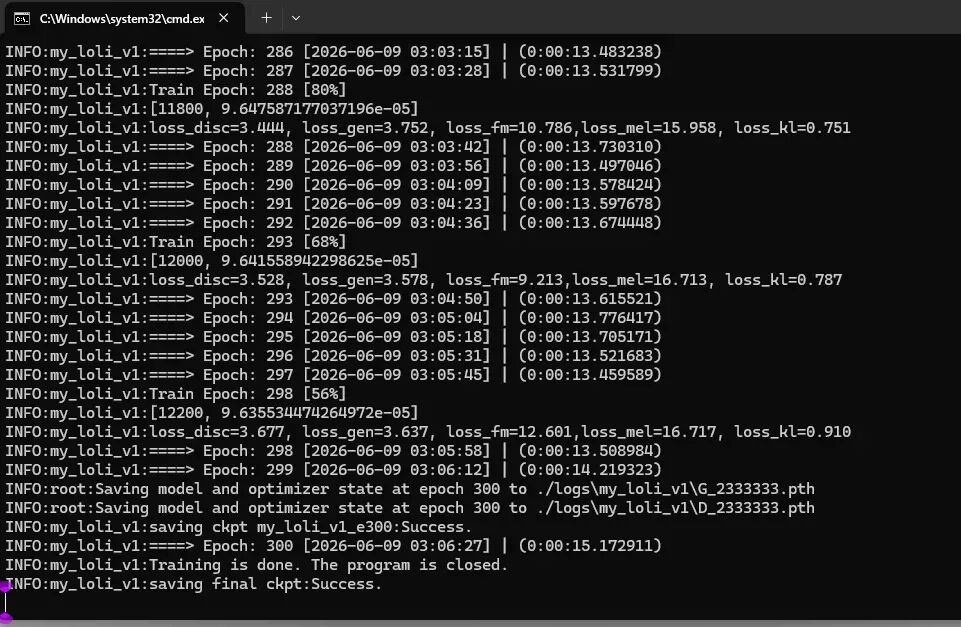
If there is background noise or reverb, use RVC’s built-in “Instrumental/Vocal Separation” feature and select `VR-DeEchoNormal` to remove it.05 Step Three: Train the ModelOpen RVC WebUI (double-click `go-web.bat`) → go to the “Train” tab| Key Parameter | Recommended Value ||---------|--------|| Experiment Name | In English, such as `my_loli_v1` || Version | `v2` || Pitch Algorithm | `rmvpe` || Total Training Epochs | `200-300` || batch_size | `8` |After configuring the settings, click **`One-click Training`** and wait 1-2 hours for completion. A model is automatically saved every 50 epochs.06 Step Four: Test the ResultGo to the “Model Inference” tab:
Refresh the voice list and select your model
Upload your own recording
Pitch shift: enter `+12` for male-to-female conversion, or `0` for female-to-female conversion
Check `rmvpe`
Click “Convert”
If you are not satisfied, try a model from a different number of epochs, or adjust the “Protect Voiceless Consonants” setting.07 Step Five: Real-Time Voice ChangingDouble-click `go-realtime-gui.bat`:
Load your `.pth` model (leave `.index` blank and set the retrieval ratio to `0`)
Select your microphone as the input device and the virtual audio cable as the output
Set the pitch shift to `+12` (male to female) and check `rmvpe`
Click “Start Audio Conversion”
Then set the microphone in OBS to the virtual audio cable.08 Common Questions
Why does the voice sound harsh and emotionless? → It is a source material issue. Replace it with more emotionally varied material and retrain the model
Why is my self-trained model better than a paid one? → Commercial software locks you into its ecosystem, so you can only buy its fixed models; with RVC, you have complete control
What hardware is required? → An NVIDIA GPU with at least 4GB of VRAM and 16GB of RAM
09 Final ThoughtsGoing from “paying for a stiff model” to “training a high-quality model yourself” really only takes one tutorial. What you have now is not just a collection of models, but **the ability to create any voice**.