

Overview
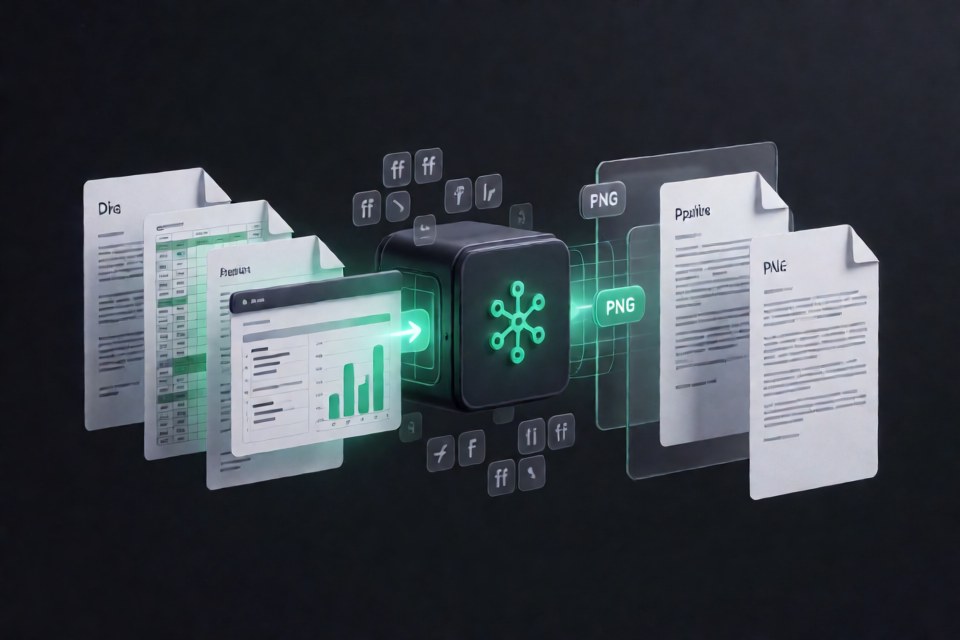
@deepseek-ai/libreoffice-kit is a Node.js package for converting and rendering Office documents with prebuilt, reduced LibreOffice engines. It is designed for applications that need predictable document layout, readable text, explicit font control, and offline execution without relying on a separately installed copy of LibreOffice.
The package supports Office-to-PDF conversion, direct PNG rendering, and spreadsheet recalculation. It can be used in a Node.js service, desktop application, batch-processing job, or other document pipeline. Authorization, file storage, and preview interfaces remain the responsibility of the application.
Key features
- Office conversion: Export supported Writer, Calc, and Impress documents to PDF.
- Page rendering: Render Office or PDF inputs directly to PNG pages.
- Spreadsheet recalculation: Recalculate workbooks and save the updated result.
- Font-aware processing: Discover system fonts or index explicitly configured font directories.
- Configurable substitutions: Use fallback preferences for common Latin and Simplified Chinese font families.
- Missing-font reporting: Report unavailable font families declared in readable OOXML document data.
- Offline engines: Use packaged native engines on supported macOS and Windows systems or the WASM engine on Linux.
- Resource controls: Apply timeouts and font indexing or loading limits.
- Command-line and Node APIs: Run conversions from a terminal or integrate them into application code.
Supported document considerations
The engine retains Writer, Calc, Impress, OOXML and binary Office filters, charts, layout and drawing components, and PDF export support. Binary .doc, .xls, and .ppt files are supported when they are genuine OLE compound documents, such as Microsoft Office 97–2003 files.
RTF or HTML files merely renamed with a binary Office extension are not accepted.
.wpsfiles are also not accepted.
For OOXML documents, missingFonts reports unavailable families found in readable document XML. Binary formats return an empty list even though LibreOffice still performs its own font matching. The result is therefore not a complete missing-glyph report.
Prerequisites and installation
You need Node.js 22.19.0 or newer. Install version 0.1.3 from npm:
npm install @deepseek-ai/libreoffice-kit@0.1.3The package uses optional dependencies to install the engine matching the current operating system and architecture. It does not compile LibreOffice during installation, download additional engines, or search for a user-installed LibreOffice application.
Platform engine selection
- macOS Apple Silicon: Uses
@deepseek-ai/libreoffice-kit-darwin-arm64. - macOS Intel: Uses
@deepseek-ai/libreoffice-kit-darwin-x64. - Windows ARM64: Uses
@deepseek-ai/libreoffice-kit-win32-arm64and requires ARM64 Node.js plus the Microsoft Visual C++ v14 ARM64 Redistributable. - Windows x64: Uses
@deepseek-ai/libreoffice-kit-win32-x64and requires the Microsoft Visual C++ v14 x64 Redistributable. - Linux: Normally uses the shared
@deepseek-ai/libreoffice-kit-wasmengine.
macOS and Windows require their matching native packages and do not fall back to WASM. If a required engine is missing or corrupt, createConverter rejects with an unavailable error. A failed conversion also does not trigger an automatic switch to another engine.
Using the command-line interface
Installation adds the dsoffice command. When it is installed locally in a project, invoke it through npm exec.
Render a page to PNG
The following command renders page 1 of a DOCX document into the report-pages output directory:
npm exec -- dsoffice render \
  --input report.docx \
  --output-dir report-pages \
  --pages 1
Convert an Office document to PDF
npm exec -- dsoffice convert \
  --input report.docx \
  --output report.pdf
Recalculate a spreadsheet
Use the recalculation command when formulas need to be evaluated and the updated workbook saved:
npm exec -- dsoffice recalculate \
  --input budget.xlsx \
  --output recalculated.xlsx
Converting documents through the Node.js API
For application integration, import createConverter, create a converter, run the operation, and dispose of the converter in a finally block.
import { createConverter } from '@deepseek-ai/libreoffice-kit';

const converter = await createConverter({
  timeoutMs: 120_000,
});

try {
  const result = await converter.render({
    inputPath: '/private/work/document.docx',
    outputPath: '/private/work/document.pdf',
  });

  console.log('Backend:', result.backend);
  console.log('Missing fonts:', result.missingFonts);
} finally {
  await converter.dispose();
}
In this example, the generated PDF is written to outputPath. The returned result identifies the selected backend and includes the missing font family names detected for the document.
Path and output requirements
- Pass absolute input and output paths.
- Use private directories owned and controlled by the calling application.
- The requested output file must not already exist.
- Keep disposal in a
finallyblock so native processes, workers, profiles, and temporary resources can be cleaned up.
Configuring custom fonts
By default, the package discovers fonts in conventional system and user font directories. You can instead provide explicit roots through fontDirectories:
import { createConverter } from '@deepseek-ai/libreoffice-kit';

const converter = await createConverter({
  timeoutMs: 120_000,
  fontDirectories: [
    '/absolute/path/to/company-fonts',
    '/absolute/path/to/cjk-fonts',
  ],
});

try {
  const result = await converter.render({
    inputPath: '/private/work/presentation.pptx',
    outputPath: '/private/work/presentation.pdf',
  });

  if (result.missingFonts.length > 0) {
    console.log('Unavailable families:', result.missingFonts);
  }
} finally {
  await converter.dispose();
}
Custom font roots replace the default discovery list rather than extending it. The package uses fontkit to inspect metadata and glyph coverage, then supplies selected files to the engine as their original font bytes.
No font collection is bundled or downloaded. Your deployment must provide suitable fonts and comply with their redistribution rights. Minimal containers generally need fonts installed or an explicit font directory configured.
Fallback behavior
The default fontFallbacks include preferences for common Latin and Simplified Chinese families. They include Carlito as an alternative when Calibri is unavailable and Caladea when Cambria is unavailable. Caller-provided fallback groups replace the defaults, and they can only select fonts that are actually available; they do not install fonts.
Exact installed font families receive priority, including decorative and handwriting families. WASM font requests also carry weight and italic information to help select the appropriate installed face, while the font catalog can provide additional fonts for missing glyphs.
Advanced operational tips
Reuse converters carefully
Reusing a converter can benefit from shared in-memory and bounded user-local disk caches for unchanged font metadata. However, operations on one converter are serialized. If your service needs a particular concurrency model, account for that serialization rather than assuming multiple renders on the same converter run simultaneously.
Each render still owns a fresh native process or Node worker and a private profile. Cancellation and disposal wait for engine exit and cleanup.
Set font resource budgets
Large or untrusted font directories should be bounded with the available font controls:
maxFontFileslimits the number of indexed font files.maxFontFileByteslimits individual font file sizes.maxLoadedFontByteslimits the total amount of loaded font data.
Every operation rediscovers and revalidates fonts. Unchanged metadata can be shared through the converter factory caches. Consult the font metadata cache documentation for cache configuration and invalidation details.
Plan Linux font availability
The Linux WASM engine uses imported fonts only. If no usable fonts are available, conversion is rejected with unavailable. Containers should therefore install appropriate fonts or mount a controlled font directory and pass its absolute path to fontDirectories.
Do not assume identical Office output
Font-aware processing improves control over family selection, but it does not guarantee output identical to Microsoft Office or identical output across native and WASM engines. Font metrics can alter line breaks, pagination, table dimensions, and other layout details.
For meaningful comparisons, use identical document bytes, fonts, and export options. Native LibreOffice may resolve installed original families and metric-compatible alternatives before configured substitutions, and it performs its own face selection.
Treat conversion as a document-processing boundary
The library performs conversion and rendering, but it does not provide authorization, storage, or a preview interface. Applications should validate access, isolate caller-owned files, choose private working directories, and apply suitable time and resource limits around conversion jobs.
Development and verification
If you are contributing to the repository itself, metadata, unit, and packaging checks can be run without building LibreOffice:
pnpm verify:metadata
pnpm test
pnpm test:packaging
Real engine tests additionally require the adapter build, prepared engine payloads, and LIBREOFFICE_RUNTIME_ENTRY pointing to the absolute path of packages/entry/lib/index.js. Engine builds should use the source and toolchain versions pinned by the repository.
Conclusion
@deepseek-ai/libreoffice-kit provides a practical way to bundle Office conversion, spreadsheet recalculation, and PNG rendering into modern Node.js applications. Its main advantage is explicit font handling combined with prepared native and WASM engines that operate offline. For reliable results, supply the required fonts, use absolute private paths, set appropriate limits, inspect missingFonts, and always dispose of converters after use.
For cancellation, detailed error handling, and additional resource controls, see the Node API documentation.