

What is PS5LM?
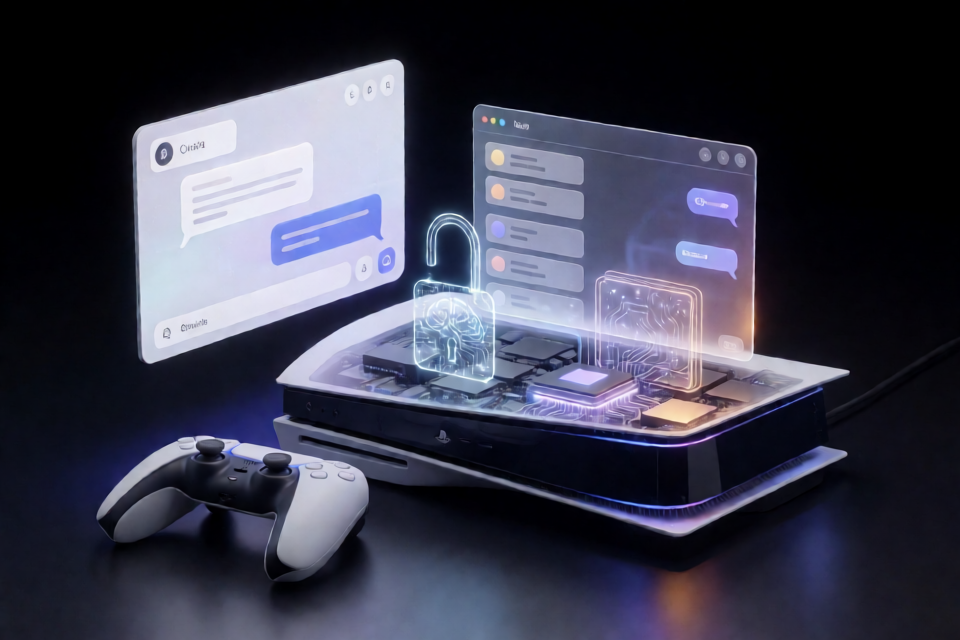
PS5LM is a port of llama.cpp for a jailbroken PlayStation 5. It allows compatible GGUF language models to run locally on the console rather than through a remote inference service.
Version 0.1 provides a single payload named ps5lm.elf. When loaded, it opens a model library in the PS5 browser. From there, you can download a supported model, start it, and open an interactive chat controlled with the DualSense.
PS5LM is intended for a PS5 you own. The current release supports jailbroken consoles running firmware 7.00 through 13.60.
The project's broader goal is to bring llama.cpp architectures and quantizations to the PS5, initially using its Zen 2 CPU and eventually its GPU. Its first major model target is Qwen 3.8 27B, although current payload memory limits restrict version 0.1 to much smaller models.
Key features
- On-console inference: GGUF models run locally on the PS5.
- Browser-based library: Download, launch, and manage supported models from the console browser.
- Interactive chat: Open a chat interface and type using the DualSense.
- Network access: Use the model library from a phone or computer connected to the same network.
- OpenAI-compatible service: The chat server on port
8081speaks the OpenAI API. - llama.cpp compatibility: The port is designed to inherit llama.cpp support for architectures such as Qwen, Llama, Mistral, and Gemma, along with quantizations from 1-bit through 8-bit.
- Developer tooling: The repository includes memory and thread probes, SDK setup scripts, cross-build scripts, and payload deployment helpers.
Requirements
For the standard installation, you need:
- A PS5 that you own.
- Firmware version 7.00 through 13.60.
- A working jailbreak.
- A payload loader, such as Payload Manager from WebKit Autoloader or an ELF loader listening on port
9021. - A network connection if you want to download models, receive updates, or access PS5LM from another device.
Install PS5LM with Payload Manager
Payload Manager is the simplest installation path and can also provide PS5LM updates.
- Open Payload Manager on the jailbroken console.
- Go to Settings.
- Enable Multiple Payload Sources.
- Add
https://ps5lm.cobanov.dev/payloads.jsonas a payload source. - Find PS5LM in the resulting list.
- Install and load the payload.
After the payload starts, the PS5 browser should open the PS5LM model library automatically.
Install the payload manually
If you do not want to add a Payload Manager source, download ps5lm.elf from the latest PS5LM release.
Load the file as you would load another PS5 payload. You can upload it through Payload Manager or send it to an ELF loader such as elfldr on port 9021.
Download and run a model
Once the PS5LM library appears in the console browser, the basic workflow is:
- Select a model and press Download.
- Wait for the model to finish downloading to the console.
- Press Run to start the model.
- Press Open chat.
- Enter a prompt using the DualSense and submit it.
Downloaded models are stored under /data/PS5LM/models.
Current model and memory limits
A payload can currently keep only about 1.6 GB of model data locked in memory without starving the PS5 home screen. The built-in catalog therefore focuses on small models:
- Qwen3.5 0.8B: approximately 13 to 21 tokens per second.
- Qwen3.5 2B: approximately 9 tokens per second.
Larger models require a native application rather than the current payload architecture. In particular, the 27B Qwen 3.8 target is not yet supported by the version 0.1 payload.
Access PS5LM from another device
You can operate the model library from a phone or computer on the same local network. In a browser, open the console's IP address on port 8082. For example:
http://192.168.1.50:8082Replace 192.168.1.50 with the actual IP address of your PS5.
The chat service runs on port 8081 and speaks the OpenAI API. This allows an OpenAI-compatible client to communicate with the model by using the PS5 as its server, provided the client and console can reach each other over the network.
Add a GGUF model with FTP
PS5LM scans /data/PS5LM/models for models. A GGUF file copied into this directory over FTP will appear in the library.
- Start an FTP server payload on the PS5.
- Connect to the console from an FTP client.
- Upload the GGUF file to
/data/PS5LM/models. - Return to or refresh the PS5LM library.
- Select the model and run it.
Choose models that fit within the current memory limit. Merely being in GGUF format does not guarantee that a model is small enough to run under the payload's approximately 1.6 GB locked-memory limit.
Build PS5LM tools from source
Developers who want to inspect, modify, or deploy the port need the ps5-payload-dev SDK and a host installation of LLVM.
Install host dependencies
On macOS, install the required packages with Homebrew:
brew install llvm@21 lld socat cmake ninjaOn Debian or Ubuntu, use:
sudo apt install clang-18 lld-18 socat cmake ninja-buildClone and prepare the repository
The llama.cpp dependency is included as a Git submodule, so clone the repository recursively:
git clone --recursive https://github.com/cobanov/PS5LM
cd PS5LM
scripts/setup-sdk.sh
source scripts/env.sh
The setup script prepares the SDK, while scripts/env.sh configures the current shell environment for the project.
Build the probe and llama.cpp tools
make -C probes/memprobe
scripts/build-llama.sh
The first command builds the Phase 0 memory probe. The second cross-builds llama-cli, llama-server, and llama-bench for the PS5.
Run development builds on the console
For this workflow, the PS5 must have an ELF loader listening on port 9021. The repository provides scripts for hosting the exploit page, configuring helper payloads, and sending ELF files.
scripts/host-relapse.sh
export PS5_HOST=192.168.1.50
scripts/console-setup.sh
scripts/send.sh probes/memprobe/memprobe.elf
Set PS5_HOST to your console's IP address. The memory probe streams its results back to the host and also writes them to /data/PS5LM/memprobe.txt on the console.
Run llama.cpp commands
With ftpsrv running on port 2121, scripts/run.sh can upload a built llama.cpp tool and launch it with arguments.
First, copy a compatible GGUF model to /data/PS5LM/models using FTP or USB. Then run a prompt with llama-cli:
scripts/run.sh llama-cli -m /data/PS5LM/models/model.gguf -p "Hello from a PS5" -n 64To start the server on all console network interfaces at port 8081, run:
scripts/run.sh llama-server -m /data/PS5LM/models/model.gguf --host 0.0.0.0 --port 8081Advanced tips
Keep models within the payload limit
Model architecture support and practical model size are separate concerns. llama.cpp may support an architecture and quantization, but the resulting GGUF must still fit within the memory available to the payload. Use the project's model documentation and current catalog as guidance before transferring large files.
Use the server for remote clients
For integrations, run llama-server with --host 0.0.0.0 and connect through port 8081. Keep the PS5 and client on the same trusted network, and confirm that local network settings do not block the port.
Separate end-user and development workflows
For ordinary use, the browser library is the most direct option. The probe, FTP, cross-compilation, and scripts/run.sh workflow is primarily useful for testing builds, collecting console information, benchmarking, or experimenting with llama.cpp tools.
Understand the repository structure
third_party/llama.cppcontains the pinned upstream llama.cpp submodule.ps5/compatimplements the small set of libc functions missing on the console.patches/contains the PS5-specific llama.cpp source changes.probes/containsmemprobeandthreadprobe.scripts/contains SDK, cross-build, setup, and deployment helpers.docs/contains the roadmap, compatible-model guidance, porting notes, console instructions, and research.
Conclusion
PS5LM makes it possible to run small GGUF language models locally on a supported jailbroken PS5 through a convenient browser interface. Start with the Payload Manager installation and catalog models. If you need more control, use the source build, FTP, command-line tools, probes, and OpenAI-compatible server to explore llama.cpp on the console.
PS5LM is licensed under GPL-3.0-or-later, while llama.cpp retains its MIT license. The project does not include Sony SDK files, keys, firmware, or model weights and is not affiliated with Sony Interactive Entertainment or Alibaba.