

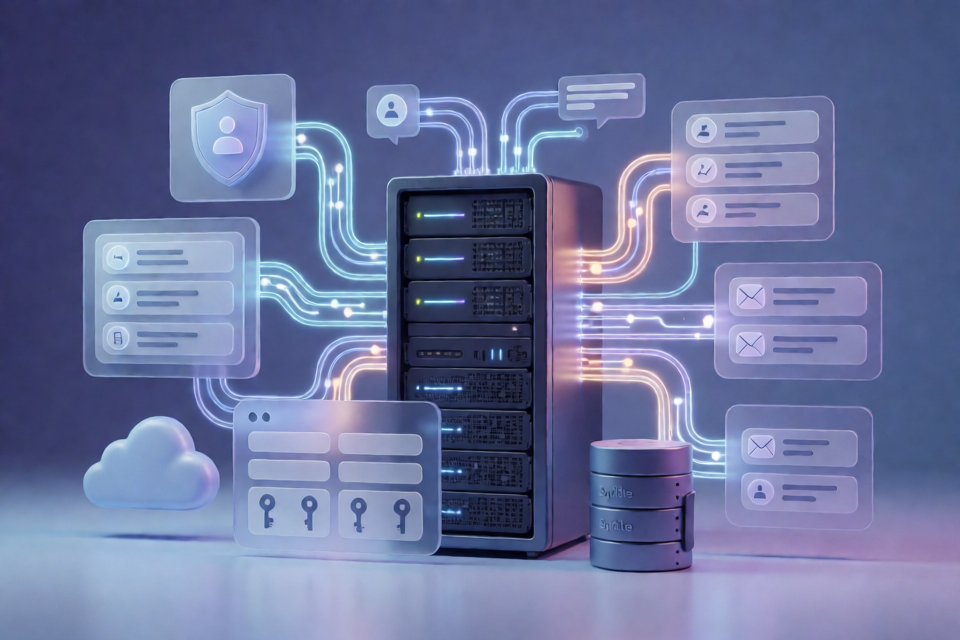
What NeuraVision Provides
NeuraVision is the backend engine for an AI content-generation product. This repository contains the server-side logic for the member dashboard, backend APIs, authentication, and a self-hosted analytics and traffic-split tracker.
The export contains code only. It does not include landing pages, marketing content, media, dashboard assets, environment files, databases, or user-submitted files.
Project Structure
The main directories map to specific backend responsibilities:
api/contains backend endpoints for downloads, generation requests, OAuth, and billing.functions/provides shared PHP helpers for authentication, email, SMS, captcha, and reviews.lk/contains member dashboard backend logic.auth/,auth.php,register.php, andlogout.phpimplement login, registration, and Google or Twitter OAuth flows.chat/contains the support chat widget backend.data/contains scheduled jobs for campaign sends and CAPI relays.a/contains the self-hosted analytics collector and geo-lookup logic.PHPMailer/contains the vendored mail library.
For a subsystem-by-subsystem description, consult ENGINE.md. It explains which parts are working engine components and which are demo or lead-only areas.
Requirements and Configuration
NeuraVision runs on PHP 7.4 or newer behind nginx or Apache. It uses SQLite for storage and does not require a build step.
Configuration is supplied through environment variables. The repository includes .env.example, which documents the expected settings, including service credentials for advertising platforms, SMTP or Resend, hCaptcha, and Telegram bots.
Empty configuration keys disable the related feature, so you can configure only the services required for your deployment. Do not commit an actual .env file or API credentials to source control.
Installation and Initial Setup
- Obtain the repository on the server or development machine.
- Copy the example configuration file to a local environment file:
cp .env.example .env- Open
.envand fill in the keys required by the subsystems you intend to use. Refer toENGINE.mdand thegetenv(...)calls throughout the code to identify the relevant variable names. - Start PHP's built-in development server from the project directory:
php -S 127.0.0.1:8000For deployment, point PHP-FPM and nginx or Apache at the project folder instead of using the built-in development server.
SQLite Storage
SQLite databases under data/ are created automatically when the application receives its first request. Each module uses CREATE TABLE IF NOT EXISTS, so there is no separate schema-import step in the setup process.
The generated databases can contain application data such as user accounts, tracker events, and reviews. Database files are not included in the repository export and should be handled as deployment data rather than source code.
Basic Usage
Start the backend locally
After configuring the environment, launch the local server:
php -S 127.0.0.1:8000Then access the application through the local address and exercise the available authentication, dashboard, API, chat, or analytics flows supported by your configuration.
Configure authentication
Set the OAuth-related environment variables required for Google or Twitter login. The authentication entry points include auth/, auth.php, register.php, and logout.php. Leave optional credentials empty when a provider is not part of your deployment.
Enable service-backed features
Configure only the integrations you need. For example, mail delivery requires the appropriate SMTP or Resend settings, while captcha, Telegram, advertising-platform, and CAPI features require their respective credentials. Missing or empty keys leave those optional capabilities disabled.
Advanced Configuration and Operations
Map configuration to subsystems
Do not treat every environment variable as mandatory. Start with .env.example, then use ENGINE.md to determine which keys belong to the API, authentication, scheduled jobs, analytics collector, or communication features. This keeps a deployment minimal and makes troubleshooting more focused.
Understand the code-only export
The repository intentionally excludes the member dashboard's visual assets, including images, video, CSS, and JavaScript. It also excludes landing and legal pages, media, fonts, internationalization copy, uploads, chat sessions, chat resumes, OAuth state files, and SQLite databases. Plan to provide or preserve these resources separately when integrating the engine into a complete product.
Use the correct hosting model
Use php -S for local testing. For a server deployment, run the PHP application behind nginx or Apache with PHP-FPM, and provide the environment variables through the server's configuration rather than hardcoding secrets into the repository.
Review feature status before launch
The project documentation distinguishes real working engine components from demo or lead-only functionality. Review ENGINE.md before relying on a subsystem in production, especially when planning integrations around generation requests, billing, analytics, or scheduled jobs.
Conclusion
NeuraVision provides a PHP 7.4+ backend with SQLite storage, environment-based configuration, authentication, APIs, dashboard logic, communications, scheduled jobs, and self-hosted analytics. To get started, copy .env.example, configure the services you need, launch the PHP server for local testing, and let the application create its SQLite tables on the first request. Use ENGINE.md to understand subsystem boundaries and deployment readiness.