

What This Project Does
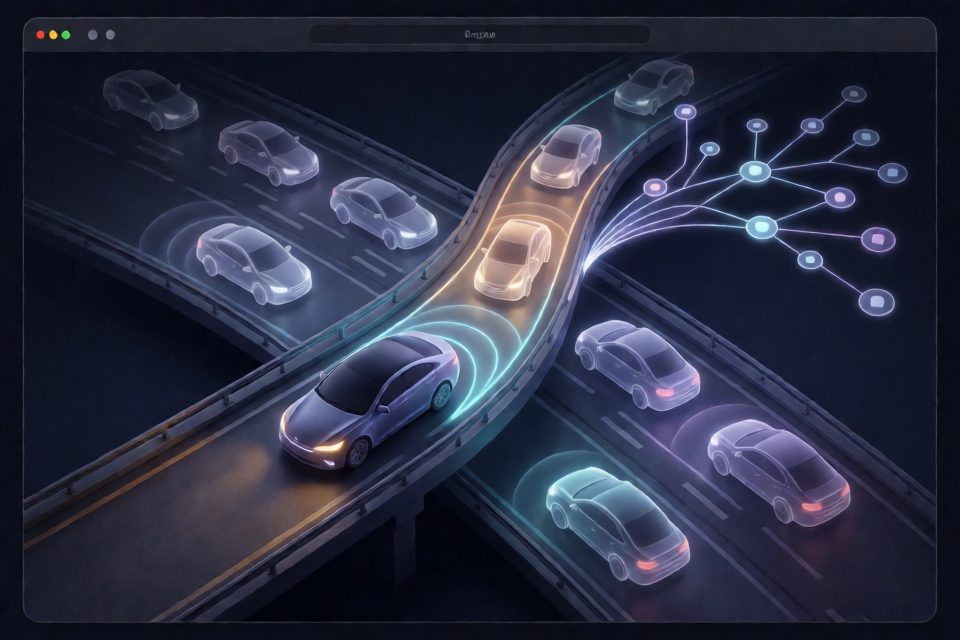
self-driving-car is a compact autonomous-driving simulation written in plain JavaScript. A small neural network learns through evolution to drive along a curving three-lane highway, hold its lane, brake for traffic, signal, overtake slower vehicles, and return to the right when appropriate.
No example driver demonstrates the correct behavior. Instead, each generation sends a population of neural networks onto the same road. The networks that travel furthest receive higher fitness scores and become the parents of the next generation.
The project contains roughly 1,300 lines of ES modules covering the road, vehicle physics, perception, traffic, neural network, genetic algorithm, planner, rendering, and user interface. There are no runtime dependencies, and the same simulation modules run in both the browser and Node.js.
You can open the live demo to watch the pretrained driver, evolve a population in the browser, or control the car yourself.
How the Driving System Works
The simulation advances at a fixed rate of 60 steps per second. At every step, the car scans nearby lanes, converts the observations into 19 neural-network inputs, and produces two outputs: a pedal command and a requested lane.
Perception and Neural Network
The network does not process camera pixels or raw distance rays. It receives structured information similar to what a perception stack might provide to a driving planner:
- Whether the left, current, and right lanes exist.
- The nearest car ahead and behind in each relevant lane.
- How quickly each gap is closing.
- The learning car's current speed.
- The sharpest curve in the next 100 meters.
- The current state of the lane-change planner.
The architecture is 19 · 12 · 8 · 2, uses tanh activations, and contains 362 weights. One output controls the pedal. The other selects a lane: a value above +0.5 requests the lane to the left, while a value below -0.5 requests the lane to the right.
Planner and Vehicle Model
The neural network decides when and where to move, but it does not steer directly. A hand-written planner converts a lane request into a safe, smooth maneuver. It signals for 0.7 seconds, checks the target lane, follows a quintic S-curve for 2.6 seconds, and uses pure-pursuit steering to track the planned path.
If another vehicle is level with the car or is about to enter its blind spot, the planner continues signaling and waits for the gap to open. Releasing the request during the signaling phase cancels the maneuver.
The car itself uses a kinematic bicycle model in SI units. Its parameters resemble a family hatchback: 4.4 meters long, 0 to 100 km/h in 9.8 seconds, a top speed of 115 km/h, and braking of up to 8 m/s². Available cornering grip limits how quickly it can take a bend.
Traffic, Fitness, and Evolution
Background traffic follows the Intelligent Driver Model. Cars have desired speeds between 61 and 94 km/h, overtake on the left, return right after passing, signal before changing lanes, and react to the learning car.
Fitness is primarily the number of meters traveled. A car loses 300 points if it crashes or is caught by a slow line sweeping up the road. It also loses four meters for every second spent in a left lane when the lane to its right is clearly free. There is no direct reward for overtaking; passing becomes useful because it allows the car to cover more distance.
Evolution uses four main techniques:
- Elitism: the best four networks carry over unchanged in command-line training.
- Tournament selection: stronger networks are more likely to become parents.
- BLX-0.25 crossover: parent weights are blended to create offspring.
- Gaussian mutation: mutation rate and magnitude decay with a 40-generation half-life.
Installation and Local Setup
Clone the repository and start its local static server:
git clone https://github.com/Stxqq/self-driving-car.git
cd self-driving-car
npm run serve
The serve command starts a Python HTTP server on port 5101. Open http://localhost:5101 in your browser.
There are no packages to install. Any static web server can host the project, but opening the page directly through file:// will not work because browsers restrict ES modules in that context.
Node.js 22 or newer is required for the test and command-line scripts. Run the test suite with:
npm testUsing the Browser Interface
Watch the Pretrained Driver
Use the watch experience to observe the shipped network driving through traffic. The page visualizes its inputs, outputs, planned route, lane-change state, and vehicle statistics. The blue ribbon represents the path produced by the planner.
Drive Manually
In Drive mode, you replace the neural network while retaining the same planner. The vehicle begins with cruise control set to 70 km/h.
- Hold
↑to raise the set speed. - Press
↓to brake and lower the set speed. - Press
←to request a lane change to the left. - Press
→to request a lane change to the right.
The network card continues showing what the pretrained brain would have done, making this mode useful for comparing your decisions with its decisions.
Train in the Browser
Train mode starts 60 cars with random network weights. All cars share one road during a generation, and traffic fades in over the first 15 generations. Early rounds begin at 45 seconds. When a car survives to the end, later rounds grow by half until they reach a maximum duration of five minutes.
Browser training quickly discovers lane holding and following behavior, but overtaking is much harder. Tests described by the project found that randomly initialized populations usually made only 0.1 to 0.5 lane changes per kilometer through generation 15. The original pretrained driver required about 170 generations with populations of 200 before lane changes became beneficial.
Choose From pretrained when you want to evolve gentle mutations of the shipped brain rather than begin from random weights. Brains trained in the page can be exported as JSON and later loaded with the Import control.
Training from the Command Line
Command-line training runs headlessly across worker threads. The following example trains a population of 120 networks for 10 generations, evaluating each network on three seeded roads with 60-second episodes:
node scripts/train.mjs --generations 10 --population 120 --seeds 3 --seconds 60By default, the resulting brain is written to runs/brain.json. This keeps experiments separate from the shipped network in src/brains/pretrained.json.
The trainer reports statistics such as the best and mean distance, the number of surviving cars, mutation rate, and elapsed time. Generation zero may already contain cars that survive an entire short episode because the planner keeps them centered in their lanes. Progress is therefore often easier to see in the rising population mean than in a single best result.
Useful Training Options
--densitychanges the amount of traffic.--resumebegins from the brain at the path specified by--outand uses gentler mutation.--generationscontrols the number of evolutionary rounds.--populationcontrols how many brains are evaluated per generation.--seedscontrols how many road seeds are used.--secondssets the duration of each episode.
The training process used for the shipped brain is recorded in scripts/curriculum.sh. It progresses from two-minute episodes in full traffic to five-minute episodes across more roads, then finishes with a keep-right fine-tuning phase. According to the project documentation, this curriculum took about one hour on a 14-core laptop.
Evaluating a Trained Brain
Evaluation measures a brain on deterministic roads that it has not seen during training. Run the evaluator with a list of road seeds:
node scripts/evaluate.mjs --seeds 9001,9002,9003,9004,9005The output reports distance, elapsed time, average speed, lane changes, and whether each run ended because time expired or the car crashed. It also calculates aggregate values such as mean and median distance.
To evaluate an exported or newly trained network instead of the shipped brain, pass its JSON file with --brain:
node scripts/evaluate.mjs --brain runs/brain.json --seeds 9001,9002,9003The official results can be regenerated with:
npm run evaluate -- --writeThis command writes scripts/results.json, which is also read by the browser interface.
Understanding the Published Results
The shipped 362-weight network was tested for five minutes on 30 held-out seeds in full traffic. It achieved a mean distance of 6.90 km, a median of 7.23 km, and an average speed of 87 km/h. Twenty-eight of the 30 runs were still active after five minutes, and the car averaged 5.1 lane changes per kilometer.
The project compares this system with an earlier version that steered directly from 14 ray sensors. That older network averaged 4.05 km and 56 km/h, with 20 of 30 runs still active after five minutes. The comparison is not a controlled benchmark because the traffic model also changed, but it illustrates why separating learned decisions from planned steering made overtaking easier to discover.
The network chooses the pedal and target lane; the planner handles signaling, gap checks, and smooth steering.
Advanced Tips
Use Multiple Seeds to Reduce Overfitting
A brain that performs well on one road may fail on another. Increase the number of training seeds and reserve separate seeds for validation and final evaluation. The headless trainer evaluates every brain alone on its road because traffic reacts to the learning car; this prevents one candidate's behavior from changing another candidate's score.
Resume Before Starting Over
If a trained brain already holds lanes and avoids traffic, use --resume or the browser's pretrained option. Starting from random weights is suitable for observing evolution from scratch, but sophisticated overtaking behavior can require many more generations and larger populations.
Increase Difficulty Gradually
Follow the repository's curriculum approach: begin with manageable episode lengths, then increase duration, road variety, and evaluation depth. Longer episodes provide better evidence of robust driving but make each generation more expensive.
Preserve Determinism
The simulation is deterministic down to its fixed time steps: identical seeds and brains produce identical trajectories. Speed controls run more 1/60-second simulation steps per rendered frame rather than changing the physics step. This allows accelerated training without changing the result.
Know Where to Modify the Project
src/sim/contains the road, car, perception, planner, traffic, world, brain, and evolution code without DOM dependencies.src/render/contains the canvas stage, network visualization, anatomy display, and chart.src/ui/contains watch, train, and drive sessions, storage, and keyboard handling.src/brains/contains the pretrained network.scripts/contains training, curriculum, evaluation, and results files.test/contains Node.js tests, including held-out replay checks.
Conclusion
This project demonstrates how a very small neural network can learn high-level driving decisions when a conventional planner handles precise steering and lane-change execution. Start by running the browser demo, compare manual and neural decisions, then use the Node.js scripts to train and evaluate your own brains. Its dependency-free implementation and deterministic simulation also make it a practical codebase for studying evolutionary learning, vehicle models, traffic behavior, and planning.