


Documents are scattered across cloud storage, computers, and chat records, and you can spend ages searching without finding what you need. Valuable content from across the web is saved casually, leaving bookmarks overflowing while everything remains unused, wasting all your accumulated knowledge. When writing proposals, preparing presentations, organizing study notes, or producing professional documents, it is often difficult to find reliable material, resulting in content that is empty and unconvincing. Today, I’ll show you how to solve this problem with a knowledge base.
1. Download Ima Knowledge Base
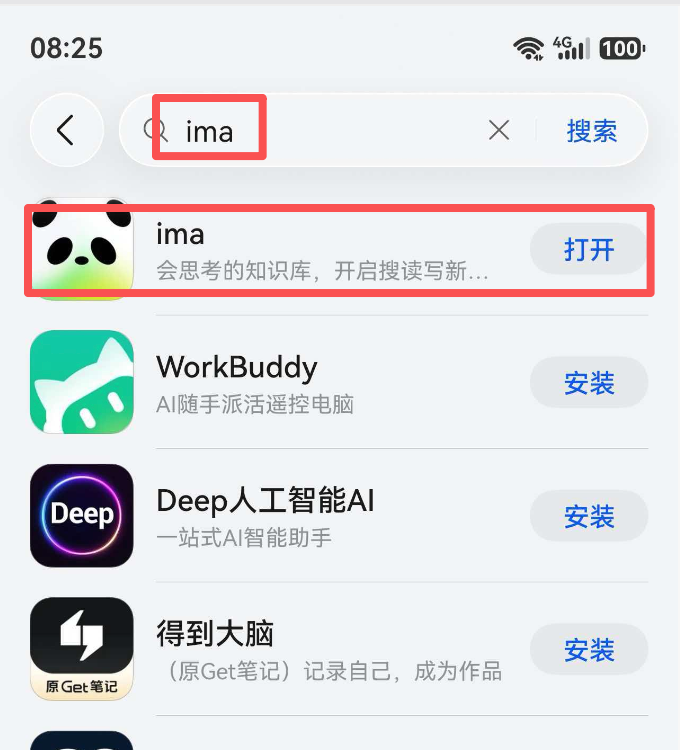
1. First, search for Ima in your phone’s app store and download it.
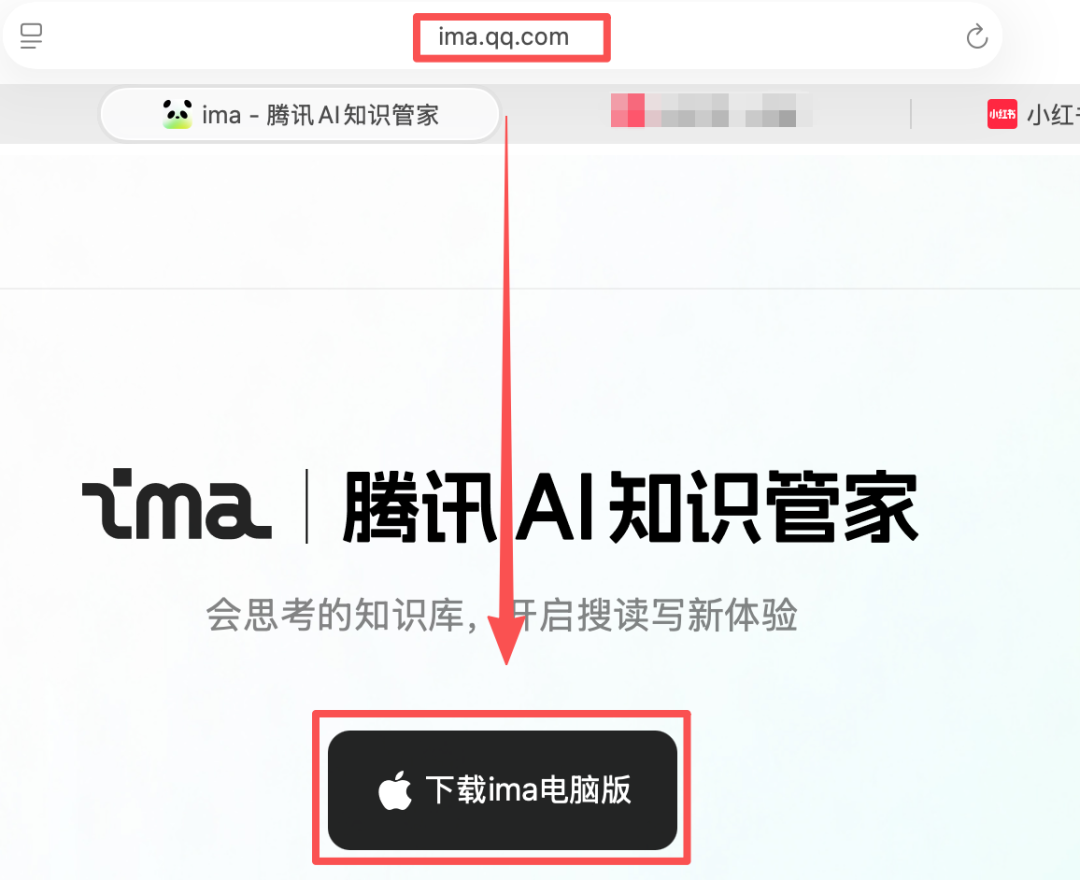
2. On your computer, enter ima.qq.com to download it.
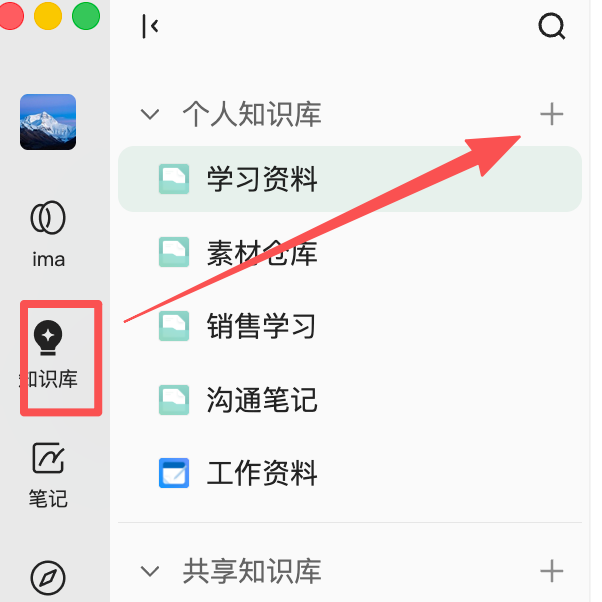
3. Create a personal knowledge base.
Create separate sections for study materials, work materials, and other content.
4. Import documents or saved articles.
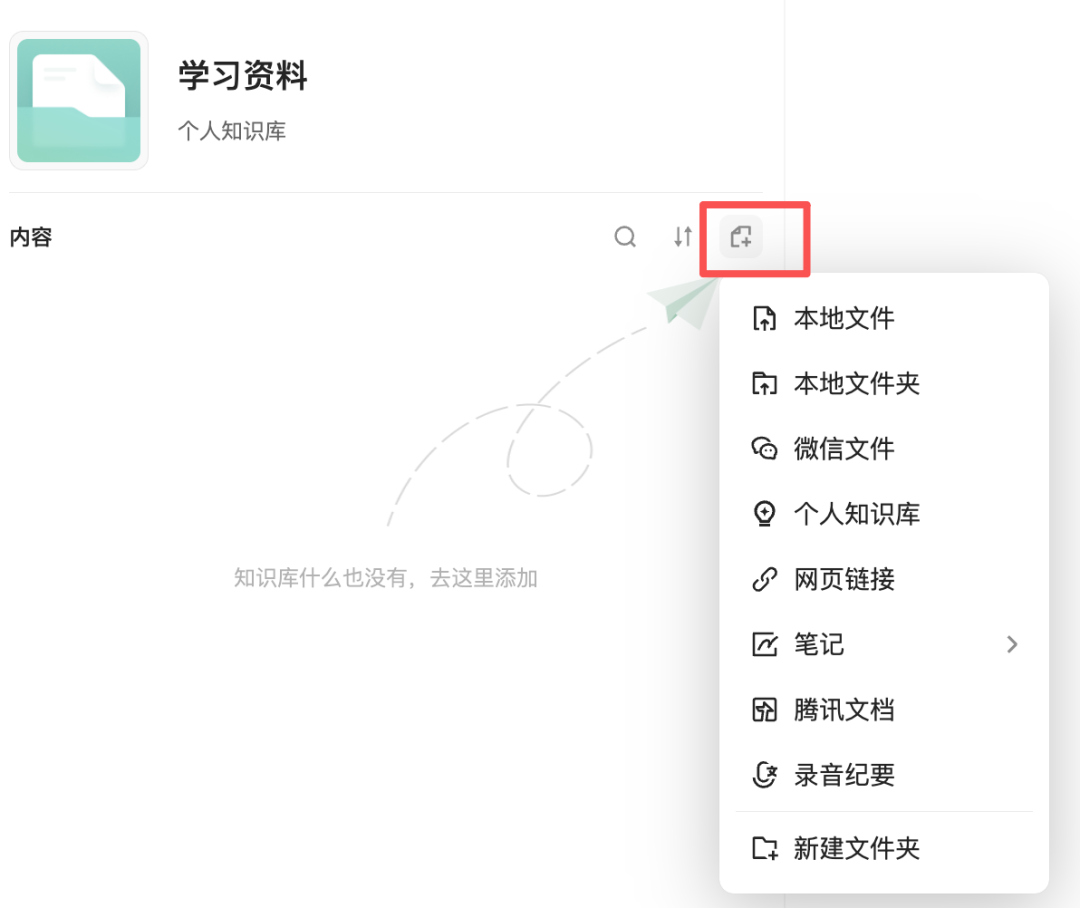
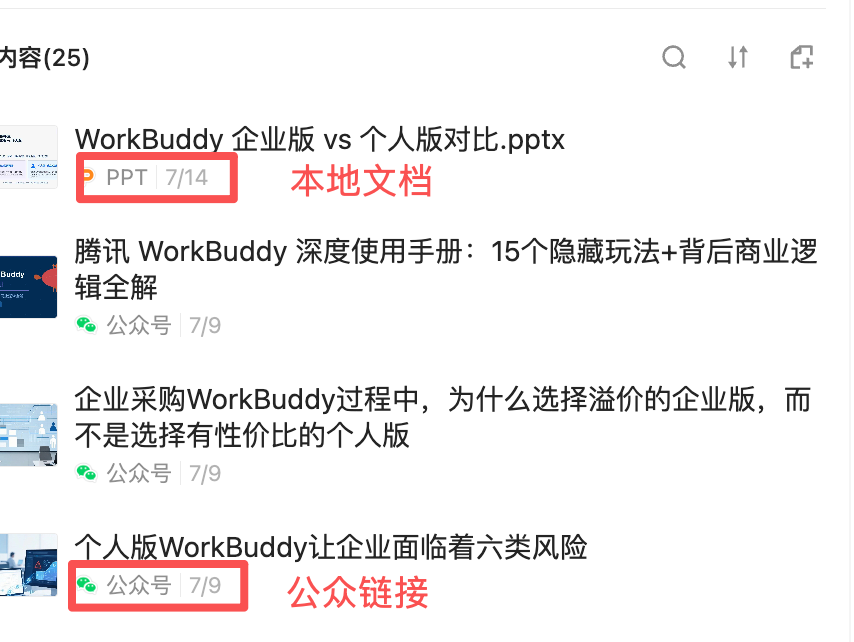
You can directly import local files, WeChat files, and links to articles from official accounts, Xiaohongshu, and other platforms.
2. Connect WorkBuddy to the Ima knowledge base
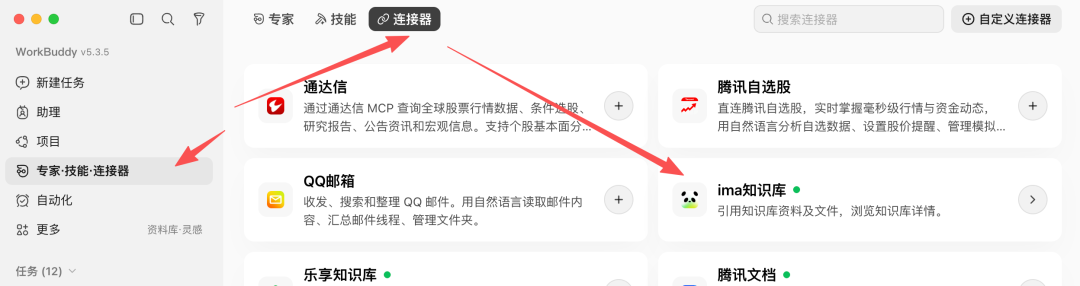
1. Open WorkBuddy, go to Connectors, and find the lma knowledge base.
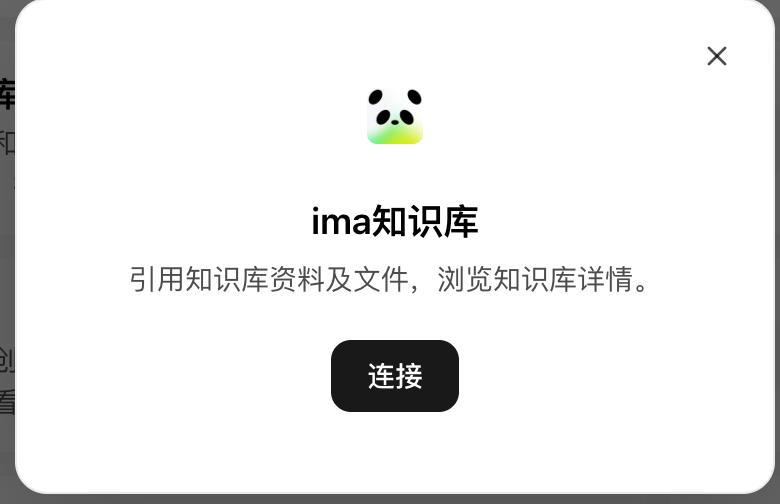
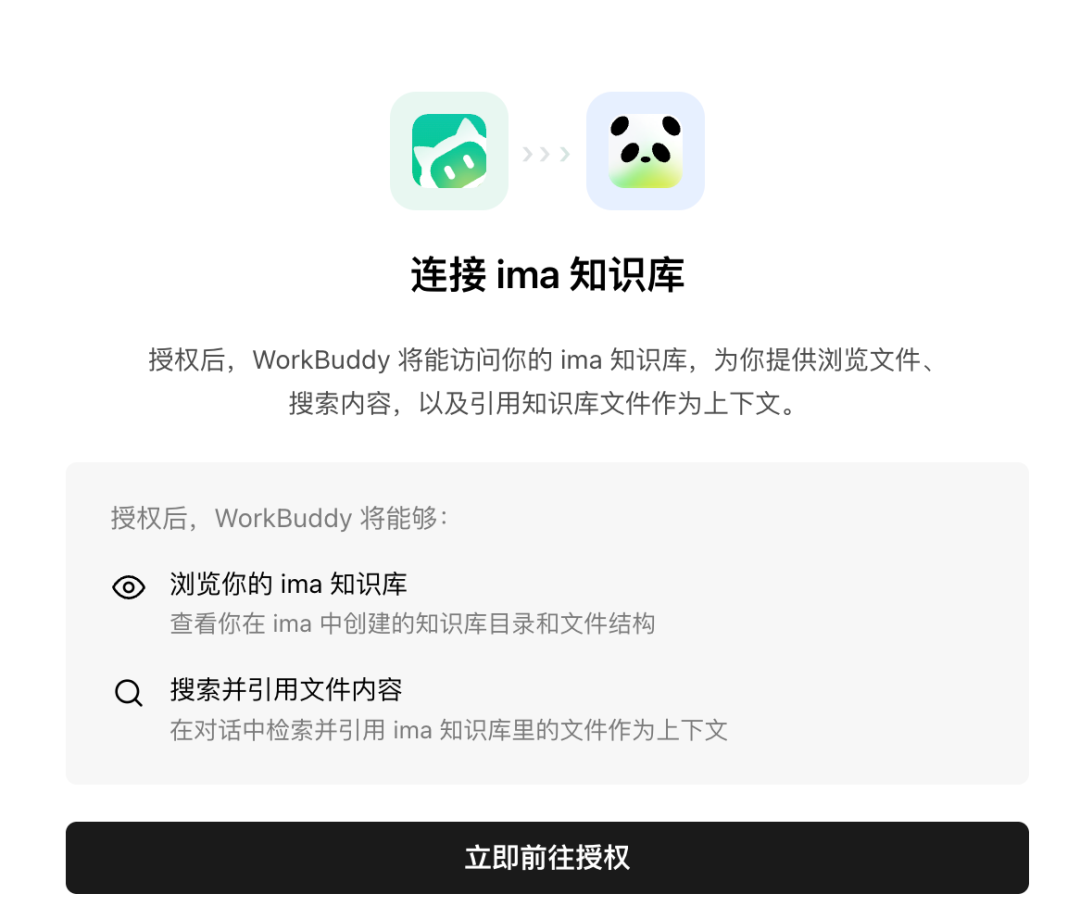
2. Find the Ima knowledge base and click Authorize.
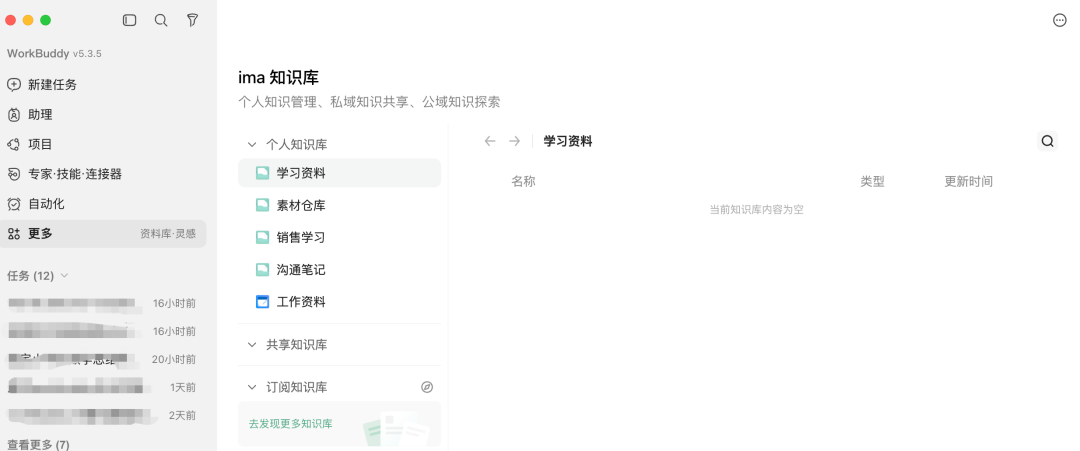
3. Test the knowledge base.
Create a new task and open the Ima knowledge base option at the bottom.
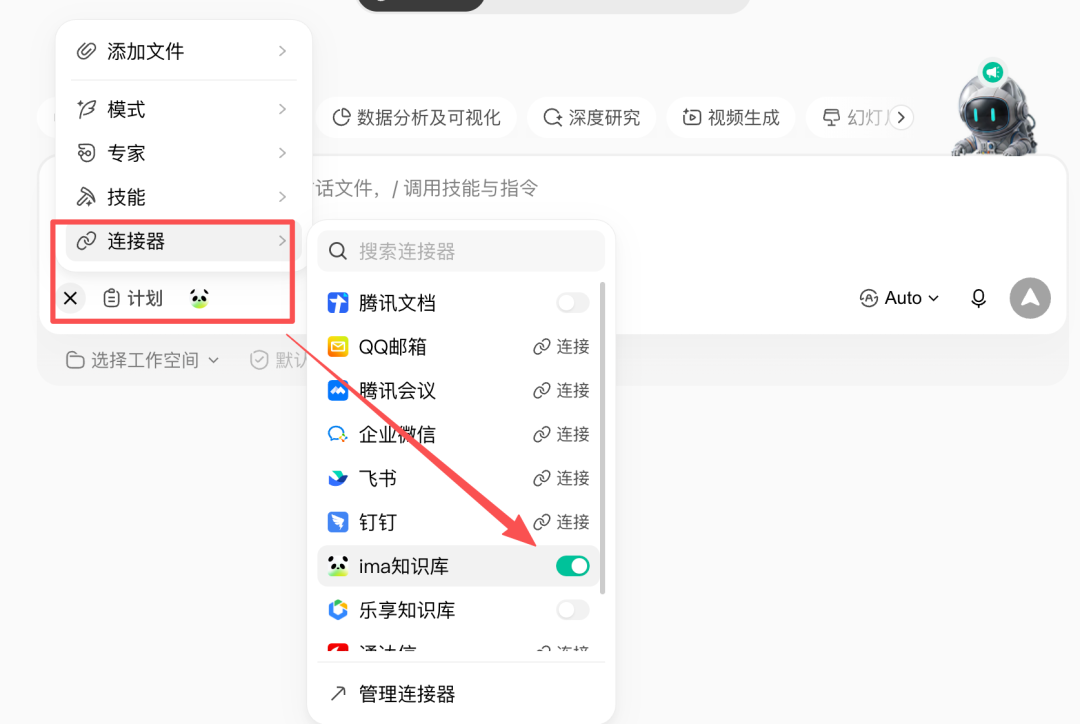
Enter a prompt to test it.

That’s it. You’ll need to explore the final results on your own.