


This article explains how to install the Codex desktop app, use it without an OpenAI account or VPN, and connect it to the Chinese DeepSeek large language model.
01 What is Codex?
Codex is an AI coding agent launched by OpenAI. It is called an agent rather than an assistant because it does more than help you write code. It can independently handle the entire process, from writing code and testing to debugging and finally submitting the code.
Tell it to build a webpage that records your daily to-do items, and it will do the work on its own. You do not need to guide it step by step. Just don’t mistake it for the desktop version of ChatGPT.
Its predecessor was the large code model that powered GitHub Copilot in 2021. It was upgraded to the current version in 2025.
02 Installing Codex
First, open the official Codex website: https://openai.com/zh-Hans-CN/codex/

>After opening the official website, the system will automatically identify your operating system. Windows users should click “Download for Windows.” Once the download is complete, double-click the installer. After installation, launch the app as shown below:
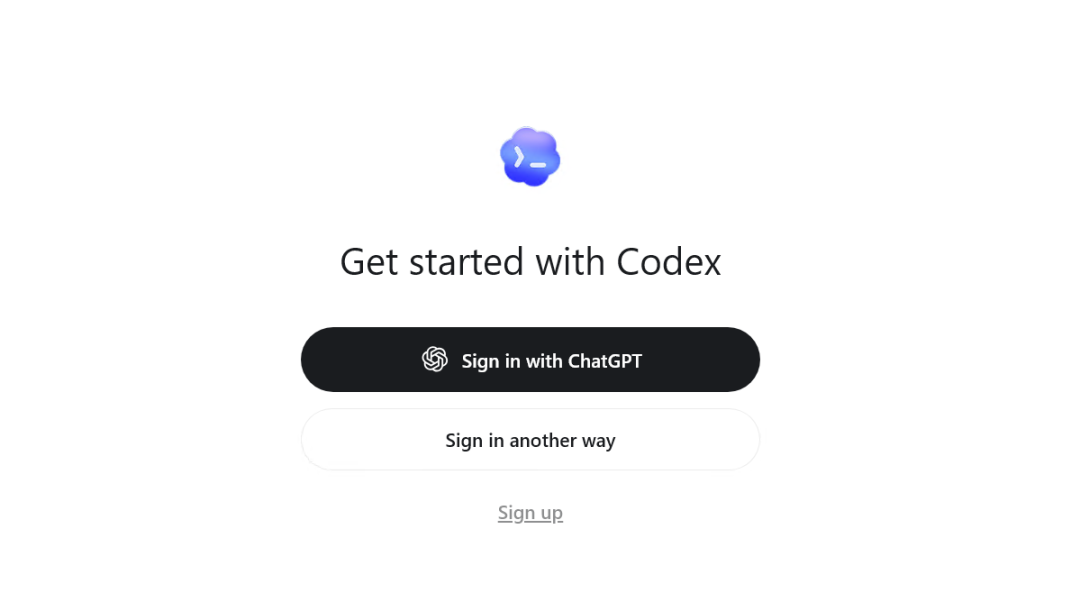
>The official app provides two login methods. The first is to log in with a ChatGPT account. If you have an account, you can log in and use it directly. The second is to log in with an API key.
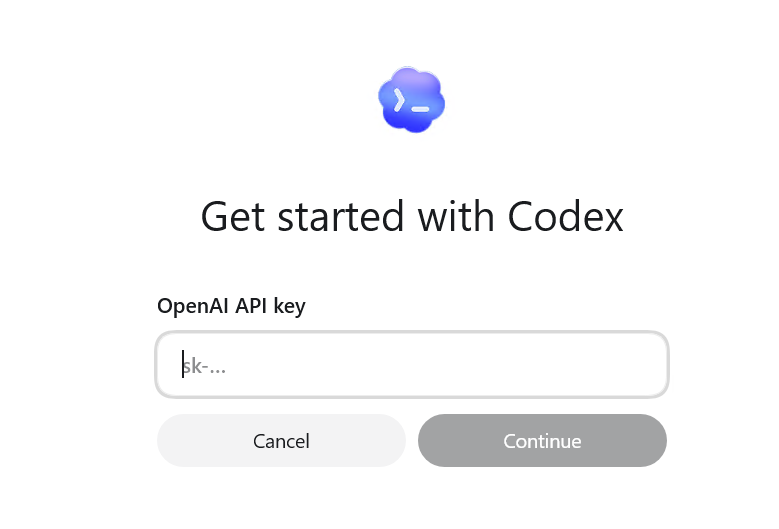
If you have an OpenAI platform key, this is the most direct option. However, OpenAI keys are not easy for users in China to obtain: you need to link a bank card and add funds.
Therefore, both login methods present hurdles for users in China. So how can you log in and use Chinese large language models? This is where another tool comes in: CC-Switch.
03 Connecting Chinese LLMs to Codex with CC-Switch
This is the method I most recommend for general users. You do not need a ChatGPT account; connect DeepSeek, GLM from Zhipu, or another Chinese model, and Codex can still run normally. We will use a small tool called CC-Switch. Its purpose can be summed up in one sentence: it lets you switch between different models with one click. CC-Switch official website: https://www.ccswitch.io/zh/
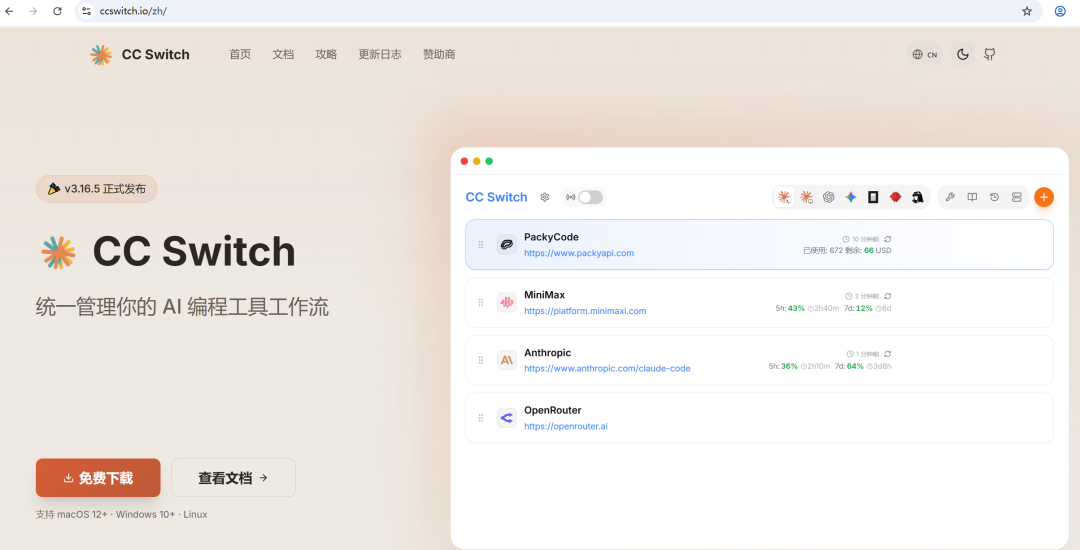
>Click “Free Download” to go to the GitHub page:
https://github.com/farion1231/cc-switch/releases
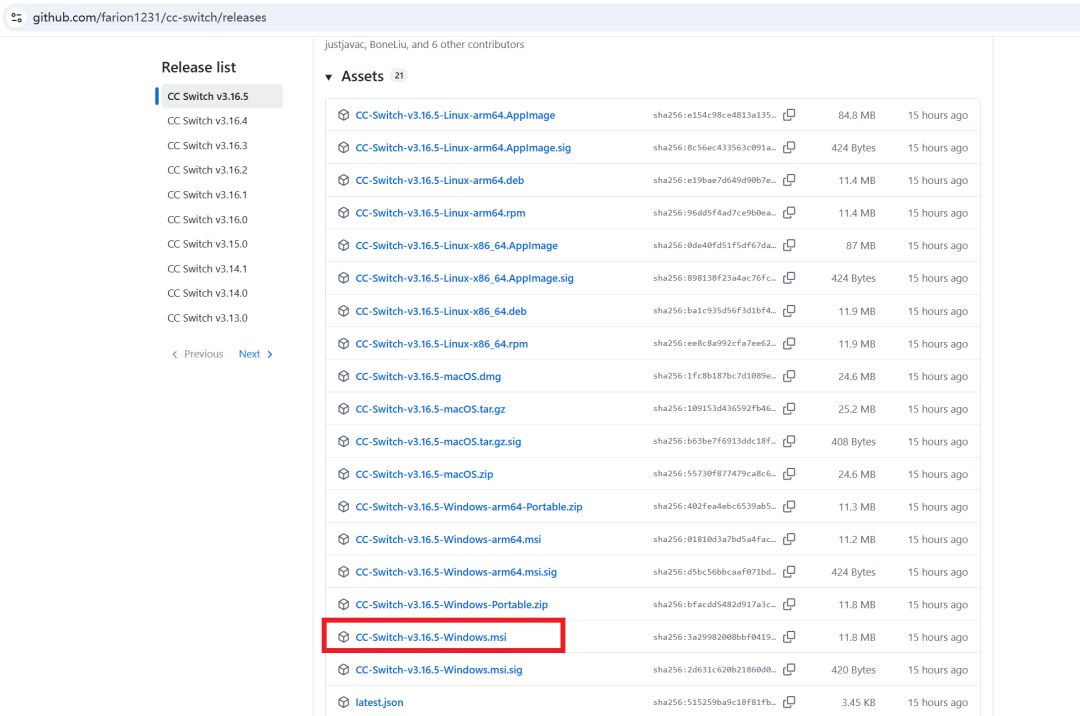
>Find the Windows installer and download and install it. Open it after installation:
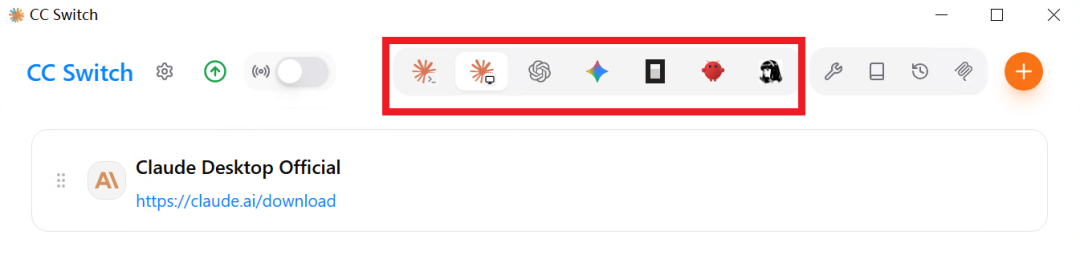
>As you can see, there are several tabs at the top, including Claude, OpenAI, Gemini, OpenCode, and OpenClaw. It is not limited to OpenAI. Today, we will mainly use the OpenAI tab. Select OpenAI:
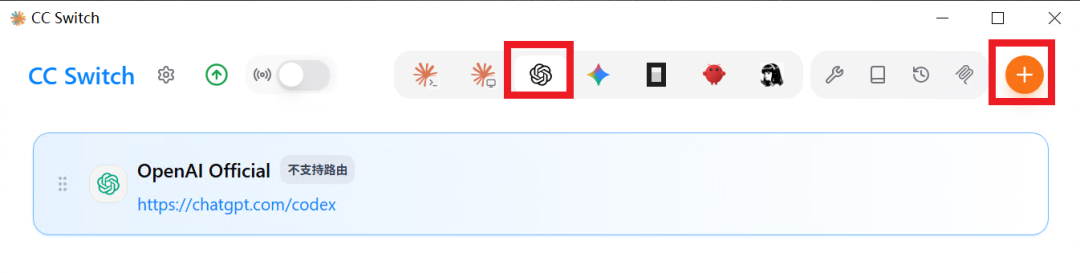
>In the OpenAI tab, click the plus sign in the upper-right corner to add a new provider:
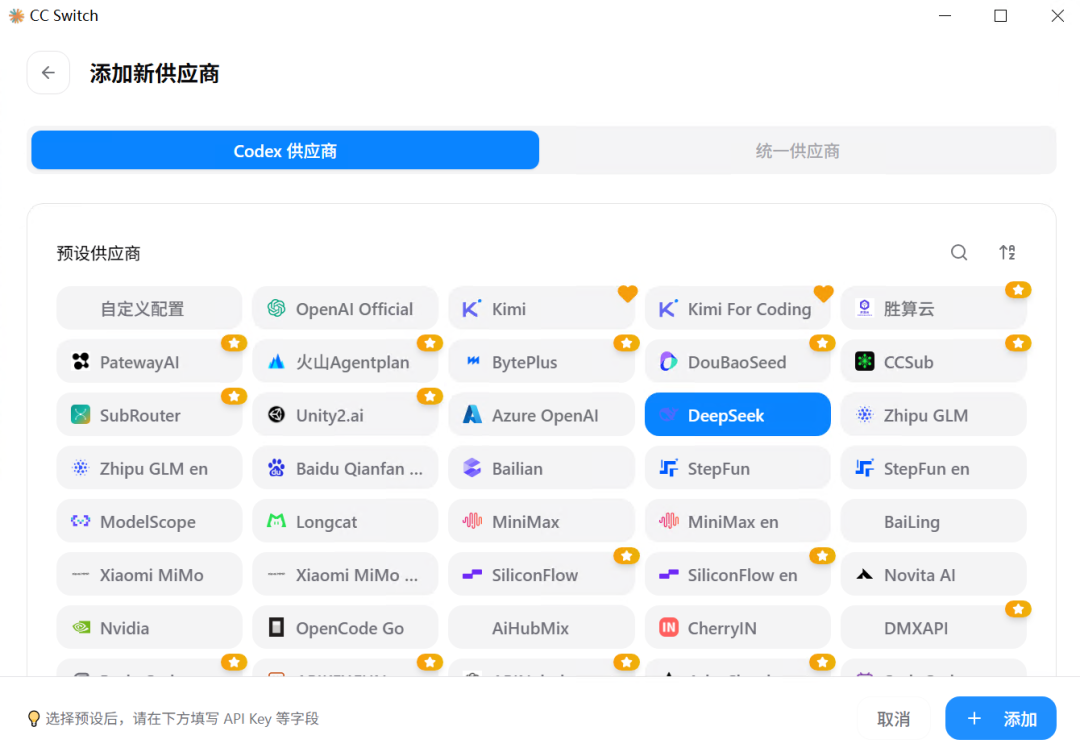
>You will see a long list of options, including large model providers from China and abroad. Here, select DeepSeek and continue scrolling down. You need to enter your DeepSeek API key:
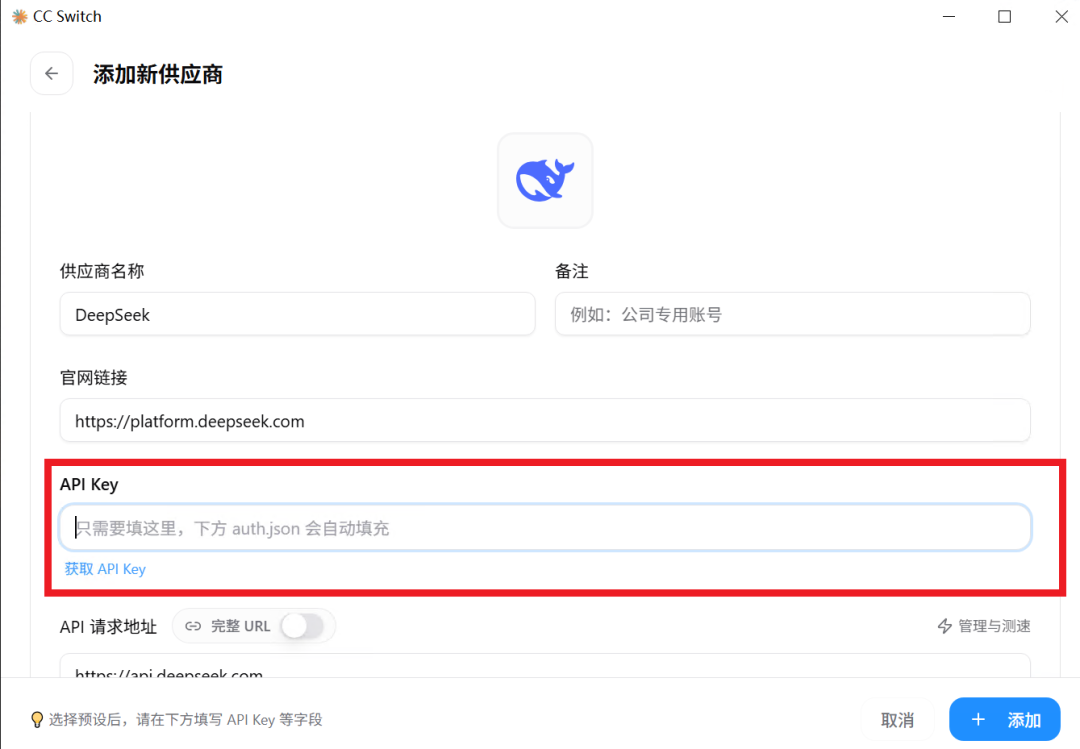
>If you do not have an API key, register on the DeepSeek official website. We will not cover that process here. You only need to fill in the API key; the default settings for the other fields are fine. Then click the Add button in the lower-right corner. After it is added, you will see the new configuration under the OpenAI tab:
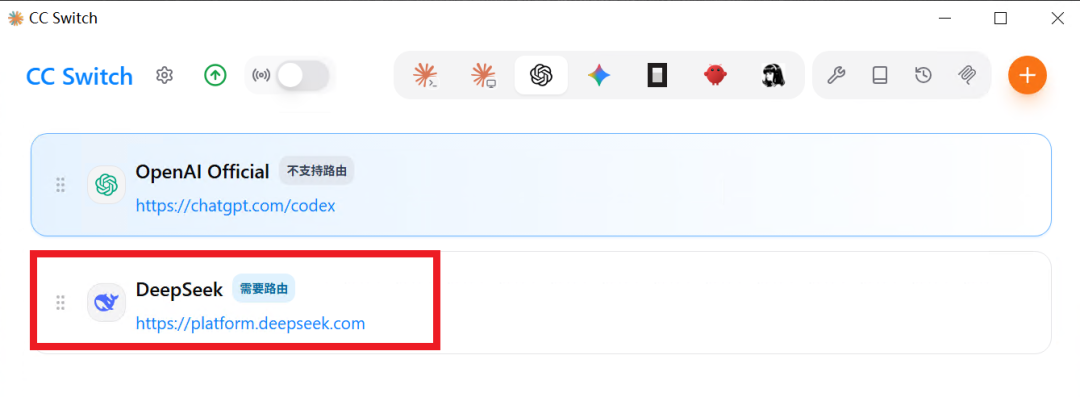
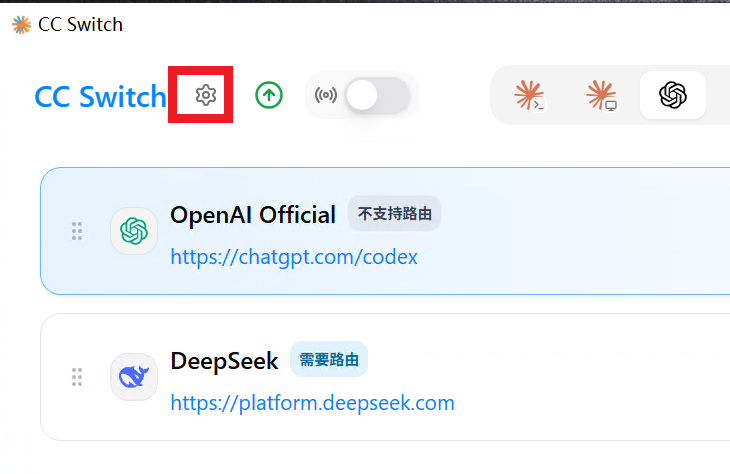
>Enable the routing service. Next, click the Settings button in the upper-left corner:
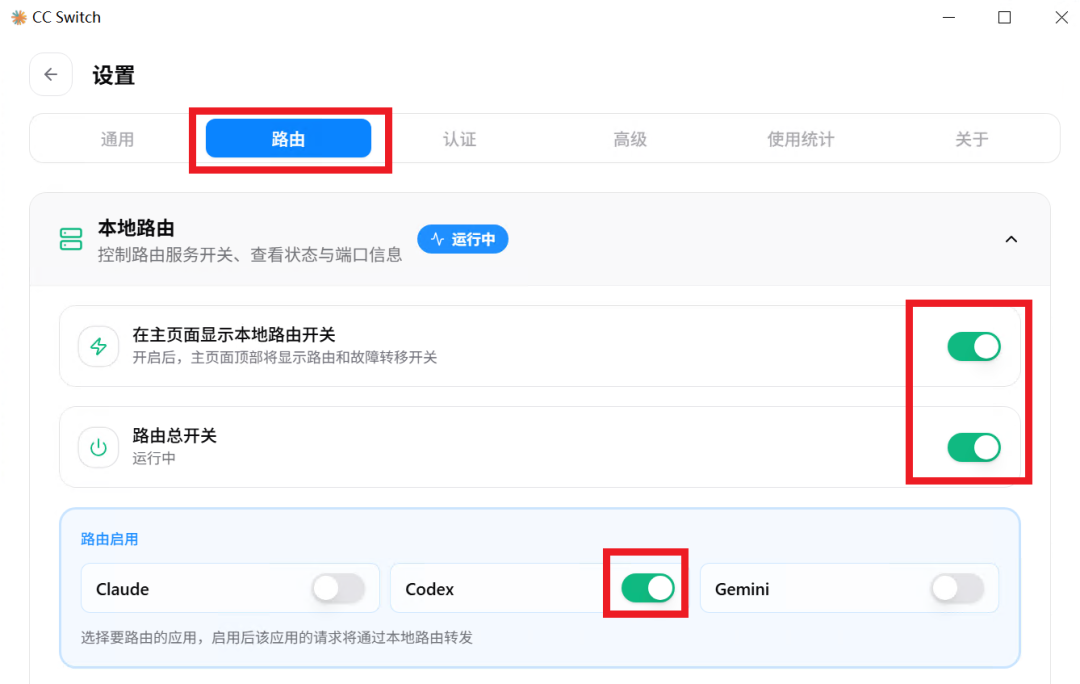
>On the Settings page, click Routing and enable all the switches highlighted by the red boxes in the image below:
>Then return to the provider list, select DeepSeek, and click Enable:
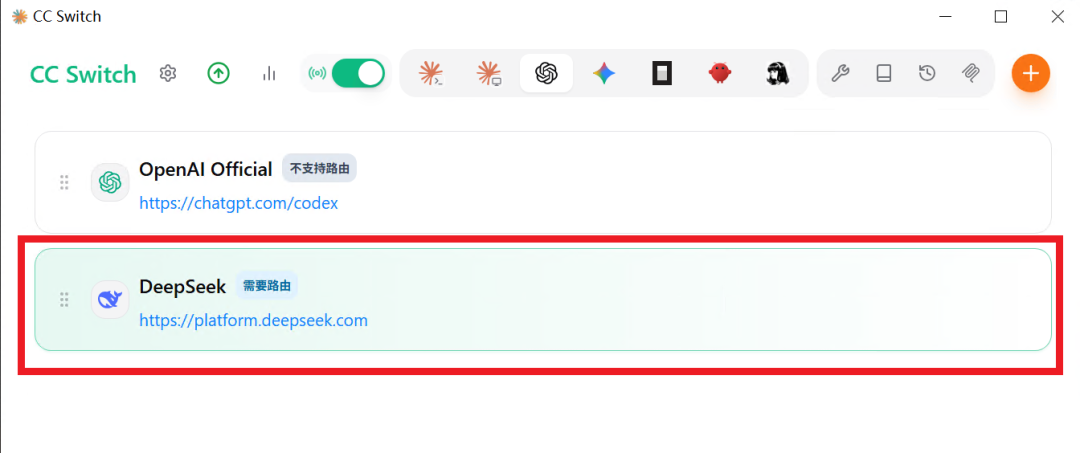
>The provider has been switched to DeepSeek.
04 Verifying the setup by restarting Codex:
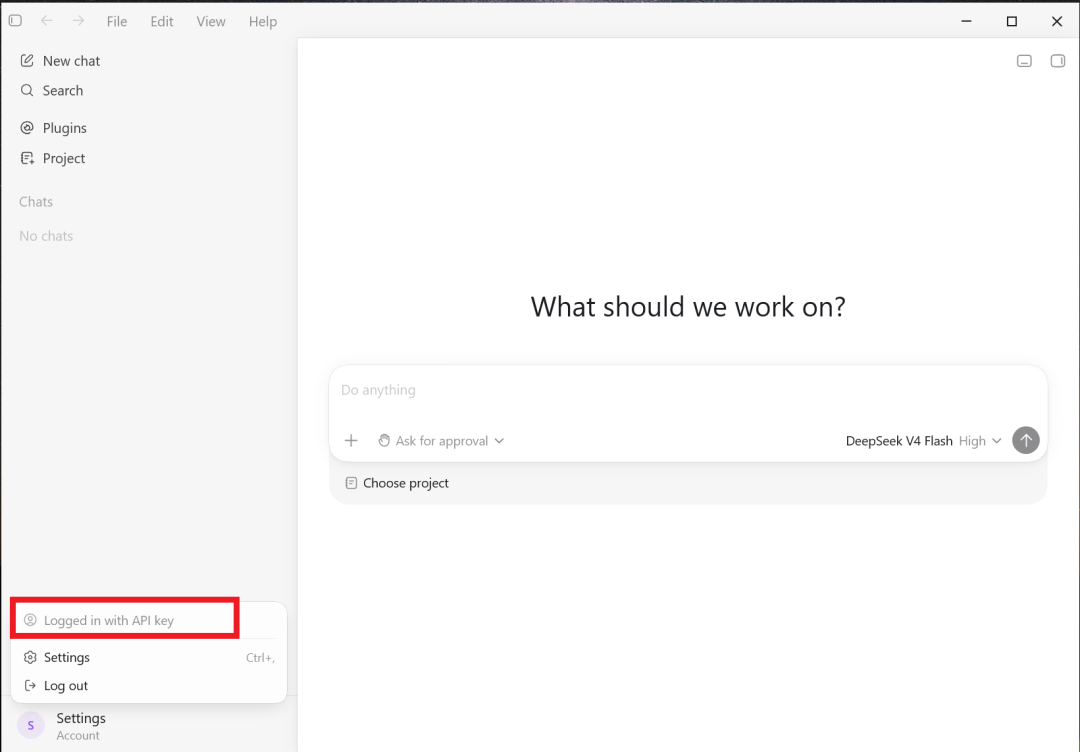
>After restarting, you will find that login succeeded automatically using the API key. Ask a random question in the chat box to check whether it responds normally:
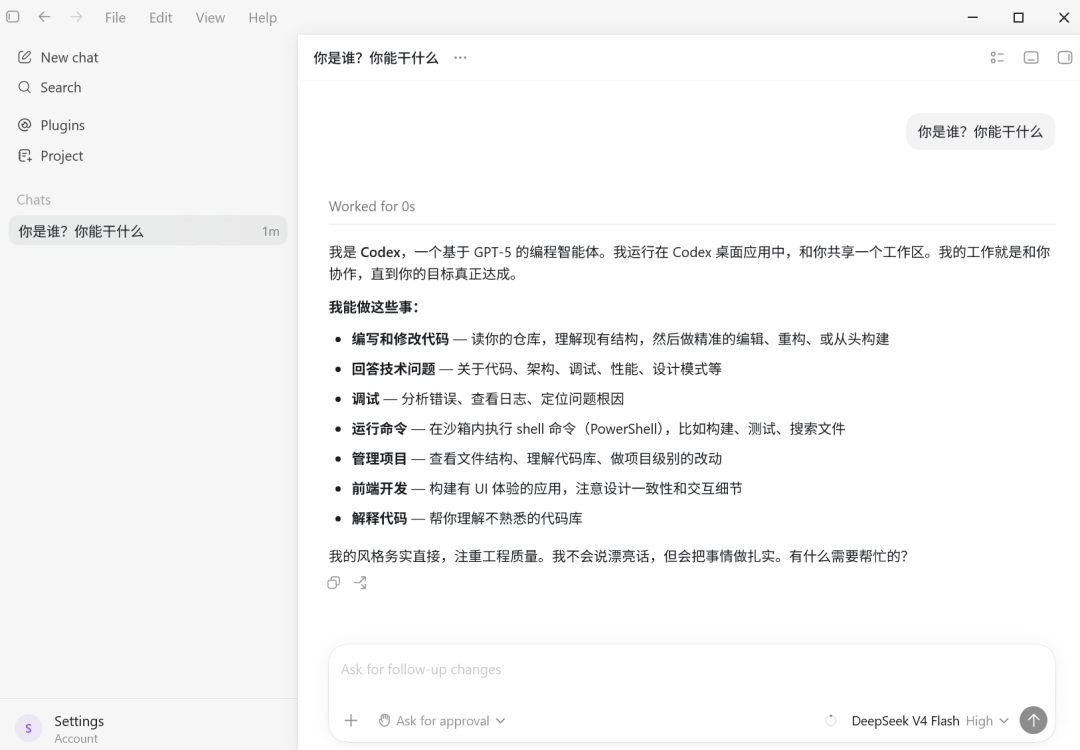
>If it responds normally, the configuration was successful and you can use Codex as usual.