

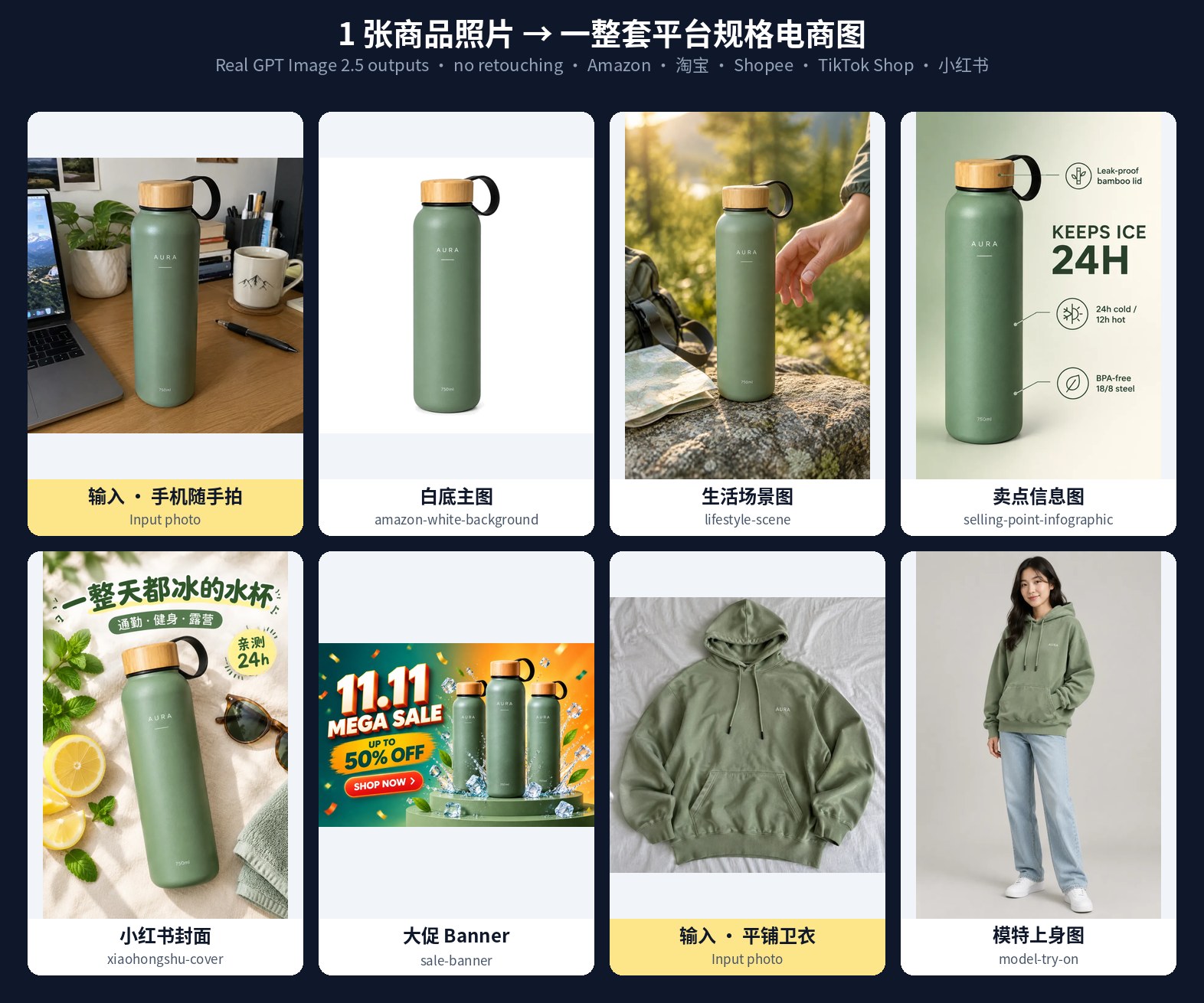
What Ecommerce Image Skills Does
Ecommerce Image Skills is a collection of 12 installable Agent Skills for turning a casual product photo into platform-ready ecommerce graphics. The skills work with Claude Code, Codex, Cursor, or another agent that can read SKILL.md files.
Instead of maintaining a large collection of disconnected prompts, each skill combines product-identity instructions, platform specifications, model routing, and optional scripts for deterministic image-processing tasks. You can create Amazon main images, lifestyle scenes, infographics, A+ modules, size charts, model try-on images, sale banners, Xiaohongshu covers, and Taobao detail pages.
The repository supports GPT Image 2.5 models: gpt-image-2.5-flare for fast scene and layout generation, and gpt-image-2.5-sunburst when text, logos, labels, or local edits need more attention.
Key Features
- Product identity lock: each skill first records the product's shape, colour, logo, and text, then carries those details into the generated prompts.
- Built-in platform specifications: examples include Amazon's white
#FFFFFFbackground and minimum product coverage, 750-pixel Taobao detail pages, 3:4 Xiaohongshu covers, A+ module sizes, and platform banner formats. - Model routing: Flare is the default for scenes, backgrounds, layouts, and rapid variations. Sunburst is recommended for logos, small text, final main images, and local edits.
- Deterministic scripts: bundled scripts can check and repair white backgrounds, crop A+ images, create grids, stitch and slice long detail images, and process batches with retries, resume support, logs, and budget limits.
- Three generation routes: use an agent's built-in image tool, connect an OpenAI-compatible API, or generate a final prompt and use the provided online workflow.
Available Skills
The repository includes 12 self-contained skills. You can install the complete collection or copy only the folders you need.
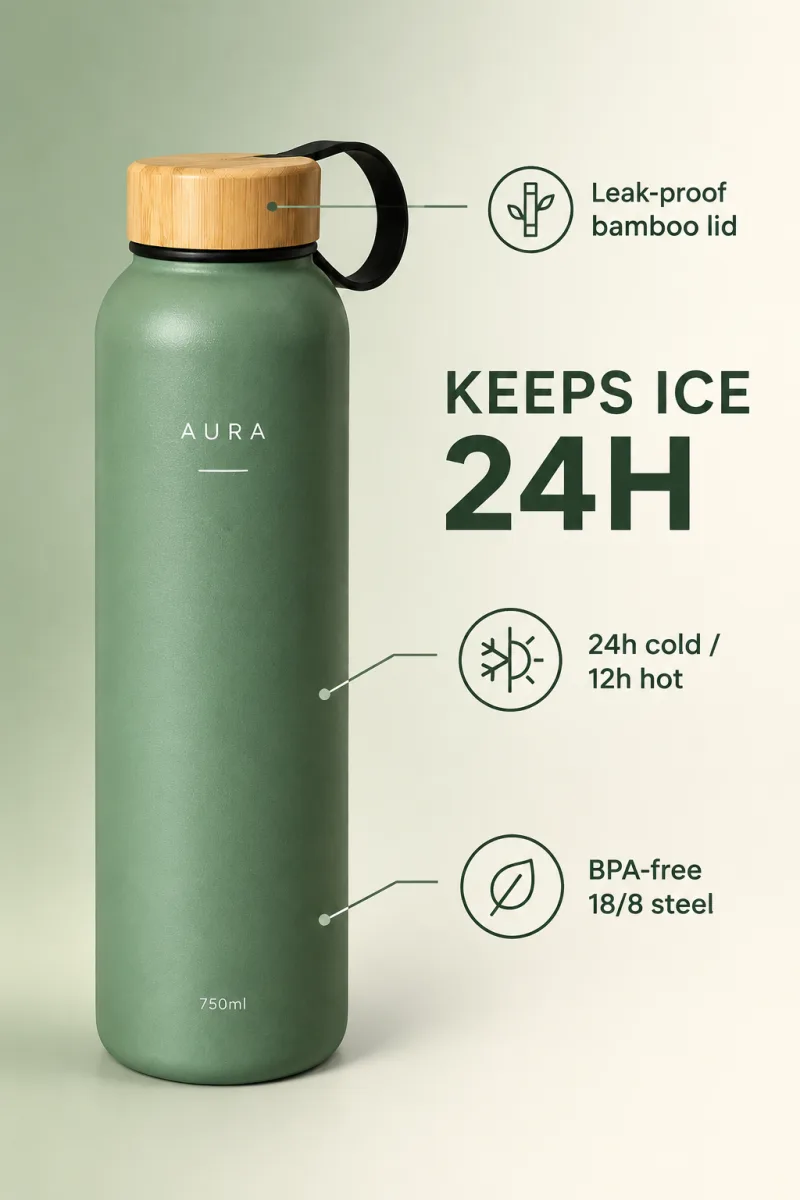
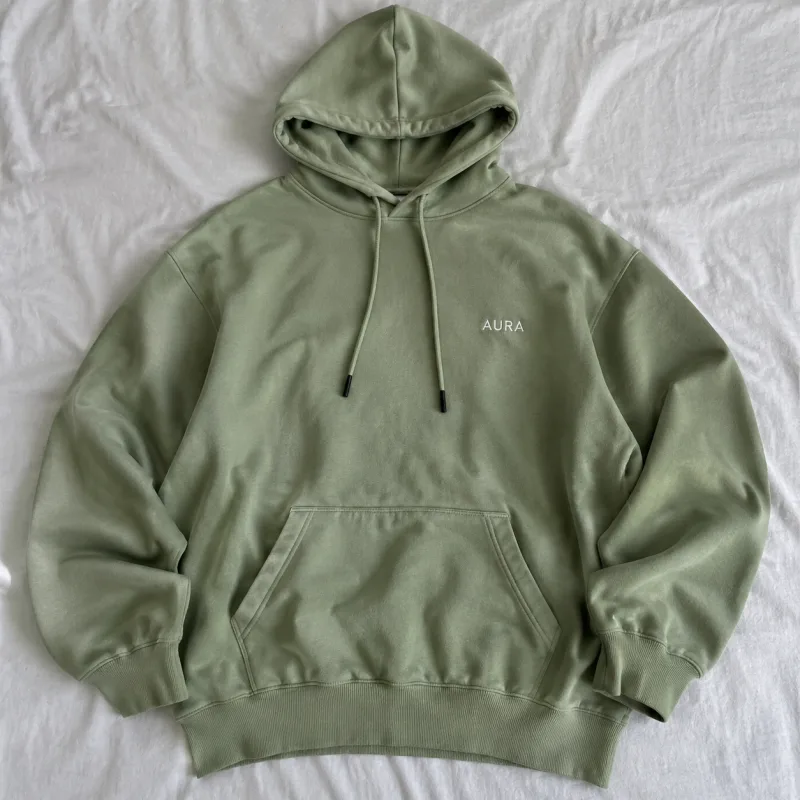
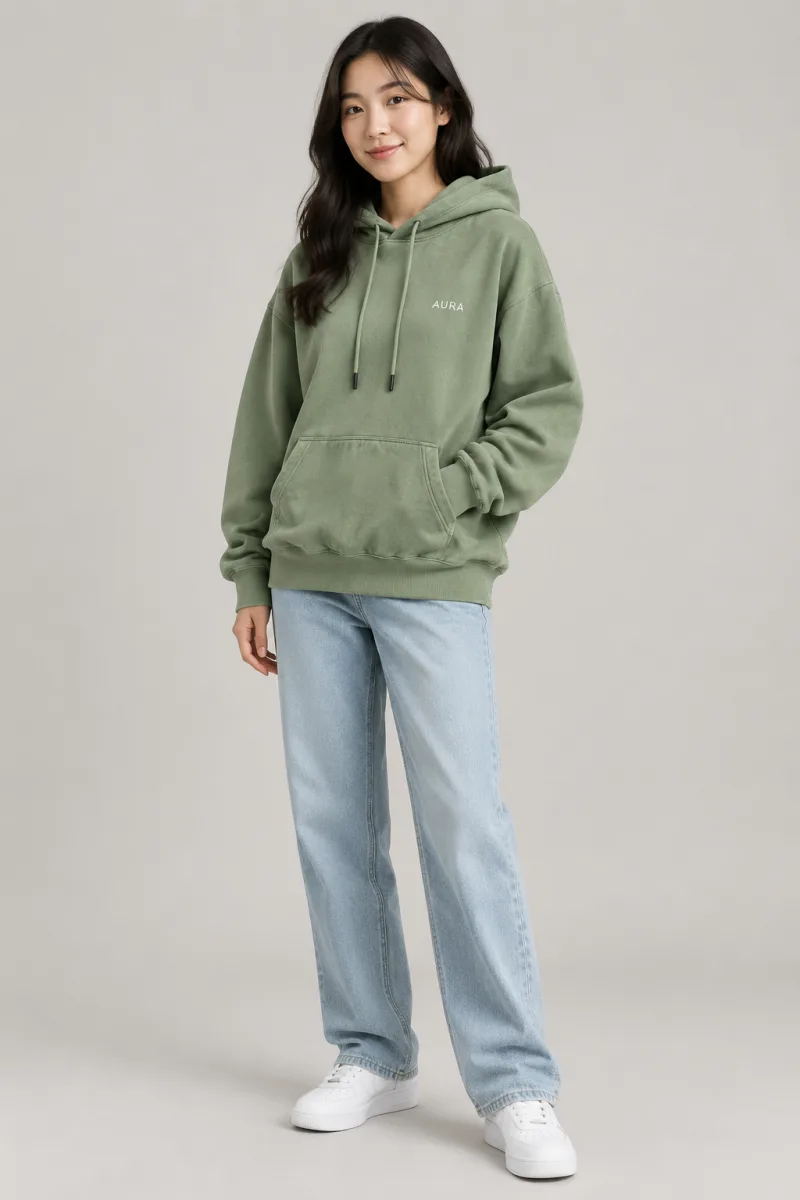
amazon-white-backgroundcreates Amazon main images with a pure white background, no text, and product coverage checks.lifestyle-scenecreates product-in-use scenes such as kitchen, outdoor, office, and fitness settings.model-try-onconverts flat-lay or hanger product photos into model try-on images while preserving fabric, colour, and logos.selling-point-infographiccreates one-benefit-per-image infographics with icons, callouts, and confirmed copy.amazon-a-pluscreates Amazon A+ modules in multiple supported dimensions and includes a crop script.size-chartcreates dimension and apparel charts using centimetres, inches, and user-provided numbers.multi-angle-setcreates consistent front, side, back, top, 45-degree, and detail views.sale-bannercreates campaign banners for marketplaces including Taobao, Tmall, Shopee, Lazada, TikTok Shop, and Amazon.batch-background-swapprocesses multiple images or SKU colour variations with resume support, retries, a budget cap, and CSV logging.xiaohongshu-covercreates 3:4 Xiaohongshu covers using six layout styles.taobao-detail-long-imageplans, stitches, and slices 750-pixel Taobao, Tmall, and Pinduoduo detail pages.ecommerce-listing-suiteacts as the orchestrator, planning a complete platform listing set and coordinating the other 11 skills.
Installation and Setup
Option 1: Install with the Skills CLI
The quickest installation method is:
npx skills add xianyu110/ecommerce-image-skillsYou can also add the repository as a Claude Code plugin:
/plugin marketplace add xianyu110/ecommerce-image-skillsOption 2: Clone and Copy the Skills
Clone the repository first:
git clone https://github.com/xianyu110/ecommerce-image-skills.git
cd ecommerce-image-skills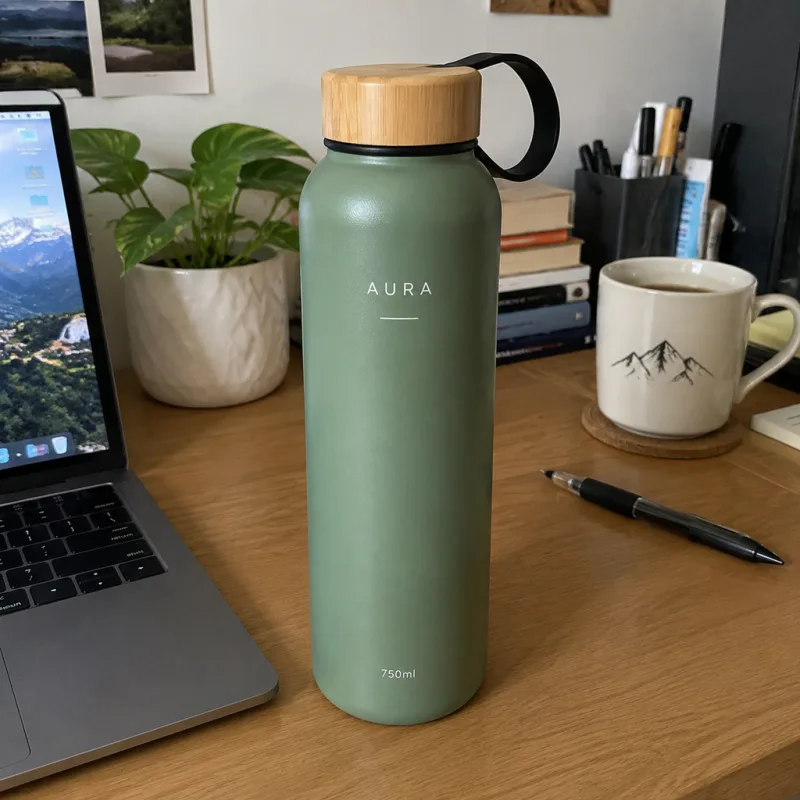
For a global Claude Code installation, copy the skill folders into the Claude directory:
mkdir -p ~/.claude/skills
cp -r skills/* ~/.claude/skills/
For Codex, use:
mkdir -p ~/.codex/skills
cp -r skills/* ~/.codex/skills/
For Cursor, install the skills inside the current project:
mkdir -p .cursor/skills
cp -r skills/* .cursor/skills/
Every skill folder is self-contained. To install only one skill, copy its folder instead:
cp -r skills/amazon-white-background ~/.claude/skills/Choose a Generation Route
You can generate images in three ways:
- Built-in agent image tools: if your agent provides an image-generation tool, the skill can use it automatically.
- OpenAI-compatible API: set
GPTIMAGE_API_KEYand optionallyGPTIMAGE_BASE_URL, then use the bundled Python generation script. - No key or image tool: the skill outputs the final prompt and a link for running it online at gptimage2.asia.
For API-based generation, configure your credentials in the shell:
export GPTIMAGE_API_KEY=sk-...
export GPTIMAGE_BASE_URL=https://tryallapi.com/v1
The default API endpoint is https://api.openai.com, but the repository supports any compatible gateway through GPTIMAGE_BASE_URL.
Basic Usage
Create an Amazon Main Image
Place a product photo in a local folder and ask your agent to run the relevant skill:
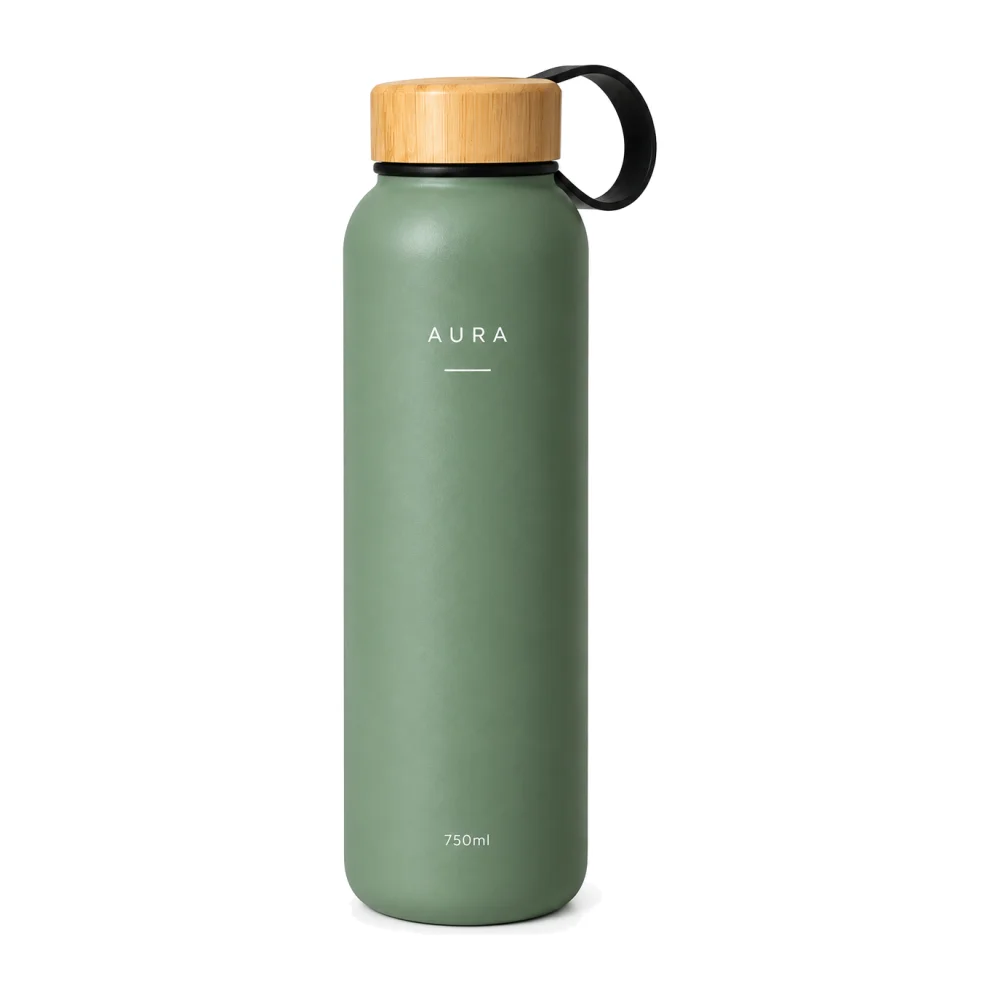
Use amazon-white-background on ./photos/bottle.jpg and run the check script.The skill is designed for a pure white background, no text, and a product that occupies at least the required proportion of the image. After generation, it can run a Python check and optionally repair near-white pixels.
Generate a Complete Amazon Set

Use the orchestrator when you need more than one asset:
Plan a full 7-image Amazon set for this bottle with ecommerce-listing-suite. Show me the plan first.Requesting a plan first lets you review the intended image sequence before generation. The orchestrator can coordinate the individual skills and perform image quality checks.
Create Lifestyle and Social Images
For a product scene, use a focused request:
Use lifestyle-scene to create three outdoor lifestyle images for ./photos/bottle.jpg.For Xiaohongshu, specify the desired headline and ask for multiple variations:
Use xiaohongshu-cover to create three Xiaohongshu covers with the title "A water bottle that stays cold all day".
Run Generation Through the API
When using an OpenAI-compatible endpoint, call the skill's generation script. This example uses the Amazon skill and the Sunburst model:
python skills/amazon-white-background/scripts/generate.py \
  --model sunburst \
  --image bottle.jpg \
  --size 1024x1024 \
  --prompt-file prompt.txt \
  --out out/main.png
The exact scripts and arguments are bundled within the relevant skill folder. Read that skill's SKILL.md for its workflow and requirements before adapting the command.
Check and Repair a Main Image
After generating an Amazon main image, run the checker:
python skills/amazon-white-background/scripts/check_main_image.py \
  out/main.png \
  --fix out/main-fixed.png
The README's example uses this script to normalize near-white pixels to #FFFFFF and verify the main-image requirements.
Model Routing: Flare or Sunburst?
Use Flare, represented by gpt-image-2.5-flare, for new scenes, backgrounds, layouts, concept images, and quick sets of variations. It is the default model for lifestyle scenes, A+ modules, sale banners, Xiaohongshu covers, and Taobao detail pages.
Use Sunburst, represented by gpt-image-2.5-sunburst, when preserving a logo, label, or small text is important. It is also the recommended choice for local edits such as changing a background, changing a colour, or removing an unwanted object. The model is used by the repository's white-background, try-on, infographic, size-chart, multi-angle, and batch-edit skills.
Advanced Tips for Reliable Results
Start with a Product Identity Check
Use a clear source photo and make sure the product's shape, colour, logo, label, and visible wording are easy to inspect. The identity-lock process is central to the repository's approach, so accurate source information improves every downstream image.
Separate Exploration from Final Production
Use Flare to explore several scene or layout directions, then switch to Sunburst for final images where product details, logos, or text must be preserved. This keeps early experimentation fast while reserving the more careful workflow for final assets.
Use Deterministic Scripts After Generation
Image models are useful for visual composition, but scripts are better for repeatable checks and transformations. Run the white-background checker for Amazon images, use crop tools for A+ modules, and use stitching or slicing scripts for long detail pages.
Set Batch Limits
For large folders, use batch-background-swap with a maximum call budget. The skill supports retries, resume behaviour, and CSV logs, which helps you recover from interruptions without restarting the entire batch.
Batch-replace backgrounds in ./photos with pure white, cap at 40 API calls.Review Platform Rules Before Uploading
The repository includes platform-oriented dimensions and presentation rules, but marketplace requirements can change. Always verify the current seller-centre guidelines before publishing images, especially for Amazon, Taobao, Tmall, Shopee, TikTok Shop, and Xiaohongshu.
Example Workflow: From One Photo to a Listing Set
- Put the original product photo in
./photosand inspect the visible product details. - Ask
ecommerce-listing-suiteto create a plan for the target marketplace. - Generate the Amazon white-background main image with
amazon-white-background. - Run the main-image checker and apply its fix option if necessary.
- Create supporting lifestyle scenes with
lifestyle-sceneand feature graphics withselling-point-infographic. - Add a size chart, multi-angle views, or A+ modules when the product requires them.
- Generate social or campaign assets with
xiaohongshu-coverandsale-banner. - Review every image against the current marketplace requirements before uploading.
Conclusion
Ecommerce Image Skills provides a practical, reusable workflow for producing marketplace and social-commerce images from ordinary product photos. Install the skills in your preferred coding agent, choose the platform-specific skill, select Flare or Sunburst according to the task, and use the bundled scripts for repeatable checks and batch processing. For complete campaigns, let ecommerce-listing-suite plan and coordinate the full image set.
The project is released under the MIT License. Because marketplace policies change, treat the built-in specifications as a workflow foundation and confirm the latest requirements before publishing.