

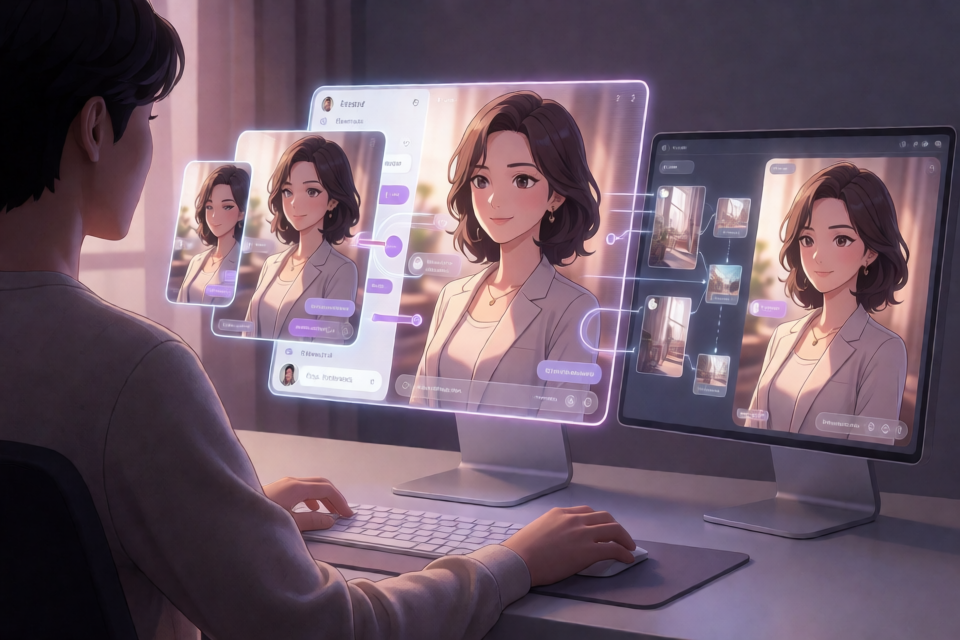
What Is wenai?
wenai is an intimate romance interaction Skill template designed for OpenClaw and adaptable to similar Agent frameworks. Rather than providing a fixed personality, it organizes interaction flows, continuous scenarios, image-generation calls, and profile storage, enabling an Agent to continuously develop a fictional romantic relationship with memory and a sense of growth from a first-person perspective.
The project is intended for fictional role-playing between adults. When using it, follow the rules of the connected Agent platform, model service, and image-generation service.
Core Features
- Daily companionship: Supports morning and evening greetings, casual conversations, and follow-ups on shared plans.
- Immersive scenarios: Advances scenarios through both text and image generation, using first-person narration.
- Shared growth: Uses multiple profile files to record character traits, user preferences, physical status, and interaction statistics.
- Cross-session continuity: Scenario threads, sequence numbers, and counters are written to files so they can continue in later sessions.
- User verification: The template requires account information for a designated user and should reject calls from other accounts.
What You Need Before You Begin
The README does not specify a universal package installation command because wenai is a Skill template, not a standalone application installed through a package manager. You must first prepare OpenClaw or a similar Agent framework capable of loading Skills.
If you need image generation, you must also have ComfyUI running with the Pony V6 XL model or a corresponding workflow loaded. The repository includes an importable nsfw-v1.0.json workflow file.
Understanding the Directory Structure
wenai/
├── SKILL.md              # Main flow: jailbreak → scenario → image generation → persistence
└── assets/
    ├── sensitivity.md    # Her sensitivity profile
    ├── fetishes.md       # User preference profile
    ├── profile.md        # Her physical status profile
    └── stats.md          # Interaction statistics
SKILL.md is the main workflow file, responsible for organizing scenario progression, image generation, and data persistence. The files in the assets directory make up the relationship profile. Deleting them resets the corresponding records, so back them up before making changes.
Step 1: Initialize the User Identity
You must initialize the user identity before first use; otherwise, the template cannot correctly identify the authorized user.
- Search all project files for
[Username]. - Replace every instance of
[Username]with your name or preferred form of address. - Find the “
[Username] Account” section and enter the actual account information. - Review the replacements to ensure no unprocessed placeholders remain.
The account information is used to verify the caller. Under the template’s rules, only the specified user may use this Skill.
Step 2: Set the Heroine’s Fixed Traits
Open SKILL.md and enter fixed visual-trait tags for the heroine, such as hair color, hairstyle, and body type. The README does not require specific tags, so choose them according to your own character design.
If you use a LoRA or an existing character design, the fixed-trait tags should remain consistent with the LoRA and character profile. This helps reduce noticeable appearance changes between scenarios.
Step 3: Configure the AI Girlfriend’s Personality
wenai does not include a personality configuration. Whether the character is gentle, tsundere, or has another personality is not determined by this Skill. It should be configured in the Agent’s personality layer.
- When using OpenClaw, define the character in
SOUL.mdor the corresponding personality configuration. - When using another Agent framework, place the personality definition in that framework’s system prompt.
- Let the personality layer control character, tone, and values, while wenai handles interaction flows, profiles, and scenario continuity.
You can begin with a short personality description, such as:
You communicate with the user in the first person.
Your overall tone is gentle and natural, and you value mutual commitments.
Show proactive concern for the user in everyday conversations while remaining consistent with the established character.
This is only a basic example. Your final configuration format should follow the requirements of the Agent framework you use.
Step 4: Configure ComfyUI Image Generation
wenai’s image-generation workflow is designed for ComfyUI and Pony V6 XL. Configure it in the following order:
- Start ComfyUI and confirm that the service is available.
- Prepare the Pony V6 XL model and required resources.
- Import the repository’s
nsfw-v1.0.jsonfile into ComfyUI. - Check the model nodes and local resource paths in the workflow.
- In the Agent’s tool configuration, point
image_generateto the ComfyUI service. - Ensure that the heroine’s fixed-trait tags are consistent with the LoRA or character design being used.
The template uses Pony- and Danbooru-style prompt tags, beginning with quality tags like these:
score_9, score_8_up, score_7_upThe README does not provide standardized image_generate API parameters. Configure the service URL, authentication method, and workflow mapping according to your Agent tool implementation.
Step 5: Load and Check the Skill
After editing the files, place the entire wenai directory in a Skill location recognized by your Agent framework, then load SKILL.md according to that framework’s procedure. Because Skill directories and registration methods vary between frameworks, consult the documentation for the relevant tool.
After loading it for the first time, check the following in order:
- Whether every instance of
[Username]has been replaced. - Whether the authorized account passes identity verification.
- Whether other accounts are rejected.
- Whether the Agent correctly loads the separate personality configuration.
- Whether
image_generatecan connect to ComfyUI. - Whether the profile files under
assetscan be read and written.
Basic Usage Examples
Start Daily Companionship
After loading the Skill, you can begin with an ordinary greeting instead of immediately entering a complex scenario.
User: Good morning. I woke up a little late today.

Expected result: The Agent responds in the first person using the configured personality, maintains the tone of the romantic relationship, and develops the conversation around the current everyday situation.
Follow Up on an Earlier Plan
Continuous memory is one of wenai’s key features. You can establish a plan in one session and mention it again in a later session.
First session: We agreed to watch a movie together tomorrow evening.
Later session: Do you remember what we planned for tonight?
If the scenario and profiles have been persisted correctly, the Agent should continue the conversation using the saved information rather than treating the later session as a completely separate new relationship.
Request a Scenario Image
When the text interaction reaches a scene suitable for visual presentation, you can request an image using natural language:
User: Generate an image of the current scene while keeping your hairstyle, hair color, and outfit consistent with their established designs.The Skill organizes the image-generation prompt according to its workflow and calls ComfyUI through the configured image_generate tool. Actual results depend on the workflow, model, LoRA, and fixed tags.
Understanding Profiles and Persistence
wenai saves relationship development in files instead of relying solely on the context of the current chat window.
sensitivity.md: Uses a star-rating system to record her sensitivity and how it develops through interactions.fetishes.md: Records user preferences discovered during interactions.profile.md: Stores information about her physical status.stats.md: Stores the interaction counters defined by the template.
These files affect continuity across sessions. Deleting a file is equivalent to clearing the corresponding memory or resetting the relationship, so they should not be treated as temporary cache files and removed casually.
Advanced Usage Tips
Maintain Personality and Workflow Separately
Do not put every personality setting into SKILL.md. Keep the personality in SOUL.md or the system prompt, while leaving workflow and profile logic in the Skill. This reduces conflicts during later modifications.
Keep the Character Visually Consistent
Create a stable set of tags for fixed traits and keep them consistent with the LoRA, model, and personality description. Before changing hairstyle, hair color, or body-type tags, determine whether the change is permanent or applies only to a single scenario.
Back Up Relationship Profiles Regularly
It is best to back up the entire assets directory regularly rather than backing up individual files. This preserves sensitivity, preferences, status, and statistics together, preventing inconsistencies in the profile timeline after restoration.
Recommended backup scope:
wenai/assets/sensitivity.md
wenai/assets/fetishes.md
wenai/assets/profile.md
wenai/assets/stats.md
Test Text Before Testing Image Generation
When troubleshooting, first confirm that identity verification, personality loading, first-person interaction, and profile writing work correctly before connecting ComfyUI. This helps determine whether a problem comes from the Agent workflow or the image service.
Check Cross-Session Continuity
Create an easily verifiable scenario or plan, end the current session, start a new one, and ask about the relevant details. Then check whether the profile files and scenario sequence number changed as expected to verify the persistence mechanism.
Frequently Asked Questions
Why Doesn’t the Character Have a Clear Personality?
The template does not include a personality. Add the character definition to OpenClaw’s SOUL.md, a personality prompt, or the system prompt of another framework.
Why Can’t It Generate Images?
Check in order whether ComfyUI is running, whether Pony V6 XL and the workflow are loaded correctly, whether image_generate points to the correct service, and whether the models and LoRAs referenced by the workflow are available locally.
Why Is the Character’s Appearance Inconsistent?
Check whether the fixed-trait tags in SKILL.md are complete, and confirm that they are consistent with the LoRA, character design, and Pony prompt tags.
Why Does the Memory Disappear After Reloading?
Check whether the files in assets were deleted, overwritten, or made unwritable. Relationship continuity depends on these persisted files, and clearing them resets the records.
Conclusion
wenai combines romance interaction flows, scenarios, image generation, and a profile system into a customizable Skill template. After configuring the user identity, separate personality, fixed visual tags, and ComfyUI, you can begin with simple greetings, gradually verify scenario progression and cross-session memory, and preserve the development of the fictional relationship over time by backing up its profiles.
The project receives open-source promotion support from LINUX DO.