

What This Project Provides
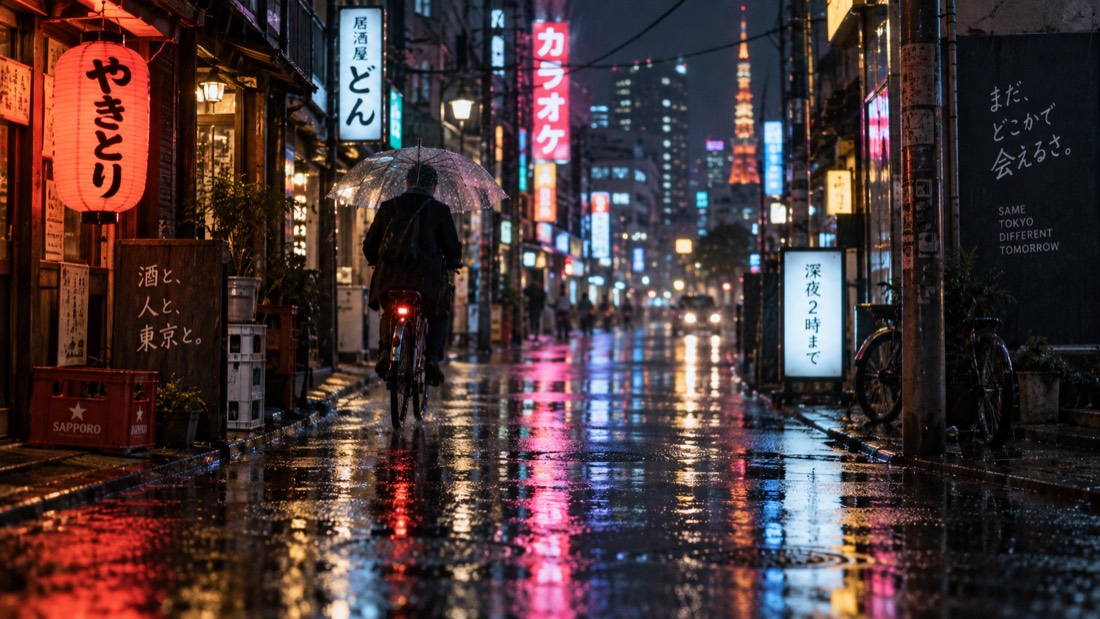
The image2.5 Prompt Gallery is a practical collection of 12 prompts that were run through GPT Image 2.5 and published alongside their resulting images. Each recipe records the prompt, model version, aspect ratio, and output, making it easier to evaluate a prompt before adapting it for your own application.
The examples use APIMart’s OpenAI-compatible endpoint at https://api.apimart.ai/v1. The relayed route is asynchronous: your application submits an image request, receives a task ID, polls the task endpoint, and downloads the image after processing completes.
Key Features
- OpenAI-compatible generation path: requests are sent to
POST /v1/images/generations. - Two relayed variants: use
version: "flare"for everyday generation orversion: "sunburst"for editing and reference-driven work. - Multiple output tiers: choose
1K,2K, or4K. - Flexible framing: use
autoor one of ten supported aspect ratios, including1:1,16:9,9:16, and4:3. - Batch output: request between one and four images with
n. - Reference-image support: provide as many as 16 URLs or data URLs in
image_urls. - Per-call cost reporting: completed task data includes
costandcredits_cost. - Idempotent retries: the API accepts an
Idempotency-Keyheader to help prevent duplicate work when retrying the same submission.
Choose the Correct Model Route
APIMart exposes both relayed and official GPT Image 2.5 routes. Their request fields and billing styles are different, so choose the route before writing your integration.
Relayed per-image route
Set model to gpt-image-2.5-ext and include either version: "flare" or version: "sunburst". This is the route used by the gallery examples and is billed per delivered image.
flare: suited to everyday generations and batch drafts.sunburst: suited to editing precision and work that must preserve references, objects, logos, or product labels.
Official token-billed route
Use gpt-image-2.5-flare or gpt-image-2.5-sunburst directly. Do not send a version field with these model IDs. The official route is token-billed and supports a quality ladder from low through max, as well as exact pixel dimensions.
Do not mix route formats. The
gpt-image-2.5-extalias needs a version selector, while the official model IDs must not include one.
Installation and Setup
1. Create and fund an account
Get an API key from the APIMart keys page. According to the repository, the service has no free quota and supports top-ups starting from $1.
2. Store the key in an environment variable
export APIMART_API_KEY="your-api-key"Avoid placing the key directly in application source code or committing it to version control.
3. Install the Python dependency
The Python example uses the third-party requests package.
python -m pip install requestsIf you prefer curl, ensure that curl and a UUID generator such as uuidgen are available in your shell.
Make Your First Image Request with curl
The following request creates a square 1K image with the relayed flare variant:
IDEMPOTENCY_KEY="$(uuidgen)"
curl --request POST \
  --url https://api.apimart.ai/v1/images/generations \
  --header "Authorization: Bearer $APIMART_API_KEY" \
  --header "Content-Type: application/json" \
  --header "X-APIMart-Response-Version: 2026-07-27" \
  --header "Idempotency-Key: $IDEMPOTENCY_KEY" \
  --data '{
    "model": "gpt-image-2.5-ext",
    "version": "flare",
    "prompt": "A cozy reading nook beside a window on a rainy day, warm table lamp, cinematic lighting",
    "size": "1:1",
    "resolution": "1K",
    "n": 1
  }'
A successful submission returns HTTP 202. Read the task identifier from data.id or use the returned data.poll_url.

Poll the task
curl --request GET \
  --url "https://api.apimart.ai/v1/tasks/TASK_ID" \
  --header "Authorization: Bearer $APIMART_API_KEY" \
  --header "X-APIMart-Response-Version: 2026-07-27"
The task normally moves from pending to processing, then finishes as either completed or failed. When it completes, retrieve the generated URLs from result.images[].url.
Generated image URLs include an
expires_attimestamp. Download and store each file before its URL expires.

Build an End-to-End Python Client
This example submits one request, checks for HTTP errors, polls every five seconds, and returns the completed task record. It creates a fresh idempotency key for each new generation.
import os
import time
import uuid
import requests

BASE_URL = "https://api.apimart.ai/v1"
API_KEY = os.environ["APIMART_API_KEY"]

COMMON_HEADERS = {
    "Authorization": f"Bearer {API_KEY}",
    "Content-Type": "application/json",
    "X-APIMart-Response-Version": "2026-07-27",
}

def generate_image(prompt, version="flare", resolution="1K", size="1:1"):
    submit_headers = {
        **COMMON_HEADERS,
        "Idempotency-Key": str(uuid.uuid4()),
    }

    response = requests.post(
        f"{BASE_URL}/images/generations",
        headers=submit_headers,
        timeout=60,
        json={
            "model": "gpt-image-2.5-ext",
            "version": version,
            "prompt": prompt,
            "size": size,
            "resolution": resolution,
            "n": 1,
        },
    )
    response.raise_for_status()
    task_id = response.json()["data"]["id"]

    while True:
        poll_response = requests.get(
            f"{BASE_URL}/tasks/{task_id}",
            headers=COMMON_HEADERS,
            timeout=60,
        )
        poll_response.raise_for_status()
        task = poll_response.json()["data"]

        if task["status"] == "completed":
            return task
        if task["status"] == "failed":
            raise RuntimeError(f"Generation failed: {task}")

        time.sleep(5)

result = generate_image(
    "Studio product hero of a matte ceramic espresso cup on a warm stone pedestal, soft window light, 85mm lens look, minimal beige backdrop, crisp shadow"
)

print("Cost:", result.get("cost"))
for image in result["result"]["images"]:
    print("Image URL:", image["url"])
    print("Expires at:", image.get("expires_at"))
Retry safely
If the submission times out or receives a retryable response, resend the same logical request with the same Idempotency-Key. Use a new key when intentionally creating a new image. If a completed task must be recreated because its source or reference changed, also use a new key.
Understand the Main Request Fields
model: required; usegpt-image-2.5-extfor the relayed route.version:flareorsunburst; defaults toflare.prompt: required and must contain non-whitespace text.resolution:1K,2K, or4K; defaults to1K.size: defaults toauto. Supported ratios are1:1,16:9,9:16,4:3,3:4,3:2,2:3,5:4,4:5, and21:9.n: the number of images, from one to four on the relayed route.image_urls: an optional array containing up to 16 image URLs or data URLs.
Write More Reliable Prompts
The gallery treats a prompt as a compact production brief rather than a list of vague adjectives. A useful structure is subject, material, lighting, framing or lens, and finish.

- Name the subject: identify the main object, person, scene, or environment.
- Specify physical materials: use phrases such as
matte ceramic,frosted glass, orclay render. - Set the light: describe soft window light, natural side light, high-key studio lighting, or dramatic backlight.
- Lock the framing: state centered composition, overhead flat lay, wide cinematic composition, or another intended layout.
- Add lens language: terms such as
85mm,24mm,macro, andfocus stackedcan guide perspective and detail. - Choose a finish: phrases such as painterly detail, commercial product photography, or crisp vector edges control the visual treatment.
For example:
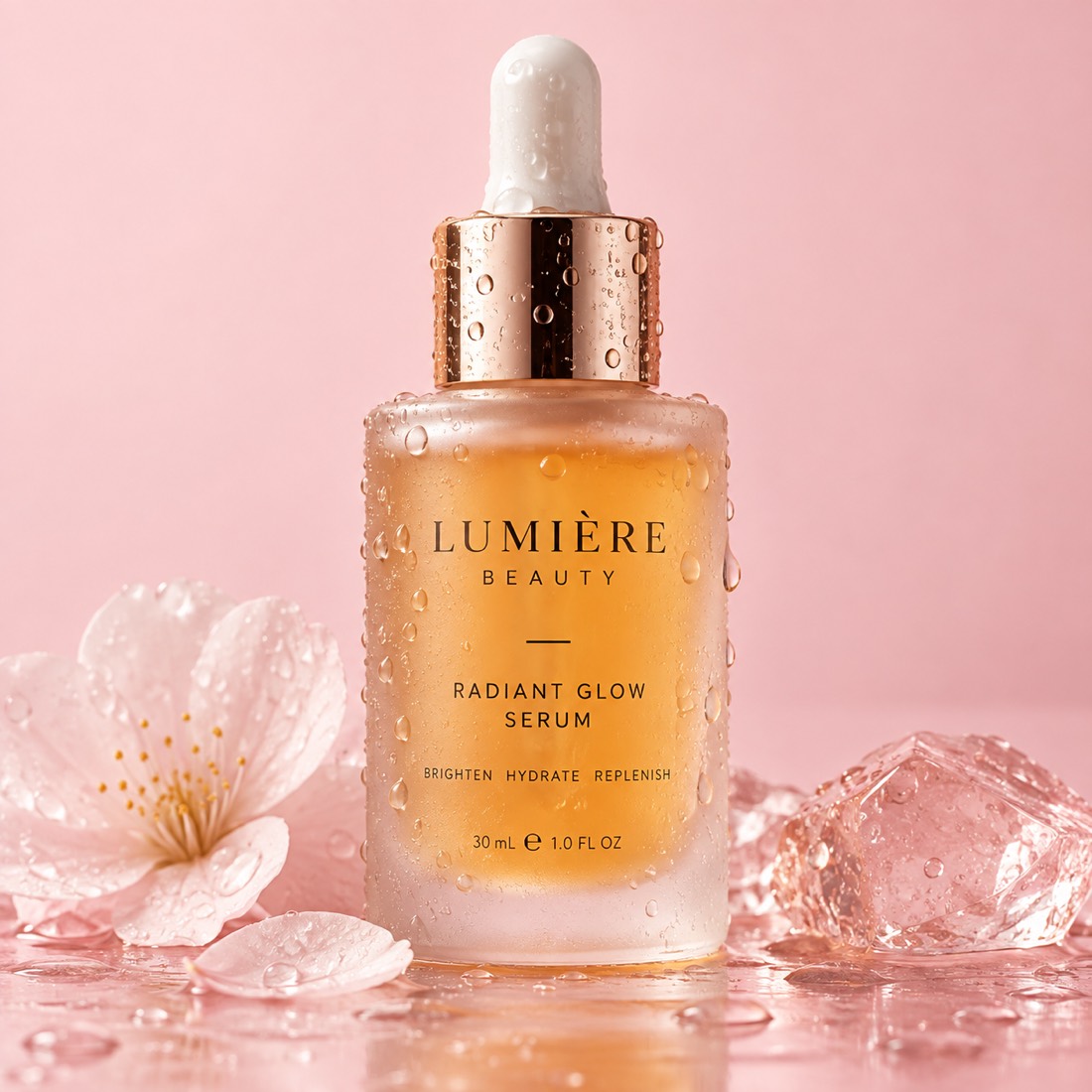
Cosmetics packshot of a frosted glass bottle with amber serum,
water droplets on the surface, seamless pale pink backdrop,
high detail commercial product photography
Use Reference Images
For image-to-image or reference-driven work, add an image_urls array to the relayed request. The route accepts up to 16 references.
{
  "model": "gpt-image-2.5-ext",
  "version": "sunburst",
  "prompt": "Preserve the product and label, replace the background with soft off-white, and add a natural cast shadow",
  "image_urls": [
    "https://example.com/product-reference.jpg"
  ],
  "size": "1:1",
  "resolution": "2K",
  "n": 1
}
Use stable, accessible reference URLs. If a task fails because a reference URL expired, re-host the image and submit a new task with a new idempotency key.
Call the Official Route
The official route uses a direct model ID and a quality setting instead of the relayed route’s version selector.
curl --request POST \
  --url https://api.apimart.ai/v1/images/generations \
  --header "Authorization: Bearer $APIMART_API_KEY" \
  --header "Content-Type: application/json" \
  --data '{
    "model": "gpt-image-2.5-sunburst",
    "prompt": "Preserve the product label, replace the background with soft off-white, add a natural cast shadow",
    "size": "1:1",
    "resolution": "1k",
    "quality": "high",
    "n": 1
  }'
Consult the official-route documentation and the relayed-route documentation for current field details.
Advanced Production Tips
Separate submission from processing
Store the returned task ID in a queue or database instead of holding a web request open. A background worker can poll incomplete tasks and persist completed results.
Use moderate polling intervals
The repository examples poll every five seconds. Avoid tight loops that create unnecessary traffic. For larger workloads, add backoff while a task remains pending or processing.
Record actual costs
Save cost or credits_cost from every finished task. This gives you a per-call spending record instead of relying only on estimates.
The README reports an observed relayed-route price of $0.0085 per delivered 1K image, $0.014 for 2K, and $0.021 for 4K flare. The 4K sunburst price was not fixed in the table. These figures were observation-dated in September 2026, so check live pricing before budgeting or scaling.
Download results immediately
Do not treat result.images[].url as permanent storage. Download the file before expires_at, then move it to storage controlled by your application.
Start small before scaling
Validate a prompt at 1K with n: 1. Increase the resolution or request multiple outputs only after the subject, composition, and style are stable.
Match aspect ratio to the destination
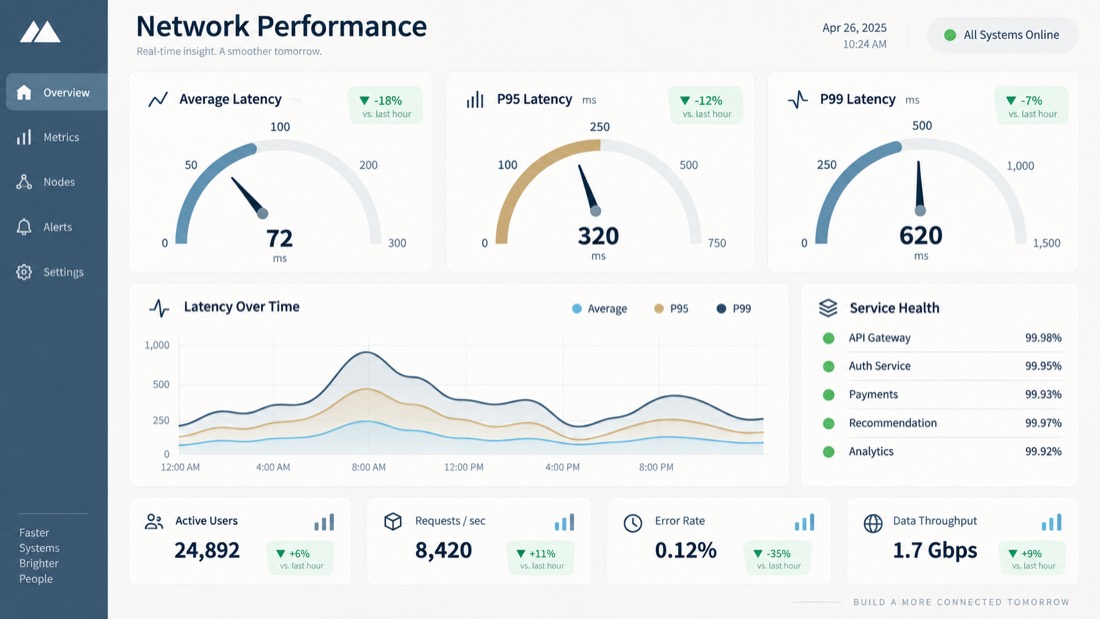
1:1for icons, product cards, and square social assets.16:9for cinematic scenes, dashboards, and presentation headers.9:16for vertical mobile and social layouts.4:3for editorial illustrations and food photography.3:4for portraits and fashion compositions.

Troubleshooting
401or invalid API key: copy the key again and check for spaces or newline characters. The header must useAuthorization: Bearer $APIMART_API_KEY.- Balance or credit error: add funds to the account; the repository states that there is no free fallback quota.
429response: reduce concurrency, back off, and retry the same submission with the same idempotency key.400or model not found: verify thatgpt-image-2.5-extincludes a version and that direct official model IDs do not.- Task status is
failed: inspect whether the prompt was rejected or a reference URL expired. Correct the input and submit a new task with a new key. - Output URL no longer works: the temporary URL has probably expired. Future completed outputs should be downloaded promptly.
Conclusion
The image2.5 Prompt Gallery demonstrates a repeatable workflow for generating assets with GPT Image 2.5: choose the correct route, write a production-style prompt, submit the asynchronous request, poll its task ID, record the reported cost, and download the result before expiration. Begin with a single 1K image, verify quality and billing, then expand to higher resolutions, batches, or reference-driven sunburst workflows.