

Yowes is a portable Python application that generates teacher-related documents as high-resolution PNG files. Its headless Model Context Protocol (MCP) server exposes document generation through stdio, making it usable from agent runtimes such as Claude Desktop, Hermes, and other MCP clients.
The project supports 13 countries, country-specific document types, bundled fonts and profile photos, and school data containing addresses and contact details. This tutorial walks through installation, server setup, MCP tool usage, Python integration, and extension options.
What Yowes Does
Yowes creates localized teacher documents from a teacher profile and a selected school. Depending on the country, available outputs include employment letters, teacher IDs, teaching licenses, payslips, school IDs, contracts, certificates, and other document formats.
Generated files are saved as PNG images. The application includes DejaVu Sans fonts and profile photos in the package, so it does not depend on system fonts or external image assets at runtime.
Supported countries
The available country codes and document types include:
- United Kingdom: employment letters, teacher IDs, and teaching licenses.
- United States: employment letters, teacher IDs, and teaching licenses.
- France: installation statements, iProf screenshots, bylaws extracts, and teaching certificates.
- Netherlands: employment contracts, teacher registrations, DUO declarations, and school IDs.
- Indonesia: payslips, teaching experience letters, NUPTK cards, and appointment letters.
- Australia: signed school letters, school IDs, and teaching licenses.
- Canada: OCT cards, teaching licenses, and signed school letters.
- Spain: teaching IDs, signed school letters, and employment contracts.
- Argentina: payslips, employment certificates, and signed school letters.
- Slovakia: payslips, employment letters, and signed school letters.
- Mexico: teaching IDs, signed school letters, and employment certificates.
- Philippines: teaching IDs, employment certificates, and teaching licenses.
- Thailand: payslips and letters of employment.
Use these documents only for legitimate testing, demonstrations, or authorized administrative workflows. Generated documents should not be presented as official credentials unless they have been issued and validated by the relevant institution.
Requirements
Yowes requires Python 3.10 or newer. Its main dependencies, Pillow and mcp, are installed automatically when you install the package.
The project supports Windows, Linux, and macOS. Because fonts and photos are bundled, the packaged application is designed to be portable.
Install Yowes
Install from a wheel
If you have a built wheel in the dist directory, install it with:
pip install dist/yowes_doc_generator-0.1.0-py3-none-any.whlInstall from source
For development or local experimentation, install the project in editable mode:
pip install -e .Run with uv
You can also launch the project through uv:
uvx --from . yowes-mcpVerify bundled assets
After installation, check that the bundled font and profile-photo helpers resolve correctly:
python -c "from countries.utils import load_font, get_profile_photo; print(load_font(30).getname()); print(get_profile_photo((280,340), person_id='x', gender='Male') is not None)"A successful run reports the DejaVu Sans font and returns True for the bundled profile photo.
Connect the MCP Server
Yowes communicates over MCP using stdio. Start the installed command with:
yowes-mcpAlternatively, when working directly from the source tree, run:
python mcp_server.pyThe process waits for MCP requests on standard input and writes responses to standard output. It is not designed to behave like an interactive terminal application.
Register Yowes in an MCP client
Point your MCP-compatible agent runtime at the executable:
{
  "mcpServers": {
    "yowes": {
      "command": "yowes-mcp",
      "args": []
    }
  }
}
If the command is not available on your PATH, use the absolute path to Python and invoke the server module:
{
  "mcpServers": {
    "yowes": {
      "command": "/path/to/python",
      "args": ["-m", "mcp_server"]
    }
  }
}
Explore the Available MCP Tools
The server provides three primary tools:
list_countries_toollists country codes, display names, and document types.list_schools(country)lists schools for a selected country.generate_documents(...)renders one or more documents and returns their file paths.
List countries
Call list_countries_tool without arguments. The response contains one result item per country, with values such as code, name, and document_types. Since the list is split into multiple MCP content items, iterate over the returned content collection to inspect every country.
List schools
Pass a country code to list_schools:
{
  "country": "us"
}
Each school result can include its name, address, town, postcode, state, phone number, and local education authority information. Use an exact or partial school name returned by this tool when generating documents.
Generate Documents
The generate_documents tool requires the country, teacher name, school, position, and date of birth. You can optionally choose a gender, document types, and output directory.
Example request
{
  "country": "us",
  "first_name": "John",
  "last_name": "Smith",
  "school_name": "Valley High",
  "position": "Head of Science Department",
  "date_of_birth": "12/05/1988",
  "gender": "Male",
  "document_types": ["employment_letter", "teacher_id"],
  "output_dir": "output"
}
The gender value may be Random, Male, or Female. It controls selection from the bundled profile-photo pool. If document_types is omitted, Yowes generates all document types available for the selected country. The default output directory is output/.
A successful response includes the selected country and school, the document types, the generated file paths, a count, and the output directory. The returned PNG paths are absolute paths.
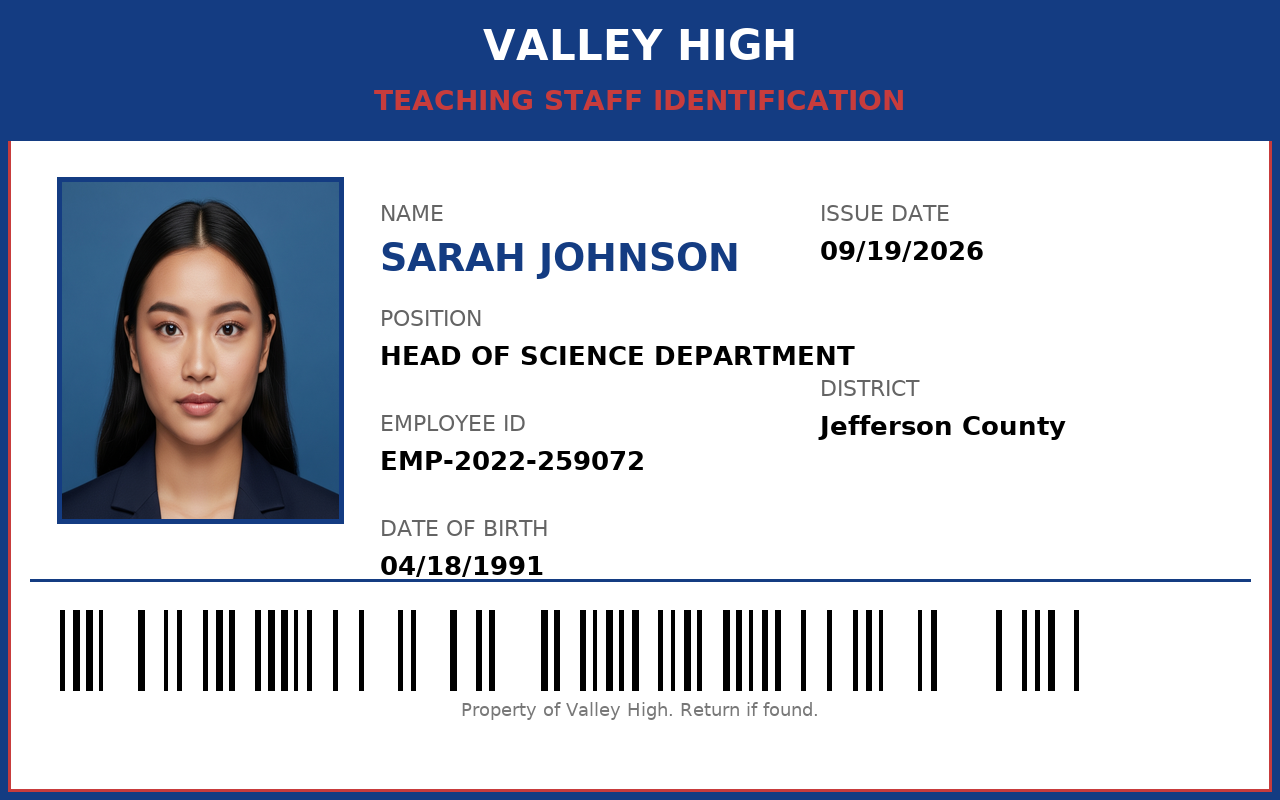
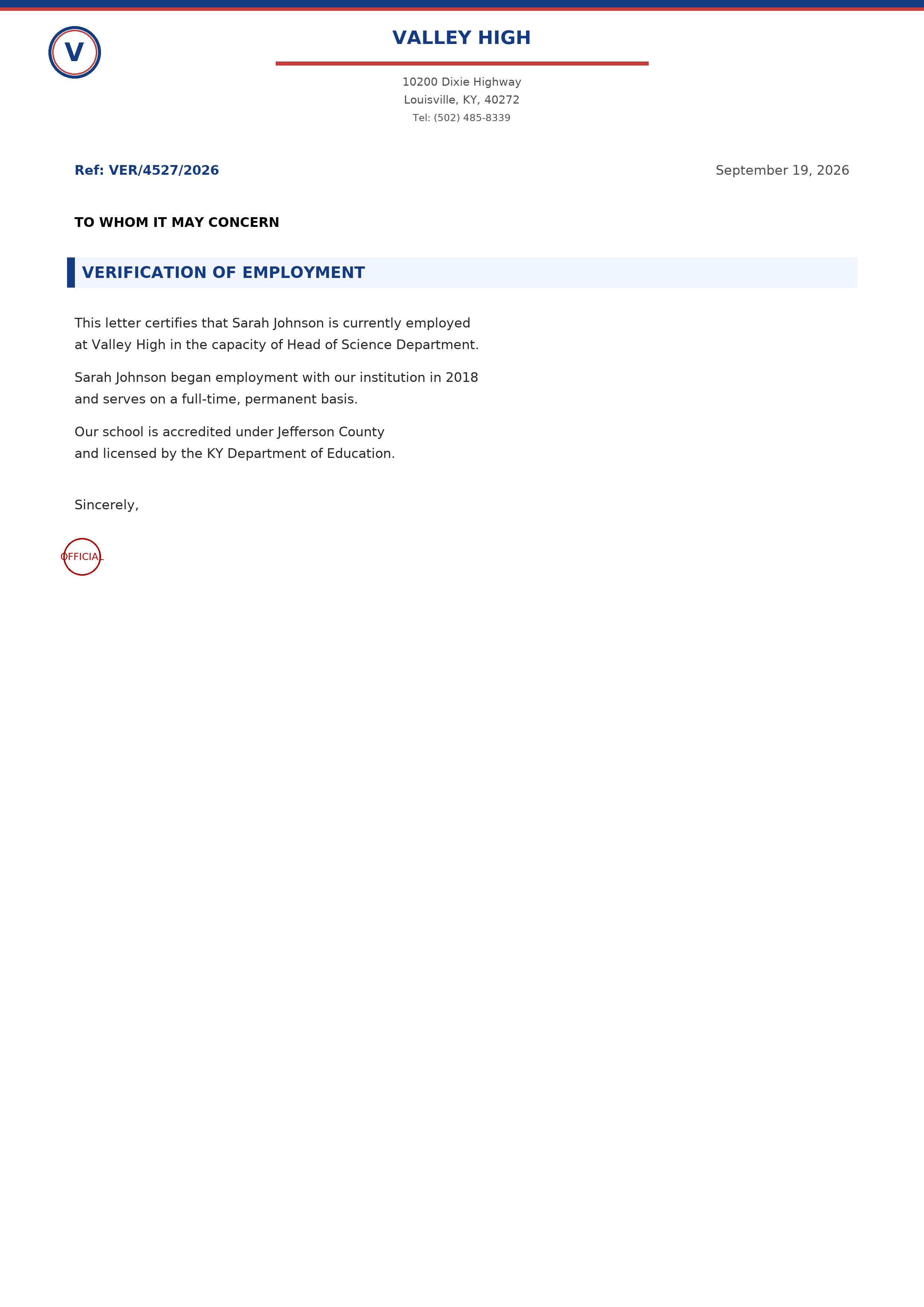
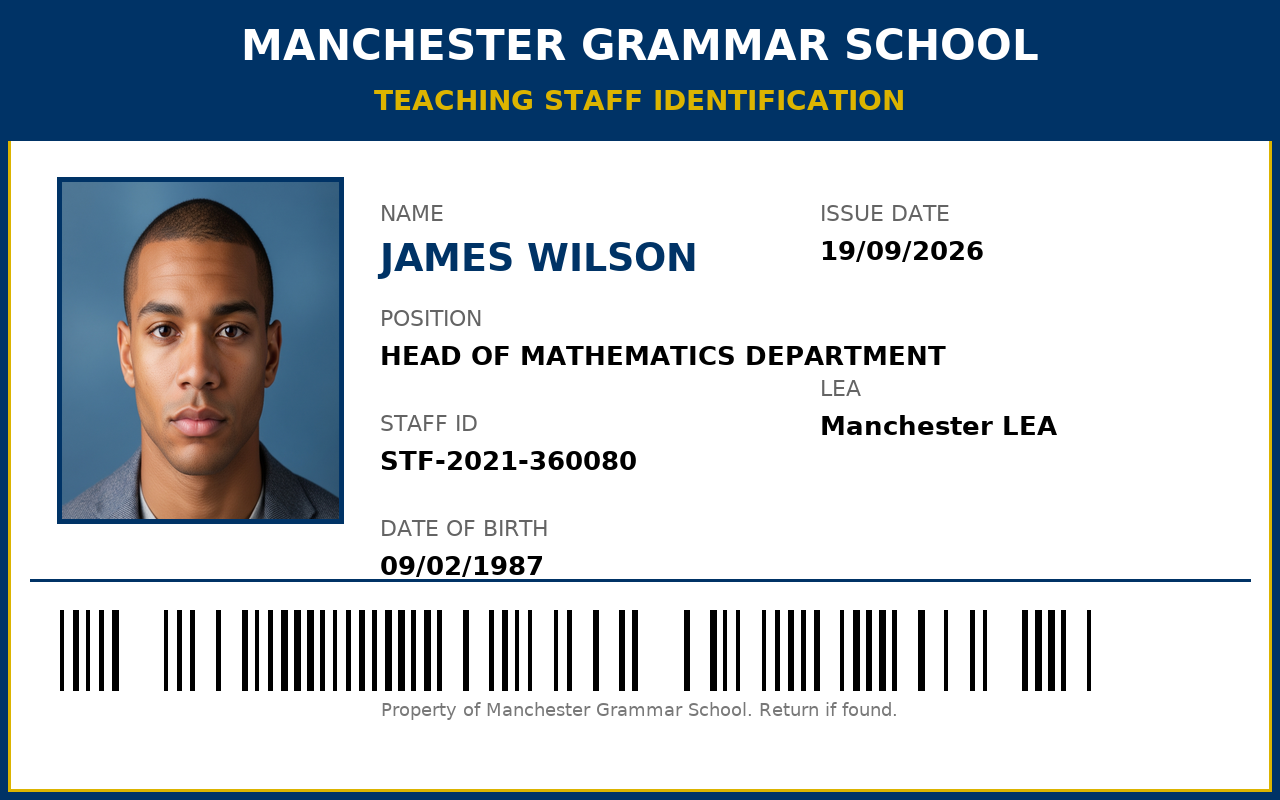
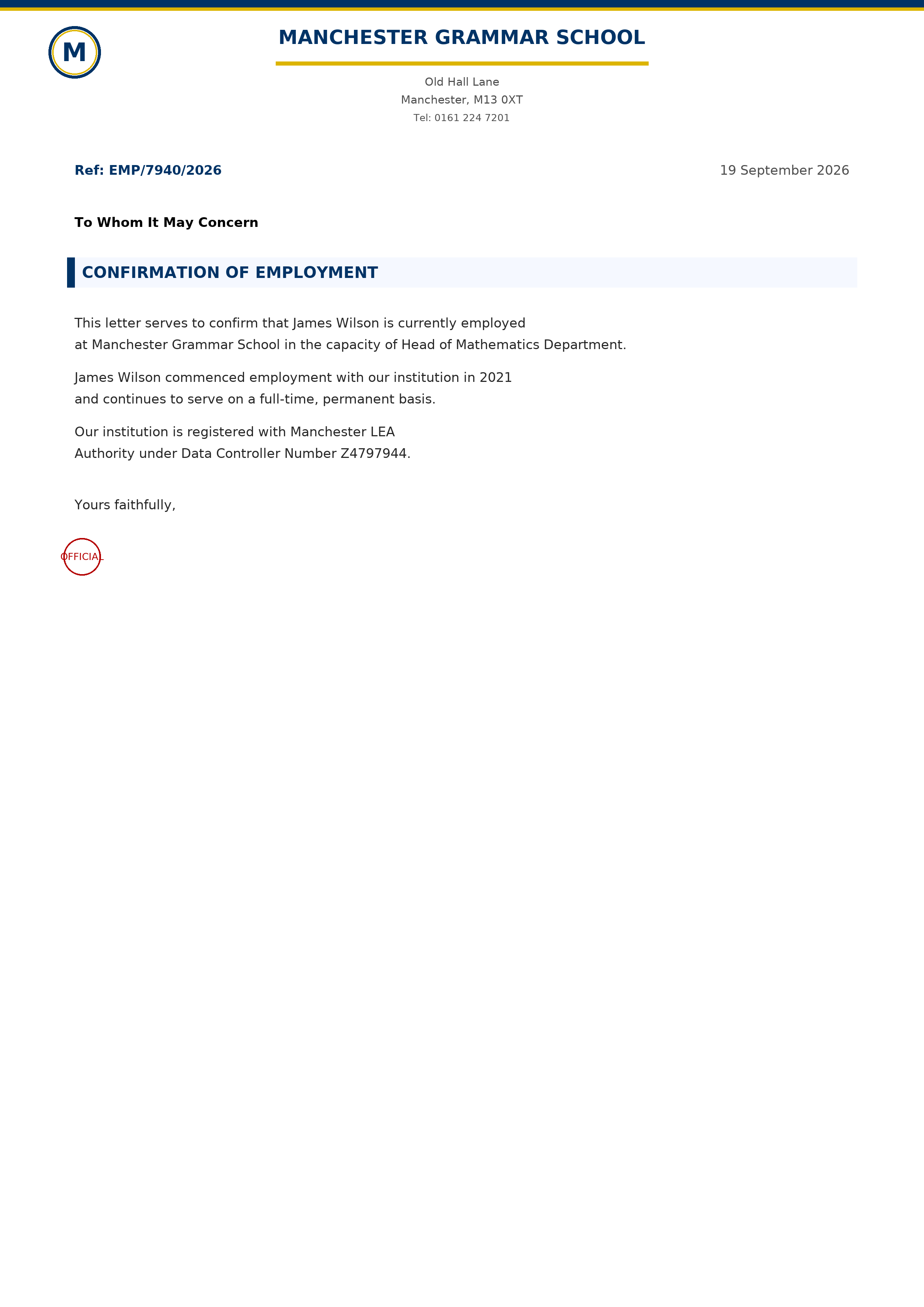
For example, generated US documents may resemble the following sample outputs:
Use Yowes from Python
Applications can start the MCP server and call its tools through the Python MCP client. Install the client dependency if needed:
pip install mcpThe following example initializes a stdio session, lists countries, and generates US documents:
import asyncio
from mcp import ClientSession, StdioServerParameters
from mcp.client.stdio import stdio_client

async def main():
    params = StdioServerParameters(command="yowes-mcp", args=[])
    async with stdio_client(params) as (read, write):
        async with ClientSession(read, write) as session:
            await session.initialize()

            countries = await session.call_tool(
                "list_countries_tool", {}
            )
            for item in countries.content:
                print(item.text)

            result = await session.call_tool(
                "generate_documents",
                {
                    "country": "us",
                    "first_name": "John",
                    "last_name": "Smith",
                    "school_name": "Valley High",
                    "position": "Head of Science Department",
                    "date_of_birth": "12/05/1988",
                    "gender": "Male"
                }
            )
            print(result.content[0].text)

asyncio.run(main())
Because list responses are divided into individual content items, inspect every item in countries.content rather than assuming the full list appears in one response value.
A Practical Agent Workflow
- Call
list_countries_toolto discover valid country codes and document types. - Call
list_schoolswith the selected country code. - Choose a school from the returned data.
- Call
generate_documentswith authorized teacher and school information. - Read the returned PNG paths and process the files in your application.
This sequence avoids guessing country codes, school names, or document type identifiers.
Advanced Tips
Select only the required outputs
Pass a document_types array when you need a subset of a country's available documents. This reduces unnecessary rendering and keeps the output directory focused on the requested files.
Choose a stable profile photo
Yowes uses hash-based selection to keep profile photos consistent for the same person. Supplying a stable person identity and an explicit gender helps produce predictable results while selecting from the appropriate bundled photo pool.
Use a custom output directory
Set output_dir to organize generated images by project, test run, or country. Relative paths are resolved from the MCP server's working directory.
Run the legacy GUI when needed
The project also includes an optional CustomTkinter interface that shares the core generation logic:
python main_gui.pyOn Windows, the repository also provides run.bat, which sets TCL_LIBRARY. The MCP server remains the primary headless interface and is not dependent on the GUI.
Extend Yowes with a New Country
To add a country, create countries/<code>/__init__.py and define a class that inherits from countries.base.CountryGenerator. Implement the required methods:
get_country_nameget_country_codeget_schools_dataget_first_namesget_last_namesget_positionsget_document_typesgenerate_document
Register the generator in countries/__init__.py with register_country("<code>", <Name>Generator). Once registered, the MCP country and school tools can discover it automatically. If the GUI should display a custom label, update its country-list and country-change logic in main_gui.py.
Conclusion
Yowes combines country-specific document generators, bundled assets, and an MCP stdio server into a portable workflow. Install it with Python, discover available countries and schools through MCP, generate selected PNG outputs, and integrate the process into an agent or Python application. For legitimate development and testing, its country registration pattern also provides a clear path for adding new generators.