

- Monthly visits
- 0
- Pricing
- Free & Paid
- Listed
- 2026-03-31
- Updated
- 2026-08-25
01Product Positioning
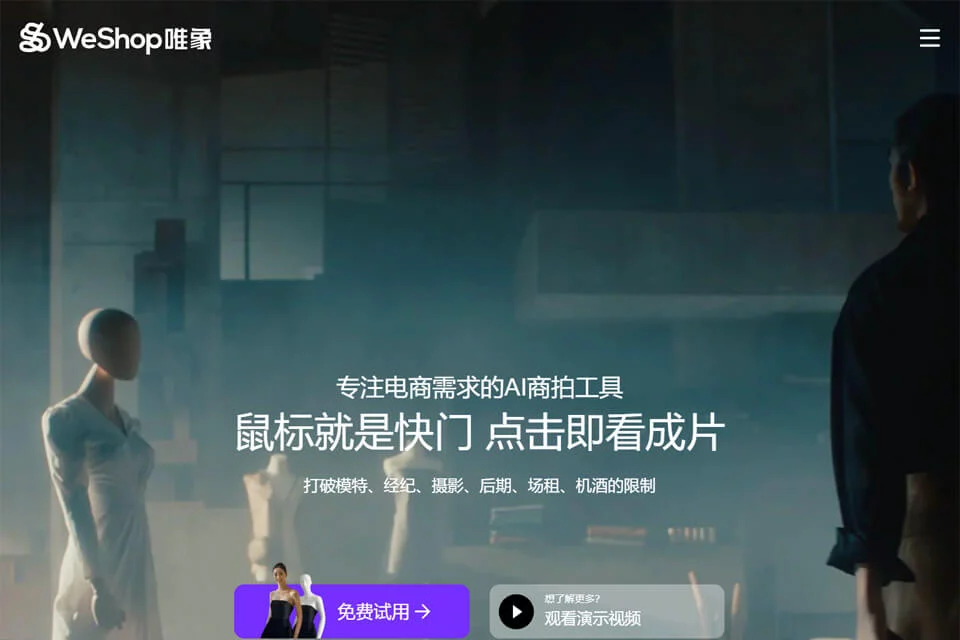
WeShop is positioned as an AI product photography tool for e-commerce, helping merchants reduce their reliance on models, locations, and post-production in traditional product shoots.
Users typically upload an on-model garment image, flat lay, or other product asset, then select the model appearance, pose, background, and output specifications to generate images for product display or marketing. The tool supports product categories including apparel, still-life products, and home furnishings.
02Key Features
The tool supports AI model generation, converting on-model or flat-lay images into realistic images of products worn by human models, with options to select or adjust skin tone, pose, and expression. Apparel brands can also reuse a consistent model to maintain visual consistency across a product series.
For image processing, WeShop offers scene replacement, AI localized retouching, intelligent image expansion, and still-life commercial photography. It can generate white-background images, social media visuals, and assets in different aspect ratios. Some workflows also support converting static images into videos featuring actions such as walking and turning.
03Use Cases
E-commerce brands and fast-fashion sellers can use it to create new-arrival product images, model image sets, and multi-scene showcases. Cross-border e-commerce sellers can select different models and localized scenes for their target markets.
Independent designers and small businesses can use it to supplement product-page hero images and promotional assets, while advertising, content, and MCN teams can use generated images for social media concepts. Product photographers can also use scene generation, blemish removal, and image expansion during post-production.
04Usage Considerations
Before generating images, prepare clear, complete product images and define the desired model, background, composition, and aspect ratio. Details such as fabric texture, metallic reflections, perspective, and product edges should be checked individually after generation to avoid misrepresenting product information.
When publishing on e-commerce platforms or in advertisements, review the results against the specific platform's image dimensions, composition, and content requirements. AI-generated results are useful as production assistance, but they cannot replace manual confirmation of product details and final deliverables.
© Disclaimer: domains and linked content may change over time. AIEZZ does not control third-party websites. Review external content and risks independently.
User reviews0