

- Monthly visits
- 0
- Pricing
- Paid
- Listed
- 2026-07-09
- Updated
- 2026-08-25
01Product Positioning
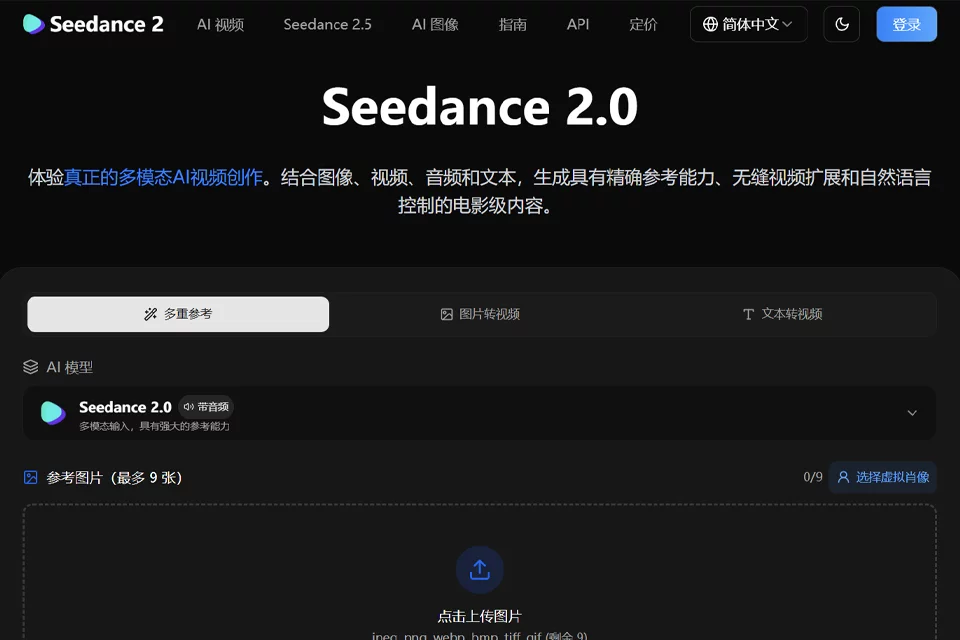
Seedance 2 integrates text, images, video, and audio into a single video creation workflow, serving as a workspace for reference-driven video generation and editing. Users can start with a written idea or existing materials, then generate clips, extend sequences, or adjust localized areas of the image.
It is suited to content teams that need to quickly test the relationships between shots, movements, styles, and sound, as well as production tasks such as advertising storyboards, social media clips, music segments, educational demonstrations, and concept visuals.
02Key Features
Supports combined text, image, video, and audio inputs. Generate video clips from reference materials while drawing on movements, choreography, camera motion, character styles, scene composition, and sound atmosphere.
The tool supports consistent rendering of character faces, clothing, text, scenes, and visual styles across multi-frame and multi-shot content. Existing videos can be extended, scenes merged, characters replaced, elements added, or movements modified. For music videos, dance, and rhythm-driven content, it also supports synchronizing background music, sound effects, and uploaded audio.
03Use Cases
Short-form video creators can use image, video, and audio references to make social media clips, visual skits, and rhythm-driven content. Brand marketing teams can use product footage, advertising templates, or brand assets for promotional videos, event visuals, and commercial shorts.
Video editors and motion designers can use it to extend existing clips, add transitions, or adjust localized movements. Education and training creators can turn course explanations, demonstration materials, and historical scenes into video content. Film and concept visual teams can use it to test camera work, movements, transitions, and visual atmosphere during pre-production.
04Usage Considerations
Seedance 2 is a paid product, so costs should be evaluated against project size and generation frequency before use. The more complex the reference materials, the more important it is to clearly distinguish the movements, composition, character settings, and sound pacing to preserve. When necessary, generate content in stages and review each segment.
Character consistency, localized editing, and audio synchronization can reduce repeated production, but they do not mean every output can be used directly as a finished video. Before publishing, check the people, clothing, text, movement continuity, and audio-visual synchronization, then edit and revise the content for its intended use.
© Disclaimer: domains and linked content may change over time. AIEZZ does not control third-party websites. Review external content and risks independently.
User reviews0